


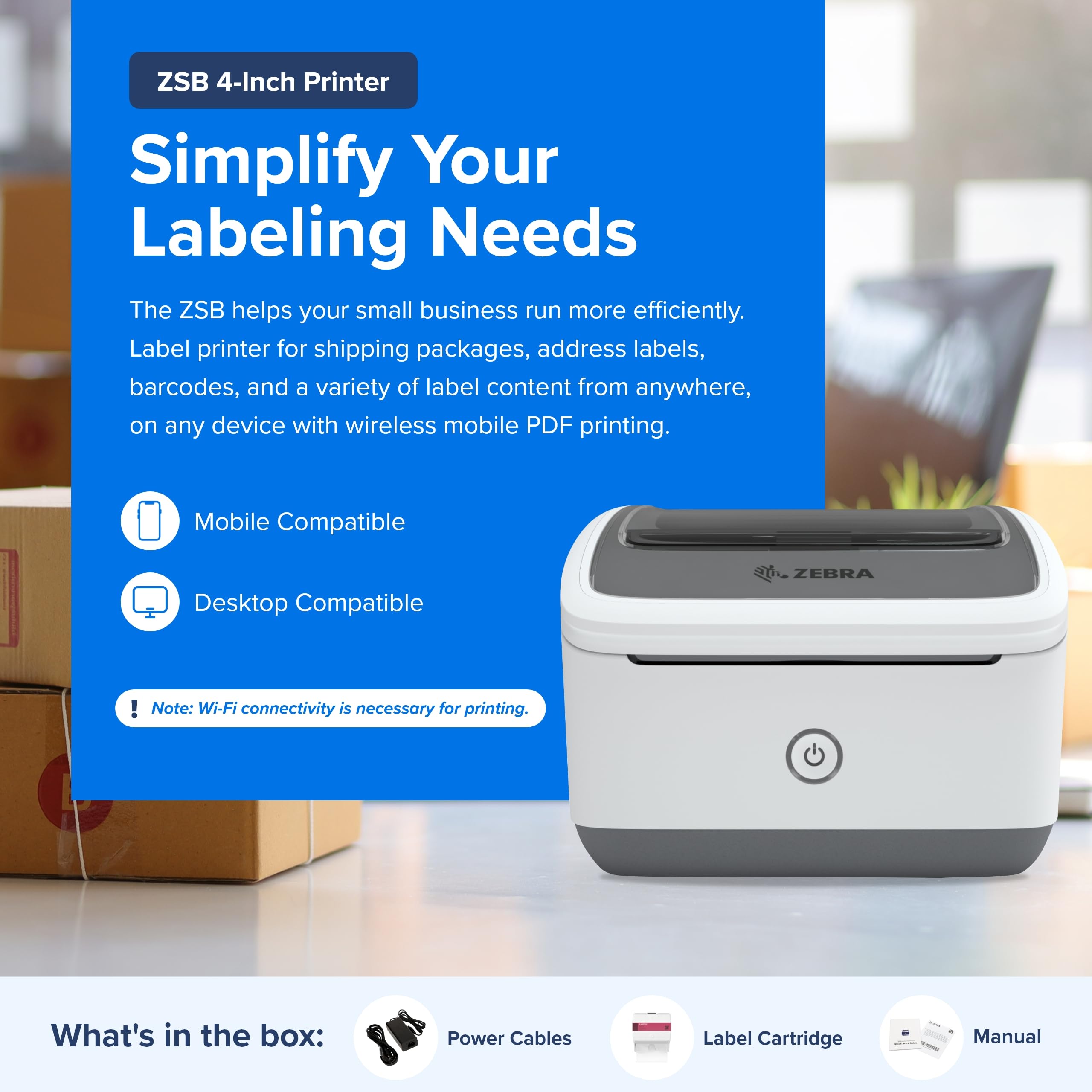
🚀 Print smarter, ship faster, and stay ahead with Zebra ZSB!
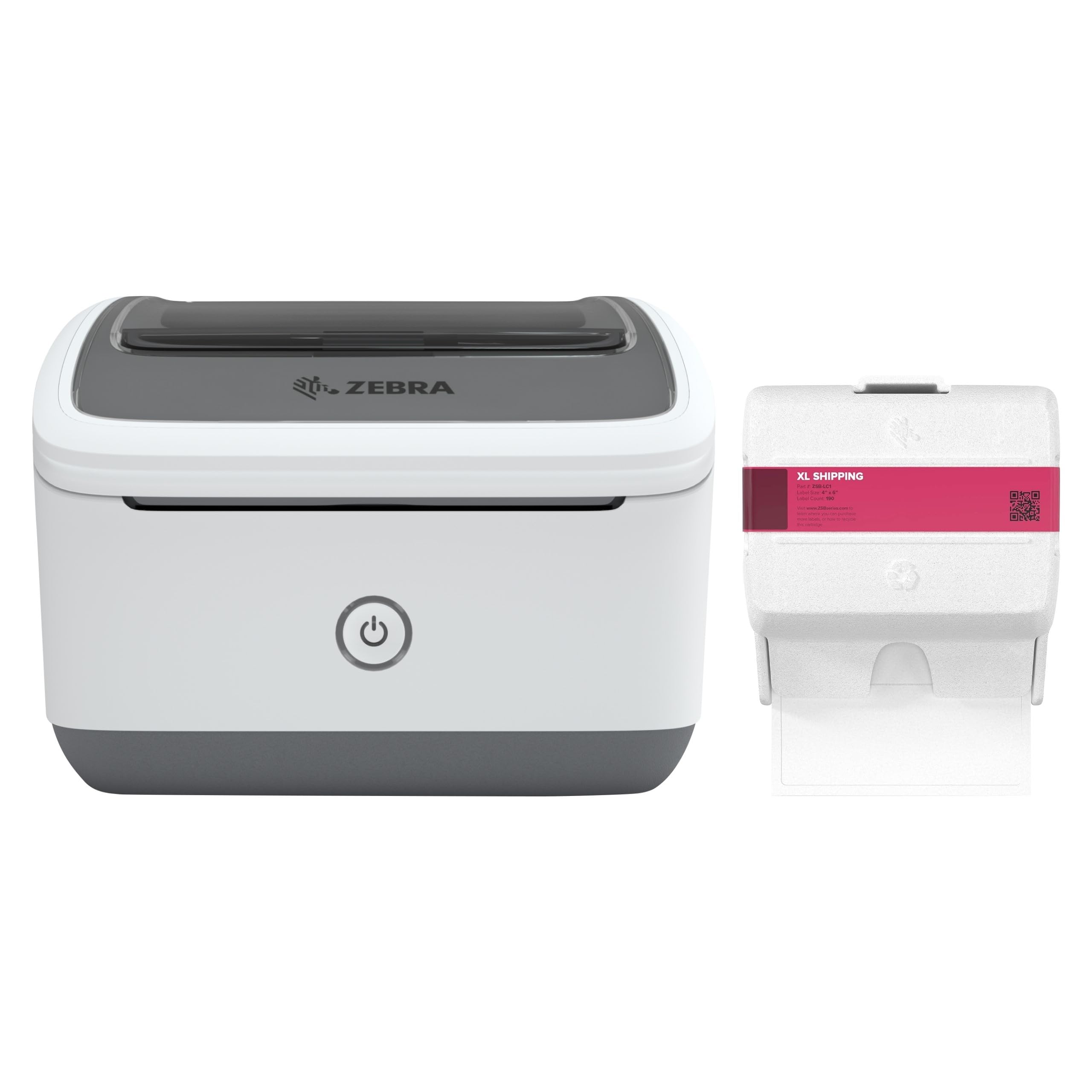
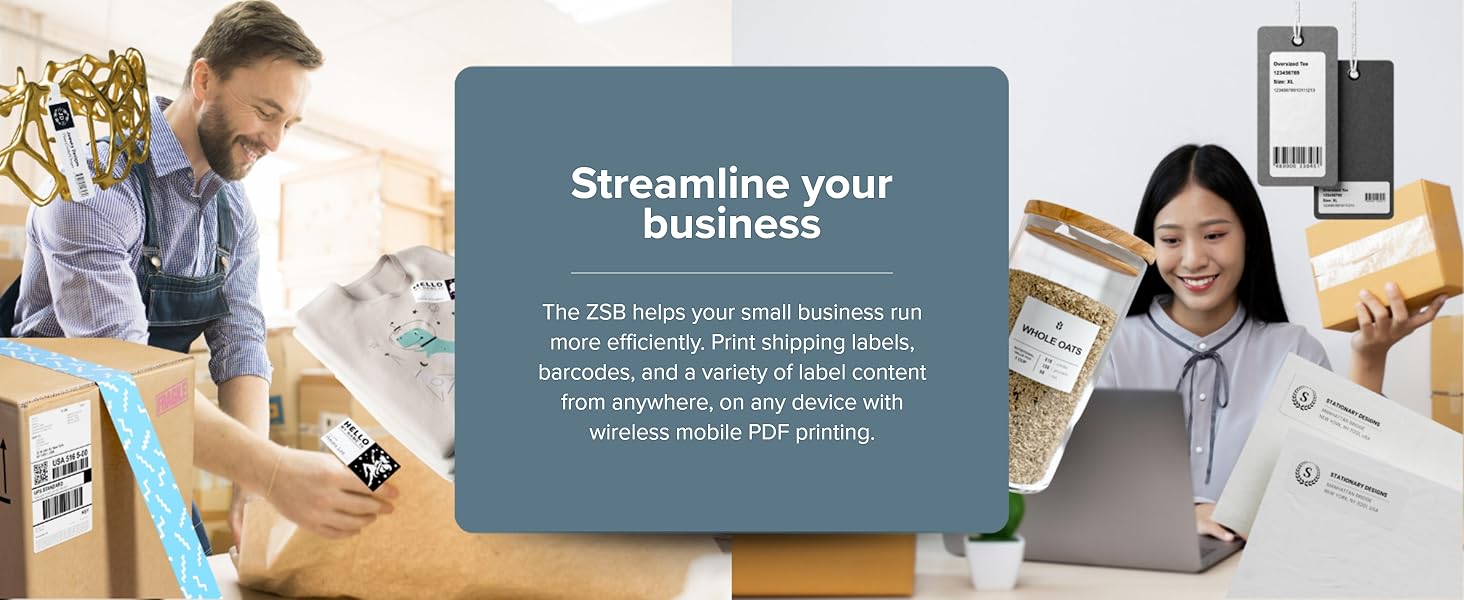
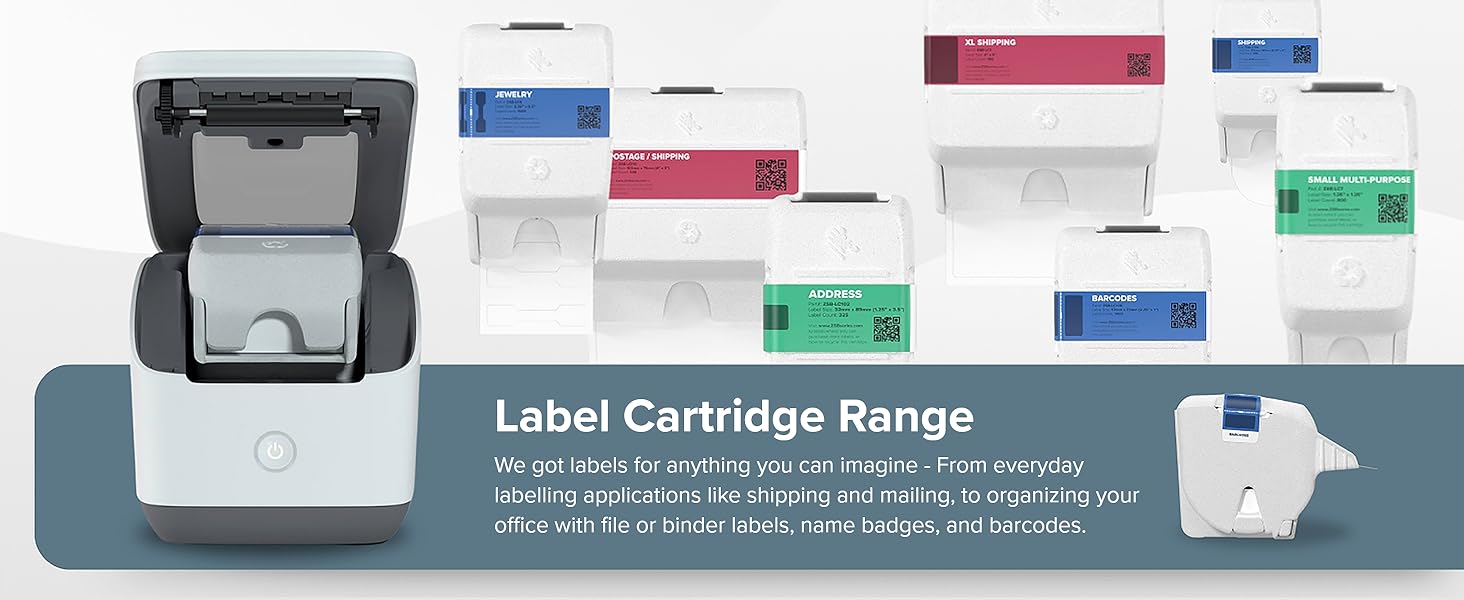
The Zebra ZSB Series Thermal Label Printer delivers professional-grade 4x6 shipping labels at 300 dpi with ultra-fast 73 ppm thermal printing. Featuring Wi-Fi connectivity for remote printing, exclusive drop-in Zebra cartridges for hassle-free setup, and broad compatibility with major OS and shipping platforms, it’s engineered for seamless, high-quality label production in home or office environments.





| ASIN | B0D54WBQ2T |
| Additional Printer functions | Print Only |
| Best Sellers Rank | #107,938 in Office Products ( See Top 100 in Office Products ) #330 in Other Office Equipment |
| Color Depth | 1 bits_per_pixel |
| Compatible Cartridge | ZSB label cartridges |
| Compatible Devices | Laptops, Smartphones |
| Control Method | App |
| Customer Reviews | 3.6 3.6 out of 5 stars (91) |
| Date First Available | July 13, 2024 |
| Dual-sided printing | No |
| Duplex | Simplex |
| Ink Color | white |
| Item Weight | 5.99 pounds |
| Item model number | ZSB DP14 |
| Manufacturer | Zebra |
| Manufacturer Part Number | ZSB-DP24N |
| Max Copy Speed (Black & White) | 73 ppm |
| Max Input Sheet Capacity | 1 |
| Max copy resolution black-white | 300 x 300 |
| Max copy resolution color | 300 dpi |
| Maximum Black and White Print Resolution | 300 x 300 |
| Maximum Color Print Resolution | 300 dpi |
| Model Series | ZSB |
| Number of Trays | 1 |
| Printer Ink Type | Thermal |
| Processor Count | 1 |
| Product Dimensions | 7.17 x 6.89 x 5.04 inches |
| Sheet Size | 4 inches |
| Supported Media Sizes | 4 x 6 inches |
| UPC | 663056036869 |
| Warranty Type | limited warranty |
R**L
Easy to maintain, easy to set up, easy to use!
Amazing printer! I like the cartridge style labels, (tho a little more expensive, makes them easy to switch.) I had really overthought what I would require for a shipping system setup as shipping from Ebay was as simple as it could be. Once the printer label size was setup on Ebay, one can print shipping labels directly from the site from any PC on the network. Having come from an HP that was a nightmare, I really just wanted a printer that would work without any fuss, and this one is it. Print quality is really good and I've had no issues with reading barcodes.
J**G
Overpriced toy, Bad customer service.
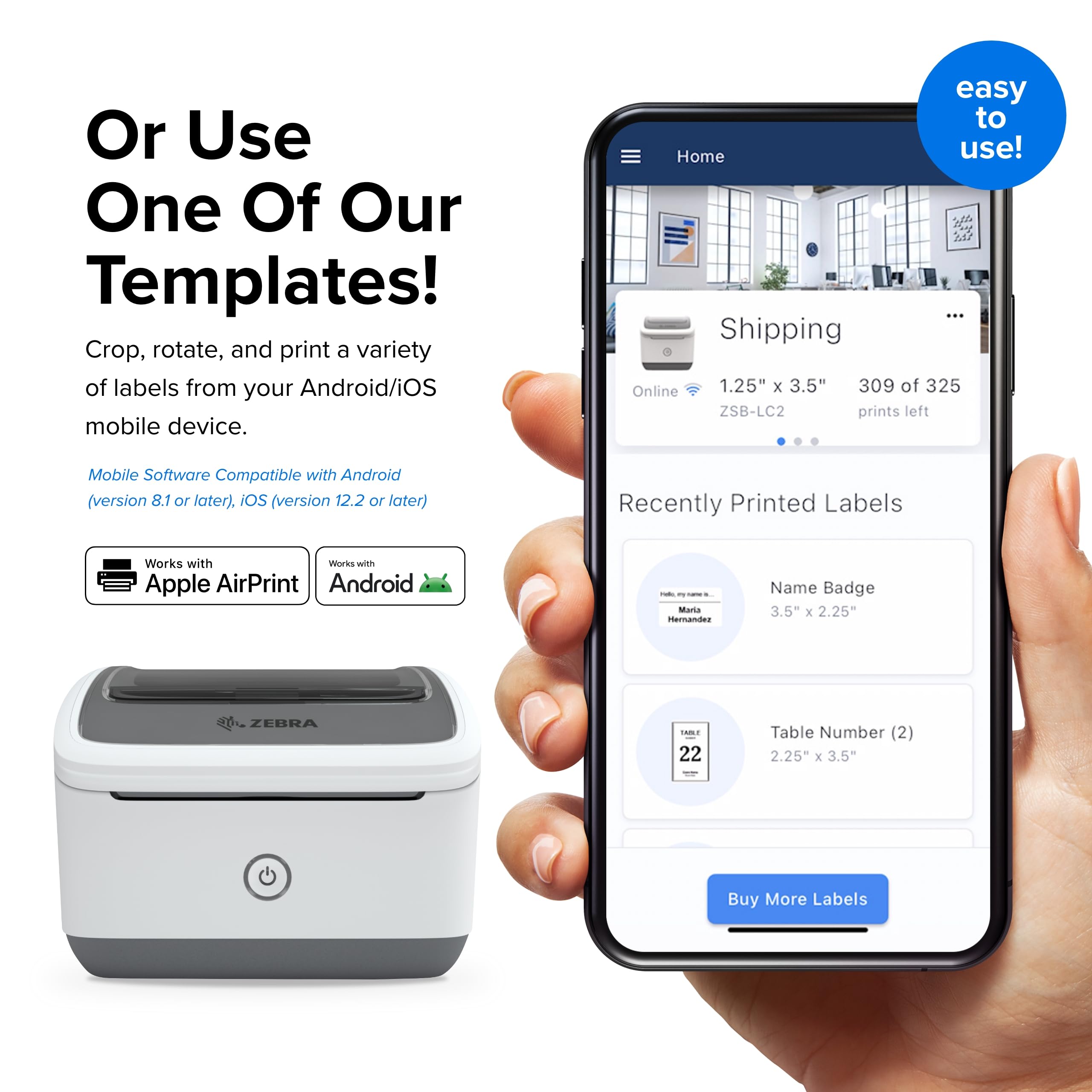
This is an overpriced toy. Bought it because it advertised wifi printing but only works through their mediocre app and can't integrate with anything else a business would actually use to generate labels. I was ONE day past the return period because my father had a stroke and the company won't respond to be refund request. I will NEVER buy a zebra product again.
R**O
Perfect
Use this for work and it’s perfect
M**O
Great printer and setup was a breeze
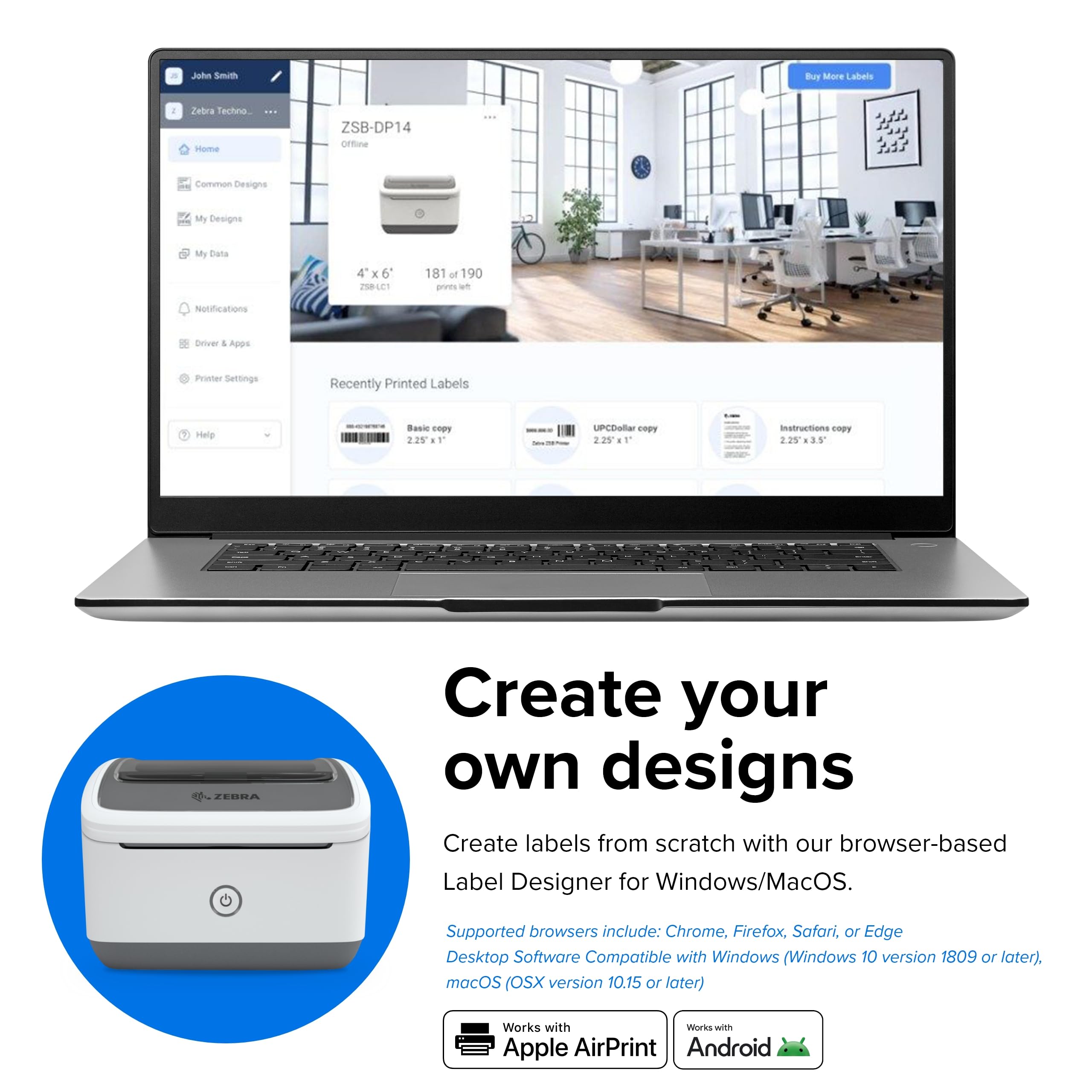
Bought this to replace an aging Dymo printer. Fast setup, web-based designer for the labels. No need to connect to any device just get it on the network. Using it for 4x6 shipping labels and 1x2 return labels.
D**O
Labels are PROPRIETARY! You cannot use any 4x6 label in it, you MUST use the cartridges from Zebra
Shame on me for not looking at all of the reviews. I would not have bought this printer if I had realized that the labels were proprietary and that they cost a lot more than regular labels or that I could not use the labels I get from UPS for free in this. Printer works fine, but this was a rel slap in the face.
A**R
Fast and versatile
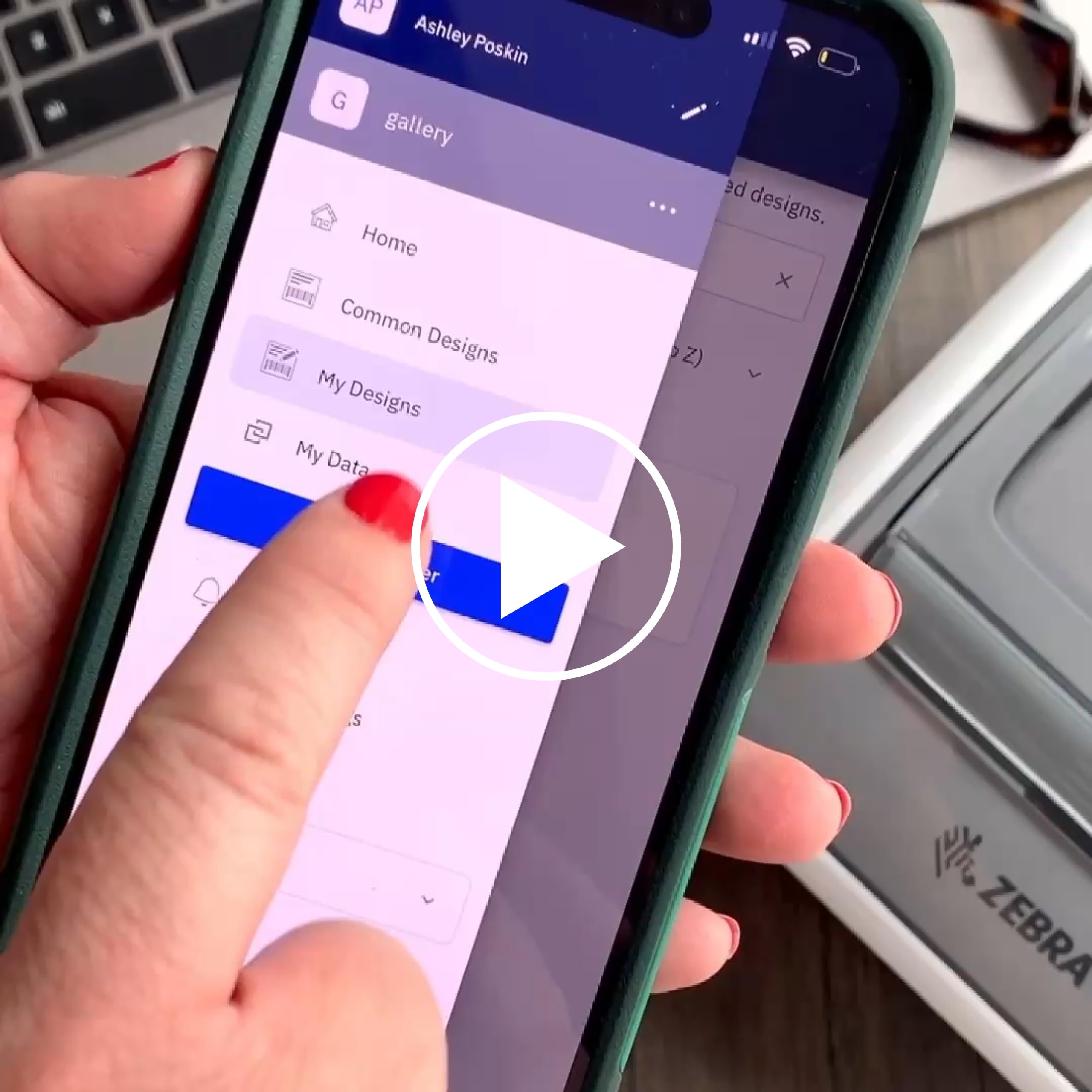
I needed a printer that was versatile; one that could print small amd large labels. This printer was it! As a bonus, it is fast. Since it uses thermal heating to print on the paper, no need for ink that likes to harden when you do not print often. It was easy to set up, but to design your own label can be a little cumbersome. Designing your own label requires you to go to a website (which your anti-virus software will think it is a malicious site) and design your label. Other than that...good purchase.
F**S
Quick and easy printing
Love this printer!! I do a lot of mailing and this makes printing labels quick and easy!
I**O
Great Machine w/ Crippling Longevity Concerns
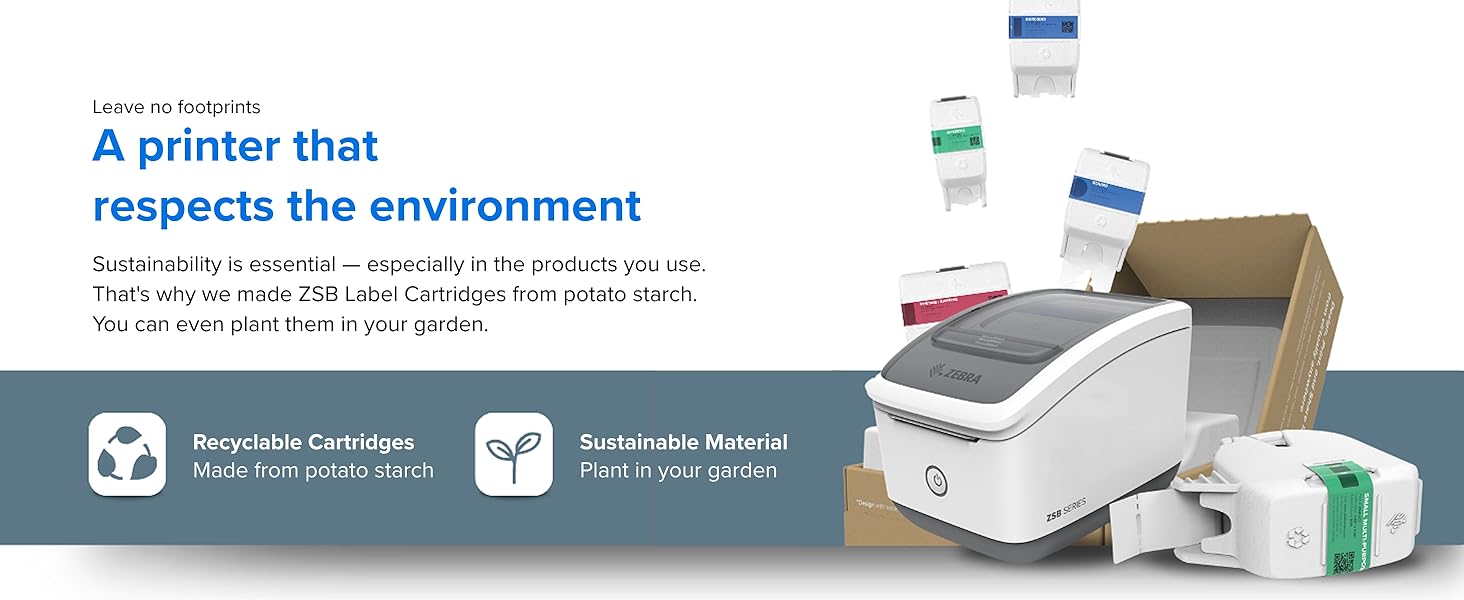
I actually love this machine in several respects.. It is very well made and very nice looking… It is the least expensive wireless label printer capable of handling 4x6 labels.. It was easy to setup and worked flawlessly every time I printed on it.. Also I LOVE Zebra’s initiative to make the packaging and cartridges not only recyclable but even compostable (this is also a crippling flaw noted below). I was close to keeping this because, again, there is a lot I like about it.. However, I see some crippling issues that will likely cause problems in the future… These made me seriously second guess the purchase and return it.. #1 - Proprietary cartridges not widely available.. I only noticed ONE supplier of these cartridges.. A company called “Pattern”. Even trying to order directly from Zebra routes you to Amazon via Pattern.. Another store had these available, sold by Pattern as well… This machine will not work with anything outside of the ZSB cartridges sold seemingly exclusively through Pattern.. No third party options… One reviewer made a very valid point… What if Zebra just stopped making these proprietary cartridges? Your machine becomes a paperweight… This does not seem far fetched as from what I can see this is a first gen lineup… These compostable cartridges haven’t been used for many product generations… Moreover, many people are unhappy with the proprietary design.. I could see Zebra discontinuing them then everyone who got one of these ZSB machines is hosed. Moreover, I question long term storage of these.. One cartridge I got had already started to crack… What if the proprietary tiny chip fell off and got lost? Through the whole expensive cartridge away at that point.. The machine won’t read it.. #2 - Poorly engineered software limitations.. The ZSB app you use for this, phone and PC, does not allow you to design your own labels at all… The only way you can design a label via their software is by logging in to their website, designing it there, then saving to your gallery at which point the label can be printed from your computer or phone. Who’s crazy idea was this? The web based software looks identical to pc software… How in the world was design function on pc and phone function missed??? Granted, it is easy to create Label Templates on Pages or Word… It was also very easy to print to the ZSB from those apps as well.. However, neither one would let me create a template as small as .75” width (for return address label).. To design a label for that size I was forced to go back to ZSB software and thus go online, login, create a template, save, then I could print from mac ZSB software. This, for the unforeseeable future I would have to go through this for return address labels but use Pages or Word for any other labels. I ended up returning this and going for a wireless Brother model. To stay in this price point I had to sacrifice 4x6 label compatibility.. But the print & design functions on this one are way more flexible… And if I ever need to, I can use third party cartridges. Moreover, the Brother label catalog is much much broader. Disappointed in Zebra as they almost had a perfect product here.. If only they added design functionality in app all across and got rid of proprietary, limited sourced label design.
Trustpilot
2 weeks ago
2 weeks ago



