


🔒 Stay ahead, stay secure—because peace of mind is the ultimate luxury.
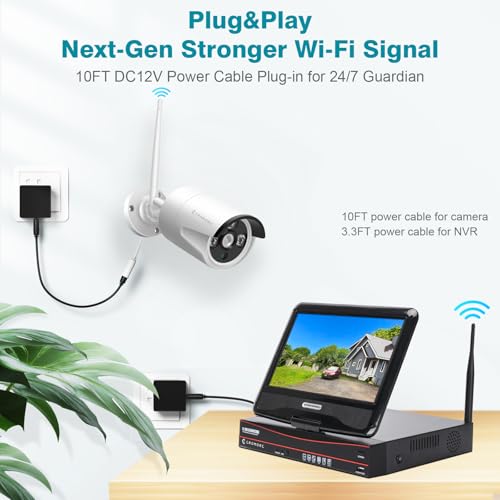
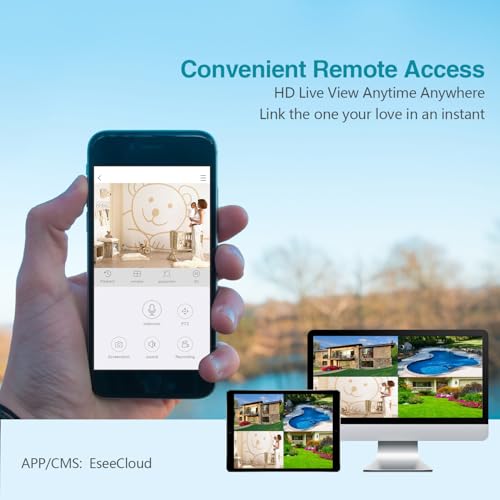
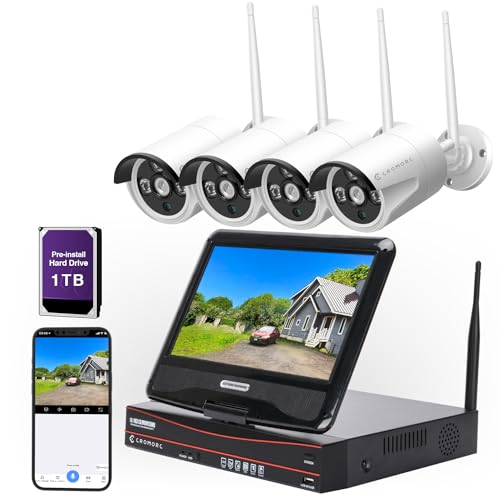
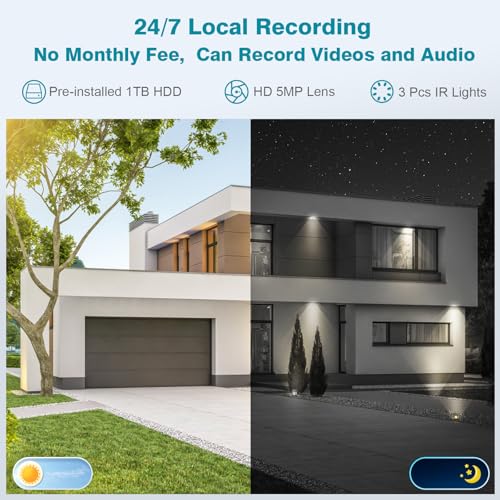
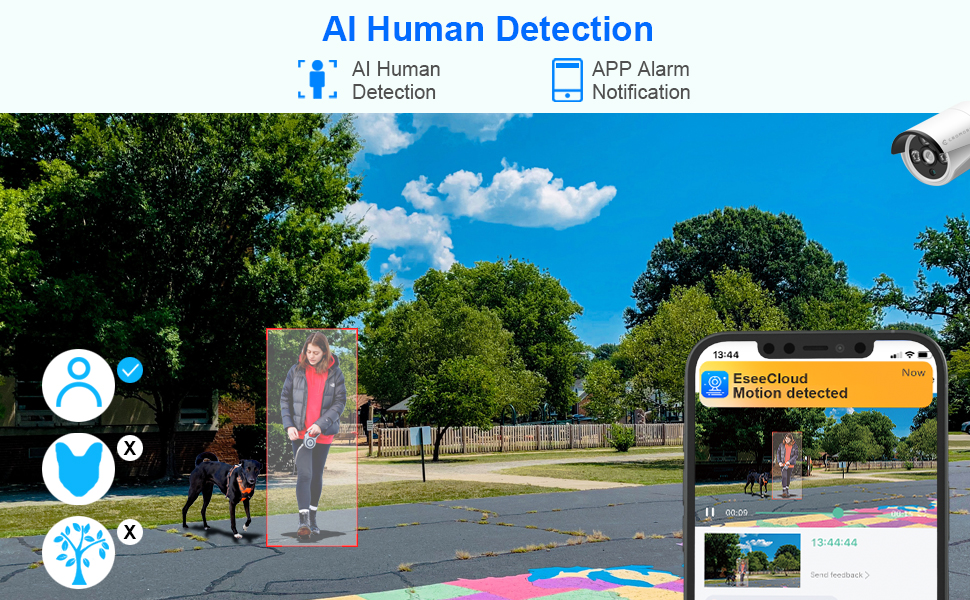
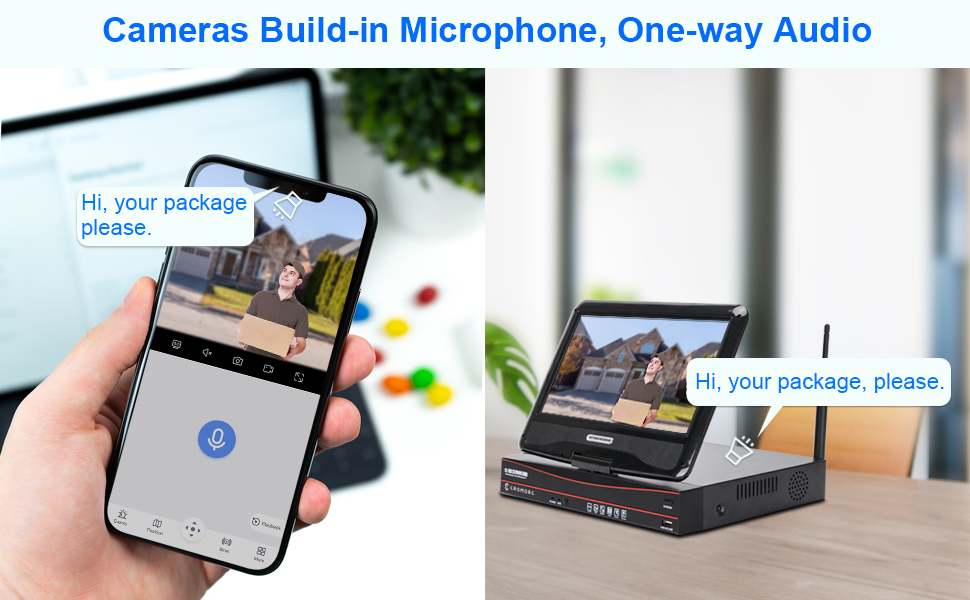
The Cromorc All-in-One Wireless Security Camera System combines 4 high-definition IP bullet cameras with a 10.1" monitor and 1TB NVR storage. Featuring wireless WiFi connectivity, advanced IR night vision, and weatherproof metal construction, this plug-and-play kit delivers reliable indoor/outdoor surveillance with real-time remote access via app. Ideal for home or business, it ensures comprehensive coverage and effortless control, backed by responsive customer support.







| ASIN | B077S36ZSP |
| Batteries | 1 Nonstandard Battery batteries required. |
| Batteries Required? | No |
| Batteries included? | No |
| Colour | 4pcs 3mp Cameras + 10ch Nvr With 10.1" Monitor |
| Customer Reviews | 4.3 4.3 out of 5 stars (1,413) |
| Date First Available | 13 Dec. 2017 |
| Item Package Quantity | 1 |
| Item Weight | 4.54 kg |
| Item model number | CwssE2-2 |
| Manufacturer | Cromorc |
| Material | Metal |
| Part Number | CwssE2-2 |
| Power Source | Corded Electric |
| Product Dimensions | 32.51 x 19.81 x 27.94 cm; 4.54 kg |
| Special Features | Image Sensor, Night Vision, Wireless |
| Voltage | 12 Volts |
K**.
We purchased this camera system in February 2018 to install in our calving barn after we dealt with -30 degree weather and had to literally live in the barn in order to be there when a cow calved, just so we didn't lose a calf. We did a lot of research into surveillance and kept coming back to this one. Prior to purchasing this system, I contacted Cromorc with questions about feasibility for installing it inside and outside of the barn. Cindy from Cromorc got back with me within a few hours and helped me draw a plan of where to put the cameras and explained any issues we may have with the cameras needing to bounce a signal through metal walls. That was my first impression of Cromorc and I was very impressed. We went a head and ordered the system. It was super easy to set up and Cindy was easily accessible with any questions or issues I had. The only issue we ran into was getting two of the cameras to return a strong signal back to the house. Cindy had explained this would likely be an issue and she sent us two external antennas right a way. Within less than a week, we had four cameras up and running with excellent signals coming back to the house. This system is awesome and reasonably priced. The night vision is exceptional and the picture quality is great! This was a total life saver for us and our cows. Instead of going out to the barn every half hour to check on the cows, we were able to watch them from the house. This made calving a lot easier as we were not constantly coming in and out of the barn, disturbing some of our more nervous cows. Also, being able to view the camera system from my phone while I was away, made life a lot less stressful. We also had issues with coyotes coming in, trying to kill our calves so we took one of the cameras and hung it on the yard light pole and kept the yard light on. It was amazing how far out the camera worked! I would strongly recommend this system for anyone who has livestock or just needs a really really good security system.
P**R
The cameras were easy to set up, my husband installed the cameras, and it took me no time to get the monitor screen working. I could not believe how clear the pictures were. It was easy to download the app, but I couldn’t figure out how to download the videos to my iPhone, the directions said to scan the QR code, I scanned what I thought was QR code, but it was actually the barcode on the monitor, which didn’t work, then, the cameras which also didn’t work. I reached out to Cromorc service on line, and I got a response within a couple of hours by email with directions. Cindy went out of her way to call me after she sent the email to make sure that I received it. I did not because it went to my spam folder. I had no idea it was there and would not have thought to look there until she told me to check my spam. It was so easy once I pulled up the instructions, all I had to do was go into the monitor screen and pull up the QR code there and within seconds it was downloaded onto my phone and working perfectly. I love this product, and highly recommend it.
L**Y
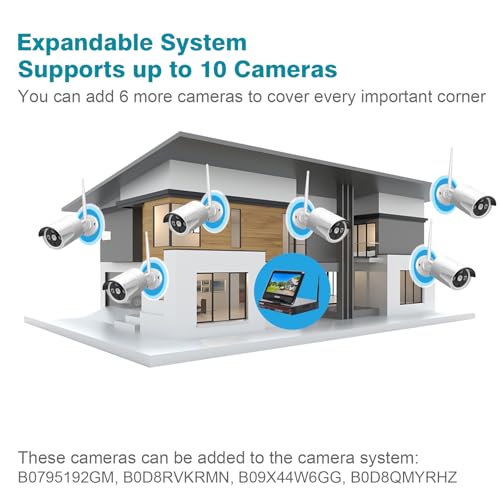
I recently purchased this system to replace a 10-year-old, fully-wired (power and video feeds) outdoor-only system, that was consistently problematic in both the ability to remotely monitor the cameras, and, repeated failures in the two different power supplies that ran this system. With this new system, I only needed to worry about having accessible power outlets around the outside of the house. Fortunately, in both my front and rear yards, I had exterior outlet boxes that I was able to tap in to and extend to dedicated outlets to feed these new cameras. Now, I understand that not everybody has the same electrician skill sets that I do, in that I am able to do my own electrical work and install new conduit, wiring, and outlets to where these new cameras were going to be located... so, if that is your situation, it might be more difficult for you to successfully install these outside your home or business. But, in my case, I was able to, and now have a 6-camera system around my home, all without the cumbersome and unsightly cabling that my previous system required. Aside from the caveat that electrical outlets are required within about 6 feet of each camera, I can otherwise HIGHLY RECOMMEND this particular system! It's fairly easy to install, and simple to pair-up any additional cameras (above and beyond the 4 cameras that come pre-paired with your system). The one "design flaw" that I had to deal with was that they require you to use a small Allen wrench (included) to lock each camera into place... yet, they put the head of the Allen bolt in a position on the camera such that the fitting for the wireless antenna is obviously in the way! (All they had to do was to reverse the position of the locking bolt, making the head of the Allen screw on the opposite side instead, and the problem would be non-existent! By not having done so, camera-position locking gets a bit tricky, and frustrating at times. Again, this system is otherwise highly recommended!
B**.
My last update for this product. As of Dec. 08, 2021, this product is still working flawlessly. Which in my book makes it a good product. As of March 30, 2020, this product is still working well. It is still recording properly and the camera's picture quality is still good. The next update will be 1 month into the Florida summer, hope everything is still working fine. As of now, January 09, 2020, I am very satisfied with my system. I must admit it took almost a week to figure out my time sync and signal drop problems. But once I solved them, it has been 3 weeks of smooth operating. Since I have only had the system up and running for just over a month, it would be unfair, in my opinion, to give this product a permanent rating at this time. Because durability is a major factor in determining if this is a good product or not, I will update my review every 3 months for a year. At the end of the year I will give the product my final rating along with my observations of the system over the year. What I will be writing about on this initial review will be about the setup and fine tuning of the system. The Cromorc setup falls under a fairly new problem with modern tech. That is they make it so simple, that if you do not follow the simple instructions exactly, you will have all kinds of minor annoying problems. Which I will address later on. But to start with, let me say, the overall setup was indeed simple and easy. However three things need to be pointed out. One, read the manual first, it will help, but chances are you will overlook a very important point. That being, how to point the antennas on your cameras, the correct way is located at the top of page 16 in the manual. This is very important, because once your cameras are up and running, in order for the cameras to time sync properly and to avoid the signal dropping out on one or more cameras, the antennas must be properly pointed. Secondly or maybe firstly, to be honest this is a chicken and egg situation. You should realize that you may have to revisit your Wifi Channel setup. The adaptive channel setup will work, however, it may work well at a certain time of day. But when your neighbors start up their many wifi devices or you yourself activate one of your wifi devices, interference may cause the cameras to lose time sync with the system. So you should check your cameras every few hours for a few days to make sure they all have the same time sync. If they do not, I suggest you start to manually adjust the wifi channel, starting from the one that the adaptive channel chose for you. Move one up or down till the cameras all sync to the same time. Lastly, on the setup front, you should keep in mind that the power supply cords are only 10ft. So if you are doing any outside installation you will need extension power cords of some kind. And depending on the laws in your area, a contractor may be needed to properly install any extra electrical components.
S**Y
After reading the installation instructions in the manual, I started in. This system replaced an outdated system that I had (a different brand). I couldn't believe the difference in clarity compared to the old system. This was easy to set up, but I did make a mistake by not connecting the Ethernet cable when initiating the set-up, but after I plugged it in, the system was able to catch up and everything worked great. I am happy I chose this system (so far) ... we will see how weather-proof the cameras are because I was not able to install every camera under an eve.
Trustpilot
4 days ago
2 weeks ago



