
DOWNLOAD THE APP


Customer Services
Copyright © 2025 Desertcart Holdings Limited
DOWNLOAD THE APP
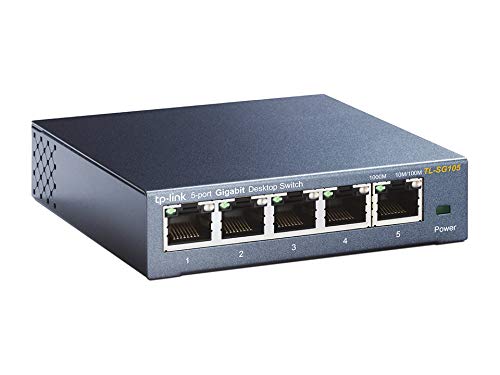

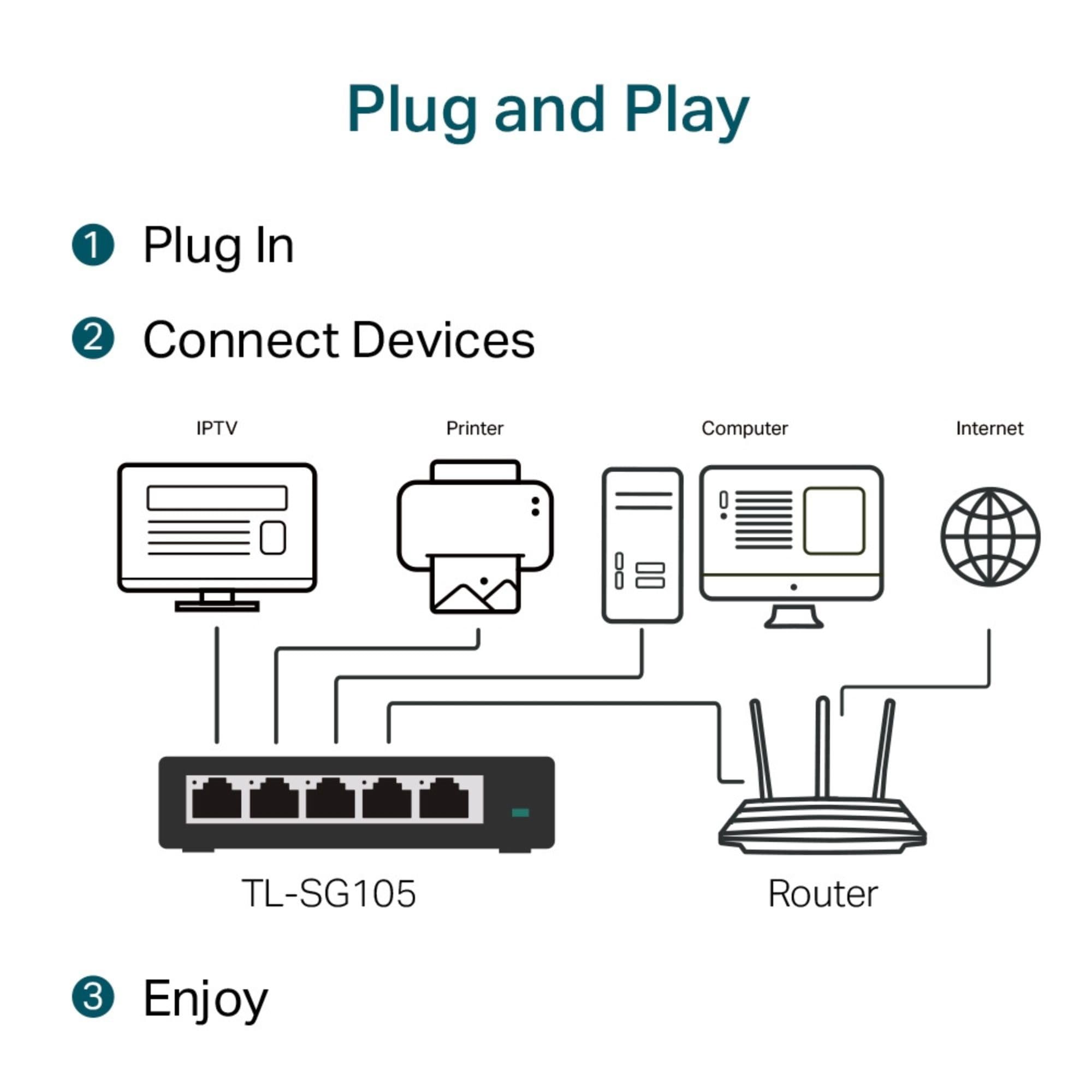
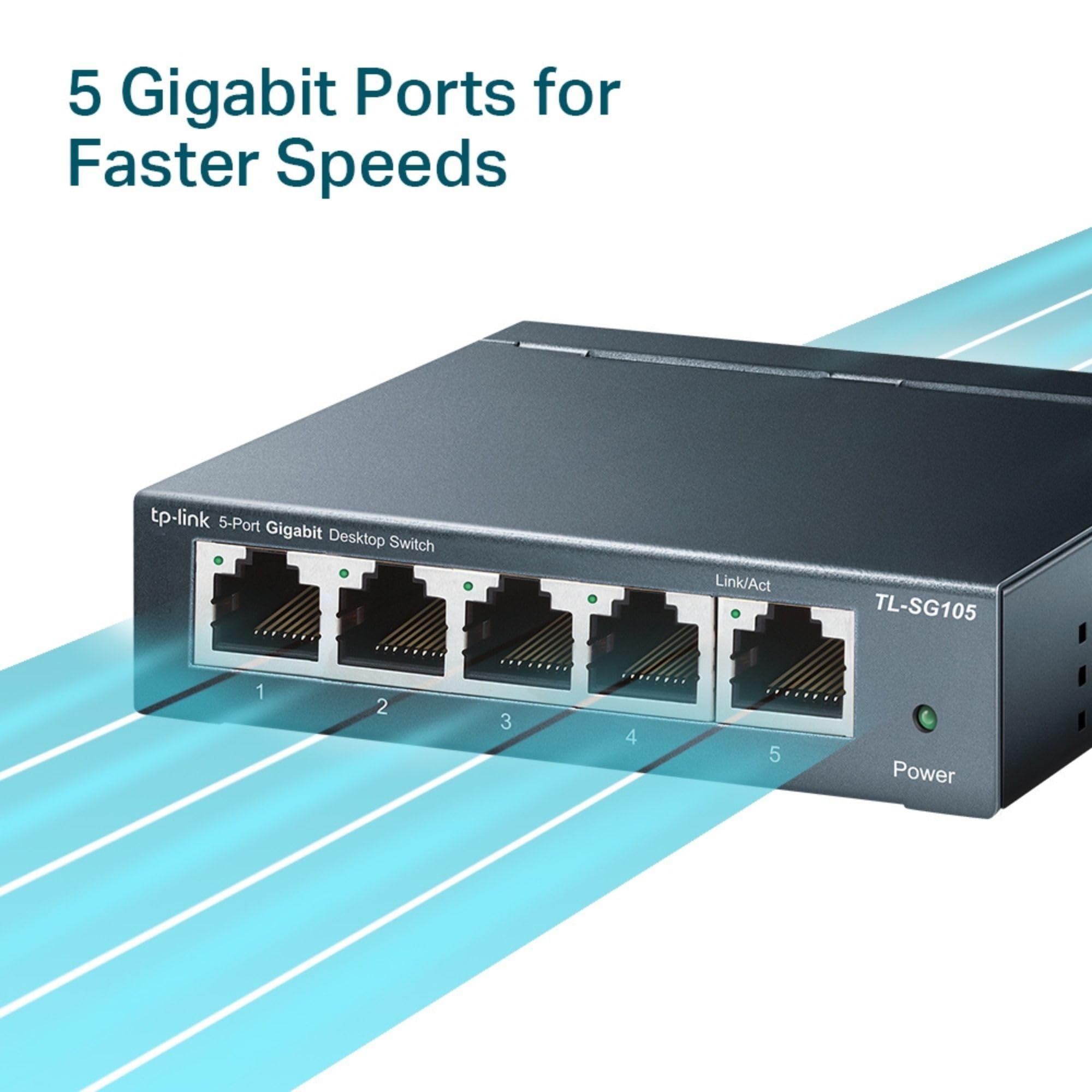
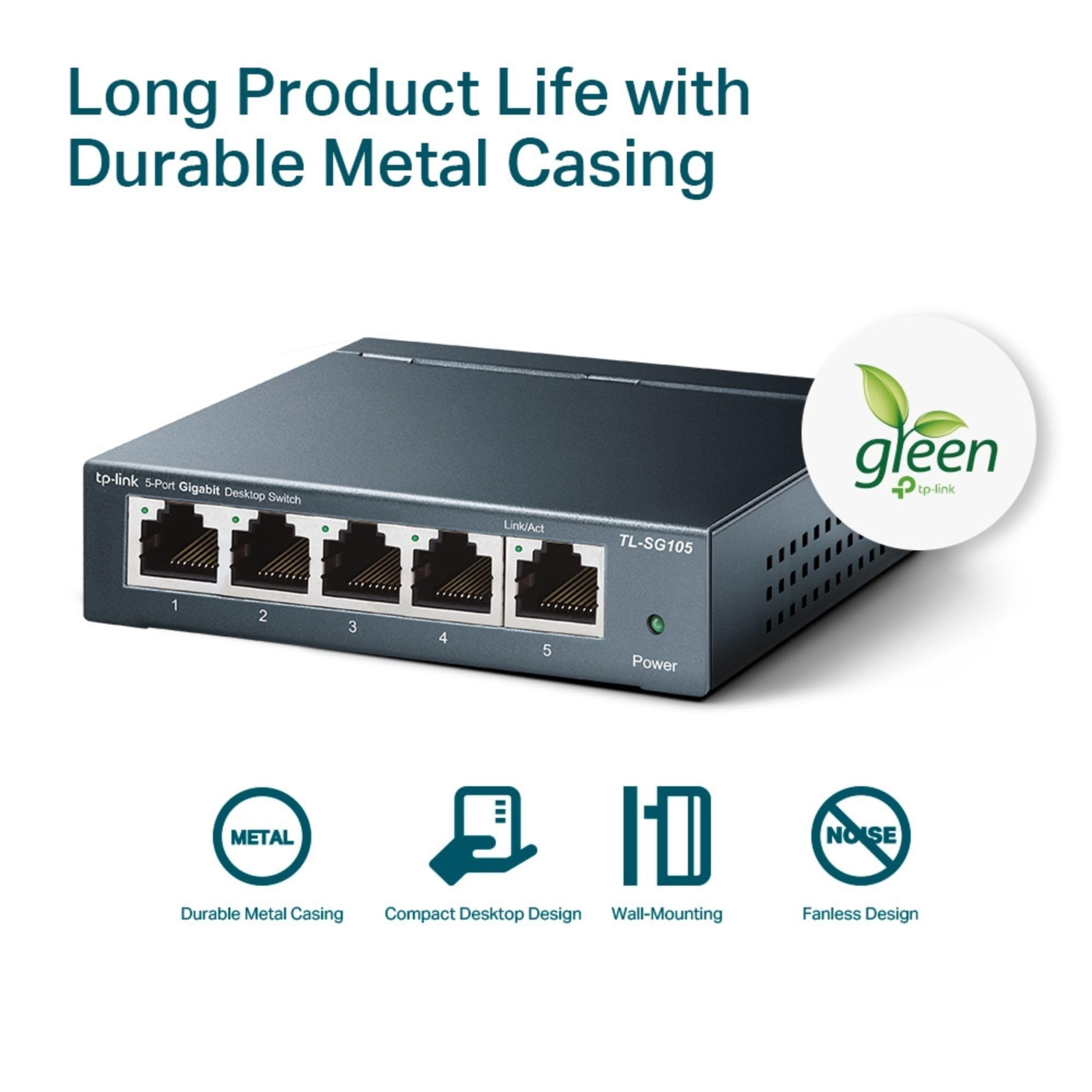
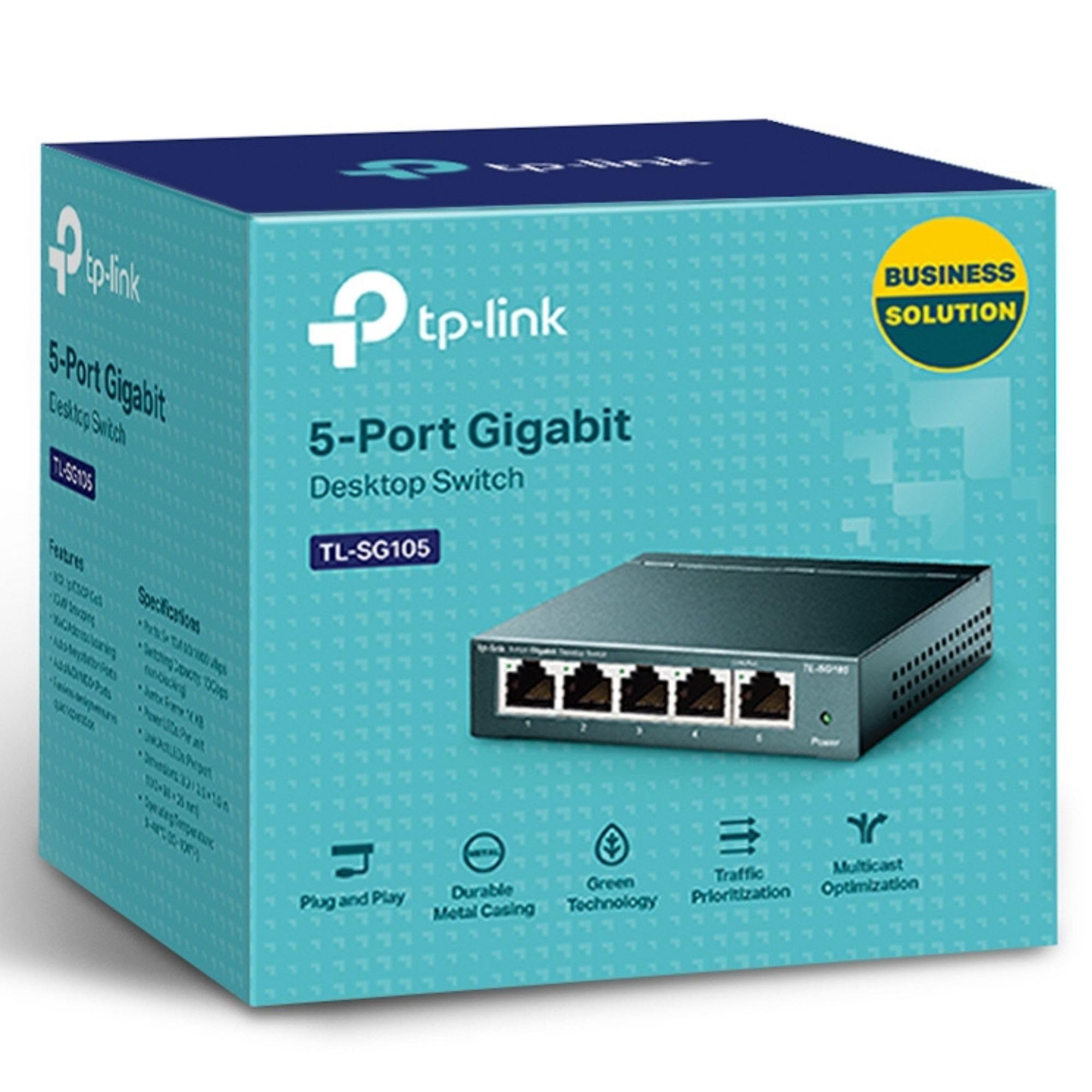
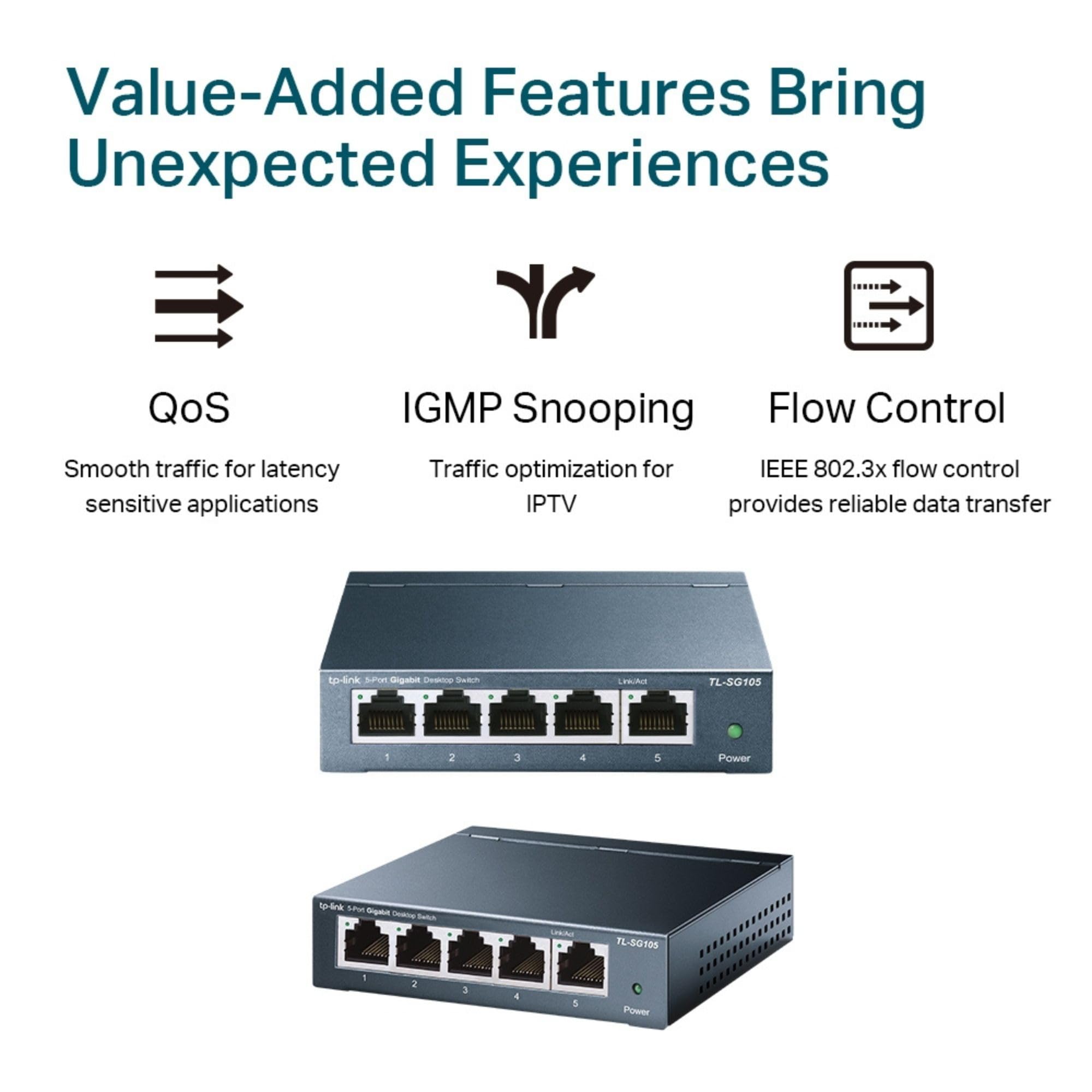
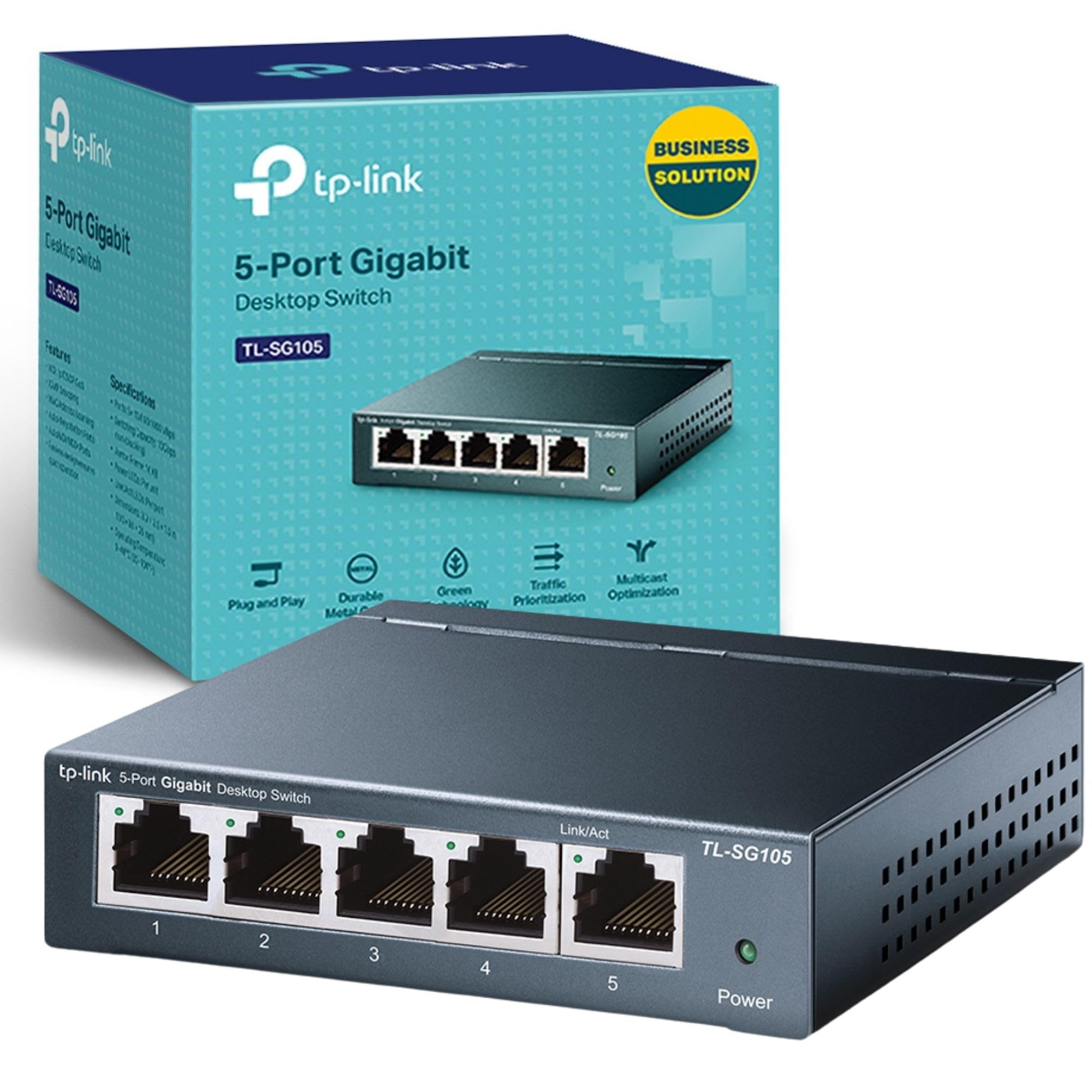
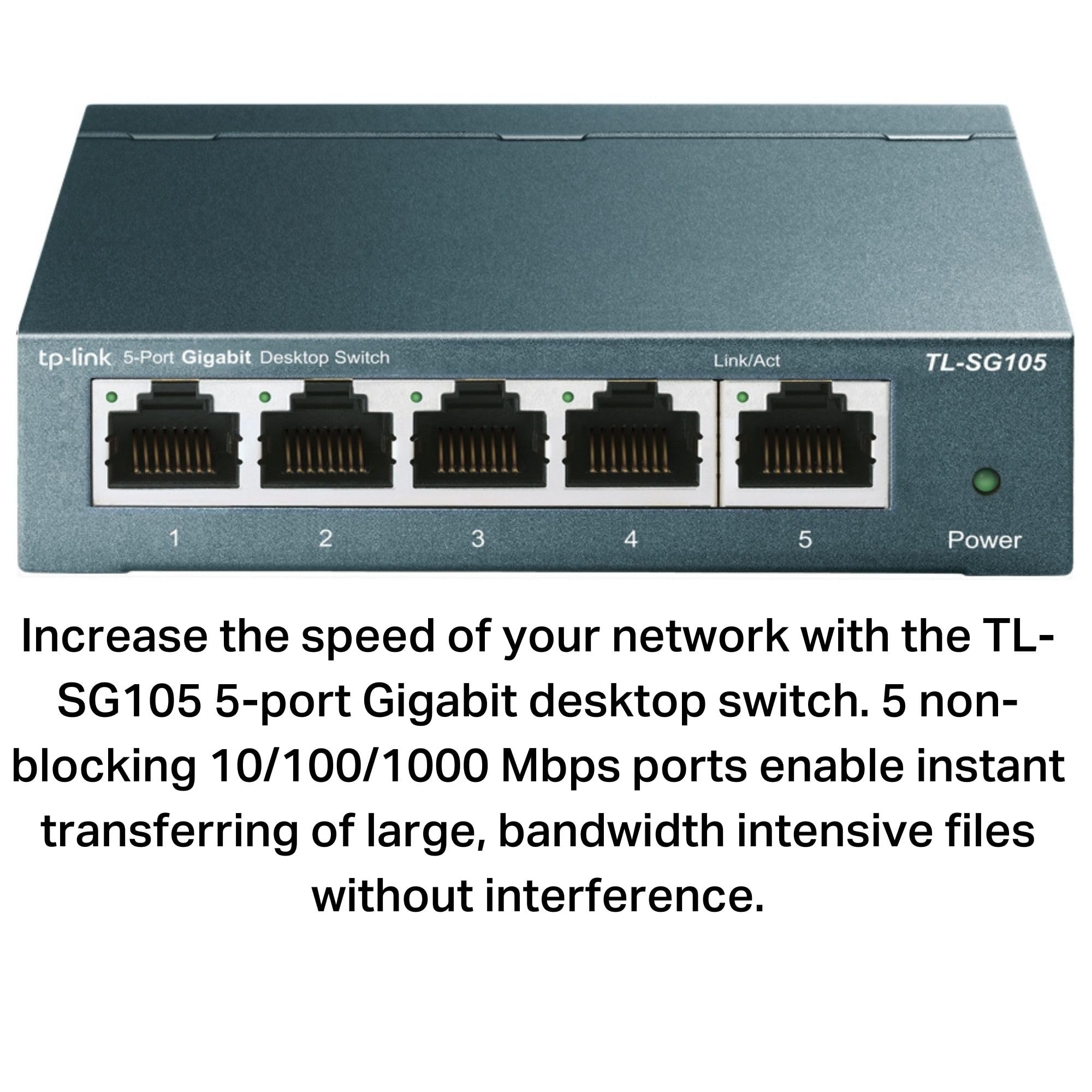
🚀 Elevate your home office network with lightning-fast, silent, and smart connectivity!
The TP-Link TL-SG105 is a compact, fanless 5-port Gigabit Ethernet switch featuring plug-and-play ease, a durable metal case, and advanced traffic optimization technologies. Designed for home offices and small setups, it delivers blazing 1 Gbps speeds across five RJ45 ports while saving up to 84% power with Green Ethernet technology. Its silent operation and versatile desktop or wall-mount design make it the perfect upgrade for professionals seeking reliable, efficient wired networking.


| ASIN | B00A128S24 |
| Best Sellers Rank | 52 in Computers & Accessories ( See Top 100 in Computers & Accessories ) 214 in Network Switches |
| Box Contents | 1 x 5-Port 10/100/1000Mbps Desktop Switch TL-SG105, 1 x Installation Guide, 1 x Power Adapter |
| Brand | TP-Link |
| Brand Name | TP-Link |
| Case Material Type | Metal |
| Color | black |
| Colour | black |
| Compatible Devices | Devices with Ethernet Port |
| Compatible devices | Devices with Ethernet Port |
| Current Rating | 1 Kiloamps |
| Customer Reviews | 4.2 out of 5 stars 128,268 Reviews |
| Data Transfer Rate | 1000 Megabits Per Second |
| EU Spare Part Availability Duration | 2 Years |
| Global Trade Identification Number | 00845973021146, 06935364021320 |
| Interface | RJ45 |
| Item Dimensions L x W x H | 10L x 9.8W x 2.5H centimetres |
| Item Type Name | 5 Ports gigabit desktop ethernet switch |
| Item Weight | 7.76 Ounces |
| Lower Temperature Rating | 1 Degrees Celsius |
| Manufacturer | TP-Link |
| Number of Ports | 5 |
| Number of ports | 5 |
| Platform | No Operating System |
| Product Warranty | Manufacturer's Lifetime Warranty |
| Product dimensions | 10L x 9.8W x 2.5H centimetres |
| Switch Type | unmanage |
| UPC | 840460604031 845973021146 |
| Unit Count | 1.0 count |
| Upper Temperature Rating | 1 Degrees Celsius |
| Voltage | 230 Volts |
L**O
Happy and work Wonderfull easy to setup with "tether app"
Very good extender, and if you have already a TP-link router with ONEmesh you will see how good these work together, you can also check and configure everything using the Tether app from TP-link very happy!!! I recommend 100%
M**R
Works well and easy to setup.
Easy to setup - pressed wps button on my router and then pressed wps button on the tp-link re330 range extender and It paired easily. Moved it then upstairs and it provides another extended wifi source to connect to. Also used the ethernet port on the tp-link re330 to provide a wired connection to the ethernet port on my computer. I had to use a good quality ethernet cable though as the first cable I tried was not of sufficient quality and was causing disconnects. Once I changed to a good cable It has worked flawlessly with no interruptions.
H**A
Great User Friendly Product
The TP-Link RE330 AC1200 Wi-Fi Range Extender is a solid budget-friendly solution for boosting your home Wi-Fi coverage. Designed to eliminate dead zones and improve signal strength in hard-to-reach areas like basements, garages, and distant rooms, it’s easy to set up and gets the job done without any fuss. Setup & Design Setup is quick and user-friendly thanks to the intuitive TP-Link Tether app and WPS button support. Simply plug it into a wall socket, connect it to your existing router, and you’re ready to go — no advanced networking knowledge needed. Its compact design means it won’t block adjacent sockets, and the LED indicators make it easy to find the best placement for optimal performance. Performance With AC1200 speeds (300 Mbps on 2.4 GHz + 867 Mbps on 5 GHz), the RE330 is capable of providing reliable Wi-Fi for everyday tasks — streaming HD video, browsing, video calls, and light online gaming. While it won’t deliver flagship-level gigabit speeds, it noticeably improves coverage in weak signal zones. In my experience, coverage extended well into previously problem areas, and connected devices maintained stable performance. Features Dual-band support helps reduce congestion on the network. Easy roaming lets compatible devices switch to the strongest signal automatically. Secure connection with WPA/WPA2 encryption to protect your network. What to Consider If you’re living in a very large home or have extremely high-bandwidth needs (multiple 4K streams, heavy downloading, or competitive gaming), you may see more benefit from a mesh Wi-Fi system or a higher-end extender. Also, like most extenders, the speed on the extended network won’t match the speed right by your main router — that’s typical technology behavior, not a flaw of this unit specifically. My Verdict The TP-Link RE330 AC1200 Mbps Wi-Fi Extender is a dependable, affordable pick for most households looking to fix Wi-Fi dead zones. It offers strong value for its price point and performs well for streaming, browsing, and general internet use. Great choice if you want better coverage without complexity or expense.
S**S
Does what it says on the tin
Set up in minutes was easy with the tether app. Provides a good distance of extra coverage and manages to power multiple devices including Xboxes, PS5s gaming PCs no problem. Good price also.
S**A
WiFi extender
Love so easy to set up and is a really good connection and signal strength, the value for money is good
D**Y
100Mbps on the ethernet drags this down
Extends the wifi but the ethernet port is only 100Mbps which is not what 1200Mbps means. This is because the port only has a limit of 100Mbps if you look closely only notches 1, 2, 3 and 6 are enabled. Using an ethernet tester I confirmed that the 1200Mbps is deceitful in the title as the ethernet port attached to it is limited to 100Mbps. Though the extender part works fine.
E**.
Non Existant Technical support
Absolutely useless. I've purchased other TP Link products and haven't had a problem. This however was a disaster. The product claims easy set up via three different methods. I opted for the WPS method. The extender paired with the router and was visible on all devices. The problem was the inability to connect any device to the extender. The extender is supposed to use the same password as the router allowing for seamless transition. On entering the router password to connect any device, an error message " incorrect password" is displayed. On contacting "Technical Support" you quickly realise they are not technical support as they keep needing to refer to their technical colleagues. Requests to speak directly to the technical team are refused, "The technical team are not customer facing". Requests to escalate to a manger are met with "there are no managers in the building". You are then taken through a laborious process of resetting the extender and setting up using an alternate process. Laborious because the "support" assistant, through the silences between steps, is clearly reading a script, and as English is not their first language it is difficult to understand what was being said and so they are constantly having to be asked to repeat the instructions. When presented with a response not following the script it takes several minutes to find out the next step. After more than an hour of this, devices were still not able to connect to the extender. Yet another referral to technical colleagues. Surprise there is a technical problem and a firmware update is required. I would be contacted the following day. The following day was no better yet another non technical person took me through the third set up process which again failed another hour and more wasted. I would be contacted again the following day by a "manager". This "manager" was another non technical person but had been advised by their technical colleagues that I may need to change some of the settings on my router. A non technical person is requesting that I change the settings on a router which has performed without problems for several years and is integral to the CCTV and alarm systems in pace just to try and see if the extender will pair with devices. The implications of the CCTV and alarm systems failing would be immense and costly. What happened to "easy Set up" and if as already advised a firmware update was required what was the purpose. The request was declined the product was returned for a refund. I purchased a similar Net Gear product plugged it in and 5 minutes later all my devices could connect with the Net Gear extender As stated at the beginning I have several TP Link products which have operated without problems. The big issue here is that there is NO technical support when there is a problem just unknowledgeable assistants reading of a script.
P**L
Replaced Virgin Media pod
Brilliant product, replaced Virgin pod which halves signal strength. 10 minutes to install using simple instructions and WPS on router. Connecting to Ring doorbell with 2.4 MHz strong signal.
Trustpilot
2 weeks ago
2 days ago