

Desert Online General Trading LLC
Dubai, United Arab Emirates
Desert Online General Trading LLC
Dubai, United Arab Emirates
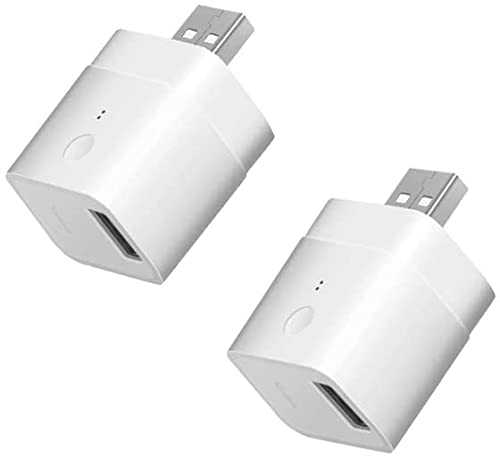





🔌 Power your USB devices smarter, not harder!
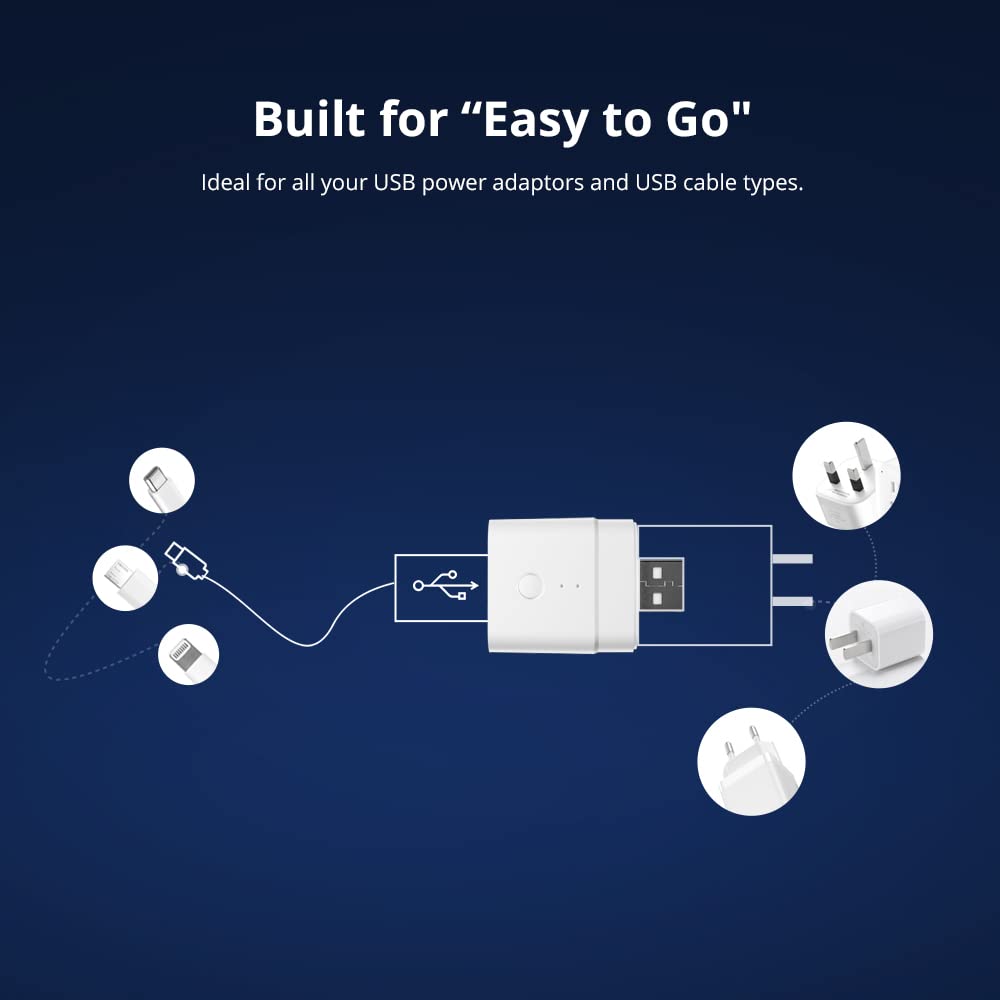
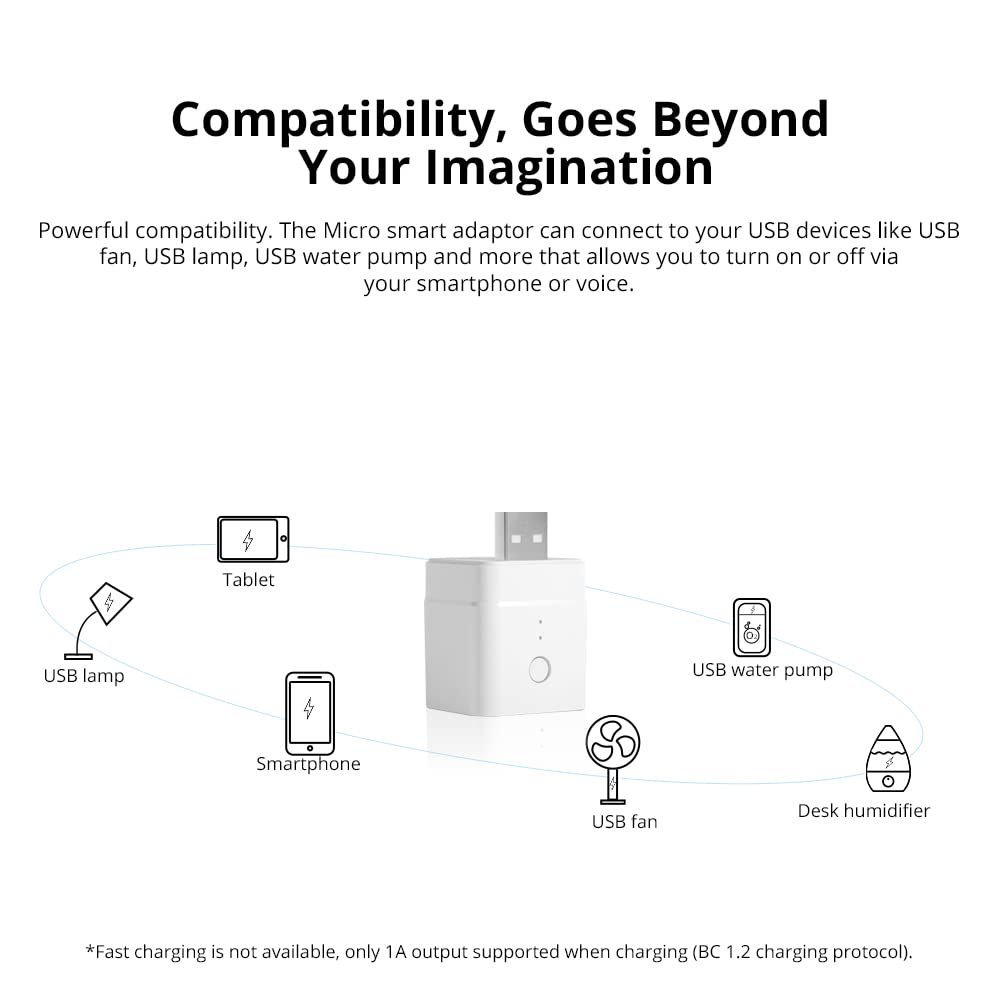
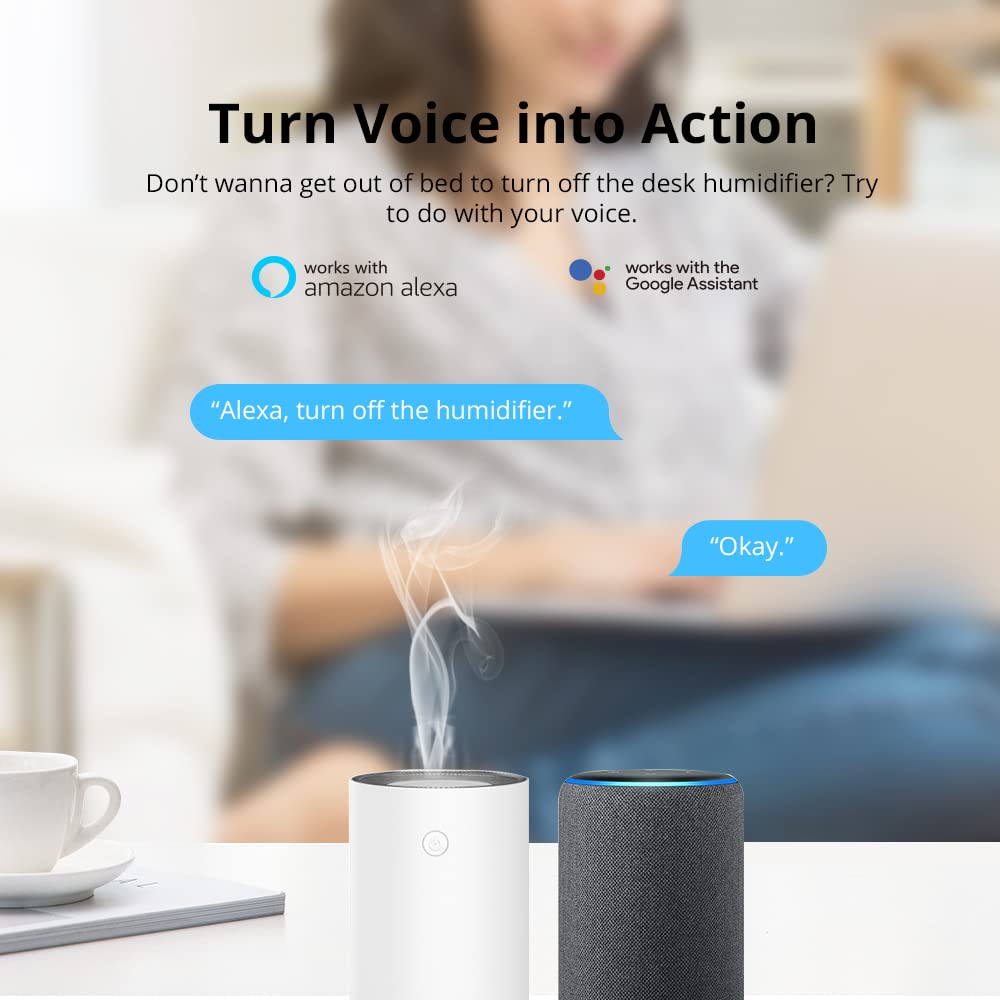
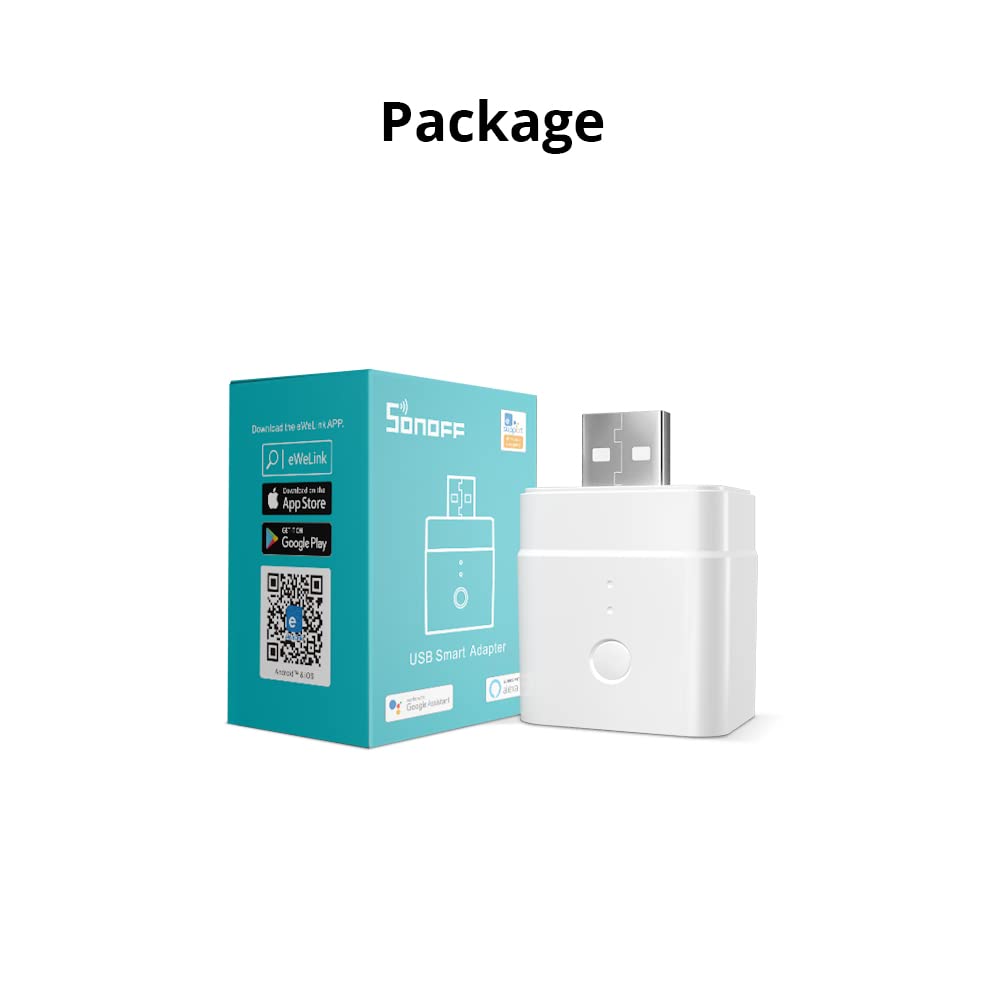
The SONOFF Micro USB Smart WiFi Adaptor is a compact 5V smart switch that instantly upgrades any Type A USB device with remote app control, voice assistant compatibility, and customizable automation—all without requiring a hub. Lightweight and easy to install, it supports LAN control for offline use, making it the perfect smart home enhancer for millennial professionals seeking convenience and connectivity.


| Brand | SONOFF |
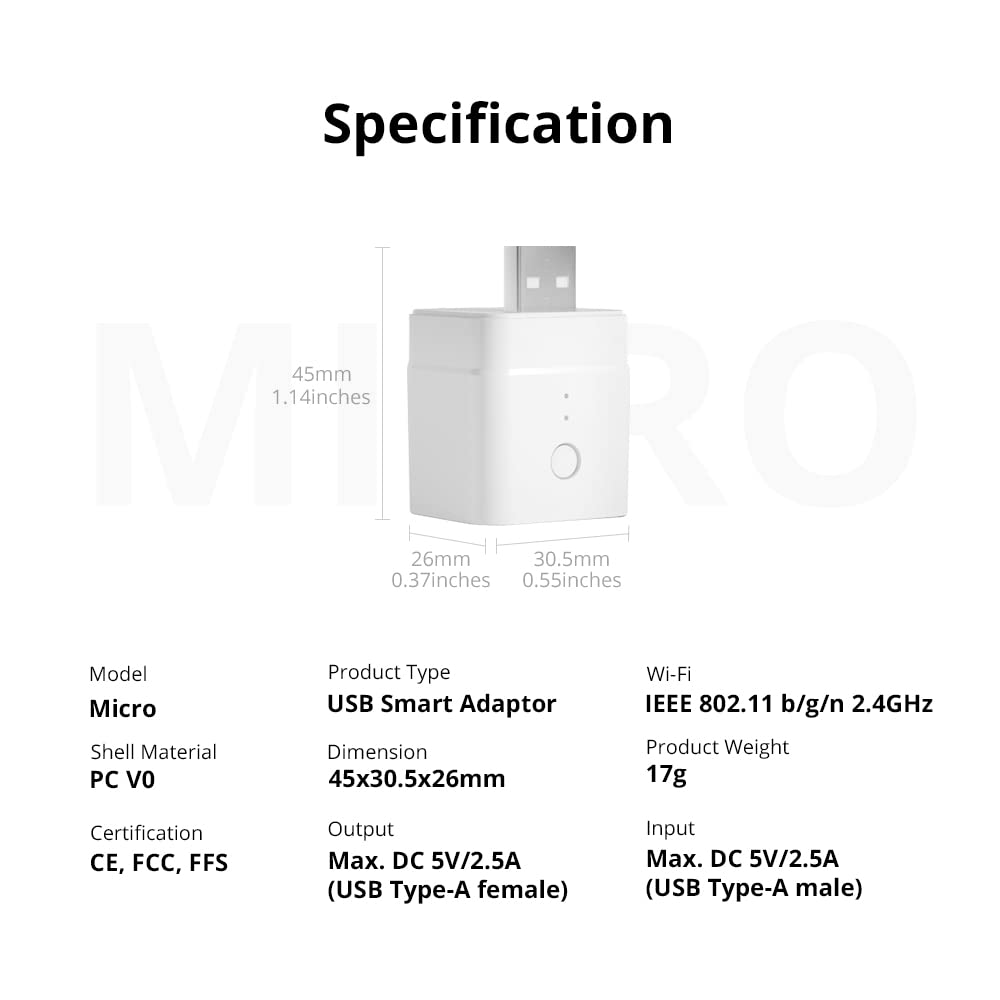
| Package Dimensions | 7.8 x 5.4 x 3.4 cm; 17 g |
| Item model number | Micro |
| Manufacturer | SONOFF |
| Colour | White |
| Wattage | 2.5 watts |
| Are Batteries Included | No |
| Item Weight | 17 g |
| Guaranteed software updates until | unknown |
M**S
Awesome addition to Sonoff range
Use this to control a USB-powered screen. Integrated into Homekit using Homebridge, the product simply just works. It plugs into a Mains socket with USB sockets, it wouldn't work using the auto-pairing with my Ubiquiti WIfi, but the manual process found it in no time. Quick firmware update and it was up and running. Smashing product....
Z**E
Easy setup and does the job
I did not know a device like this existed but so glad I decided to perform a search and that I found it. I have a usb powered access point for vpn connections that for some reason requires a reboot once a day to stay operational. With no option to do this in the software and feeling a WiFi socket with a usb plug attached overkill I was glad I found this. Now I have it set on a schedule to turn off and in again everyday. No more me having to remember to do it!Setup wise I can see how some people would struggle but it is in fact quite straight forward.Steps I followed:1st make sure your router supports 2.4ghz, while some may default at 5Ghz most will support 2.4 ( I have a separate ssid/ WiFi name for this and added myself in the router menu.Plug in the device and make sure the blue light is flashing fast. At first I was pressing the button on the side but this didn’t seem to work, I unplugged and added back to the usb and it was fine and constantly flashing blue. So just plug it in without pressing the button 1st.On your phone, make sure you are connected to the same 2.4ghz WiFi that you want the device to use. Download the app, select the option to scan the Qr code (on a card in the box) You will get various prompts about allowing local network access etc, accept these. If you find yourself in settings still after this (I did it in iOS) just go back to the app.It should then show the same WiFi name of your 2.4ghz network in the app with a space asking for the password. Add the password in for your WiFi and hit continue.What I assume it then does is look for the devices own WiFi, ITEAD-xxxxx something. It connects to this wifi uploads your WiFi connection details outlined in the previous step, so make sure your phone is close to the device.After this the device should then connect to your network provided it is in range, I suggest you do the initial setup close to your router to account for any range issues. On the app it should ask if you want to join back to your normal WiFi network. Mine did this automatically but if not switch it yourself and go back to the app.You should then see an option to turn the device on and off remotely and set a schedule.If for any reason it fails to connect to the device try again and make sure you are close to it. While it’s trying the connection to the device ITEAD WiFi if your phone or app fails to do this automatically try switching it manually yourself and go back to the app.
C**W
Power throughput is unstable
I have a number of these SONOFF micro USB smart wifi adapters and up until now, I have thought that they were excellent. The first batch of 4 that I bought work perfectly - yes they are fiddly to get connected to the wifi, but so are most smart switches, it's not something unique to SONOFF. Most of the people complaining about not being able to connect just need to ensure that they select the 2.4GHZ network on their wifi and not the 5.0GHZ and they will connect.I am digressing, so I will get back on point. The first 4 work perfect, the 5th one was a bit troublesome where an LED light strip connected to it would always need the LED controller reset every few days. I put this down to being a problem with the LED controller, so I swapped it - but the lights continued to have a problem. So I swapped the SONOFF wifi adapter and the problem went away. I thought "Bit weird" and just forgot about it.This week, I have installed more LED lighting and needed more of these SONOFF smart wifi adapters. So I ordered 3 more and all 3 have the same problem, the power output through them is not stable and it is not 5 volts. Each LED lighting strip when connected via the SONOFF adapter displays either the wrong colour or the controller goes nuts and rapidly flashes the strips through every colour available. If you remove the SONOFF adapter, then the lights work properly. I have not tested with a multimeter yet, but I suspect that either the voltage is fluctuating or it's only around 3 to 4 volts and is not providing enough power to make the lights work properly.I am using the same set up all over the building - using a 5 port ANKER USB charger to provide power to LED light strips and they all work perfectly apart from these latest 3 purchased. I've even swapped the USB charger in case it was that generating the wrong amount of voltage, but even when I put a different charger on, it's the same problem.Perhaps this is a firmware issue - but I doubt it as all the SONOFF adapters I have are running the same firmware version. I hope it's not a case of they are getting lax with quality control, but right now I have 3 adapters that are completely useless.
N**K
Handy Little Device
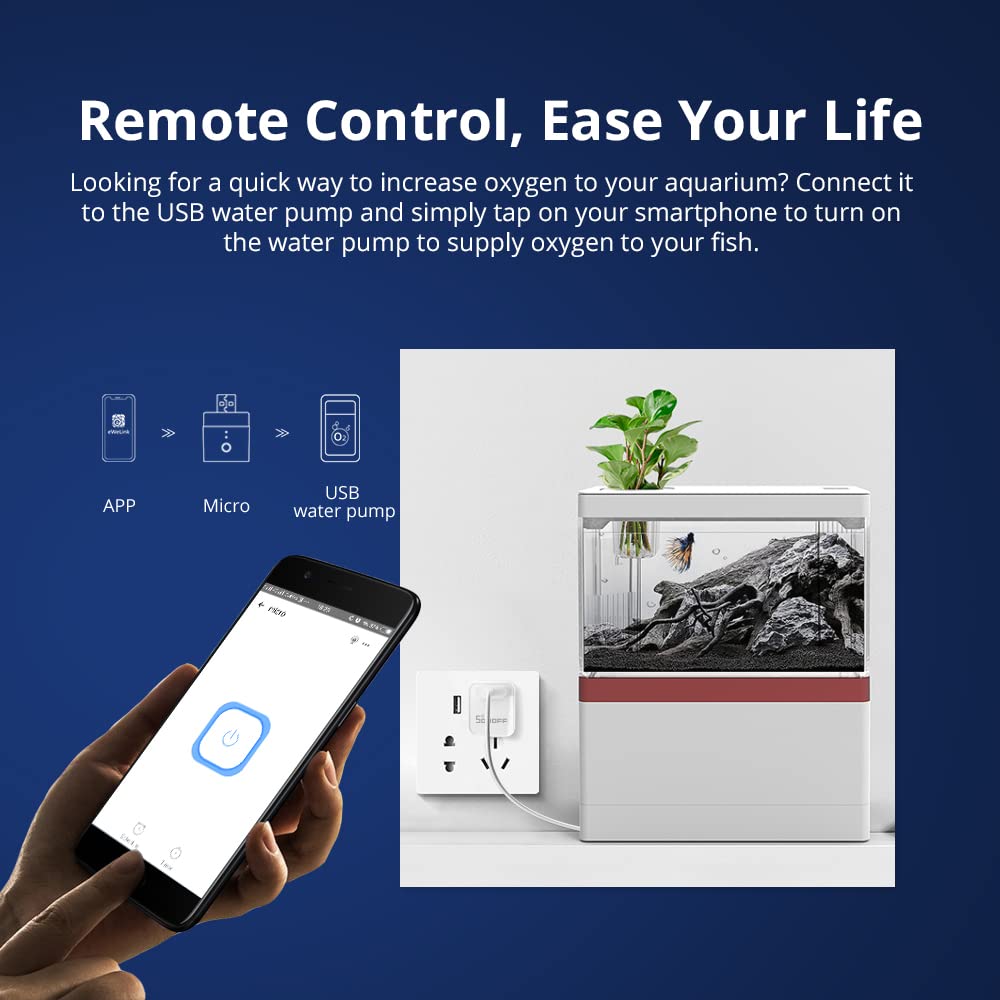
So I thought i'd take a punt given the other reviews & knowing these smart switch can be troublesome to set up at times. I wanted it to control a pump on a water feature in the garden that runs from a solar powerpack. Downloaded the ewelink app. I created an account, ensured I was connected on my phone to the same 2.4ghz SSID I wanted the device to run from, scanned the QR code, found the device, done. The device is connected to my outdoor SSID & I can control it from my phone. I also enabled the Alexa skill by enabling & linking the ewelink skill, searched for new devices which did take a couple of goes to find the USB switch. I then named it fountain, now I can ask Alexa to turn the fountain on or off. Overall pleased, let hope the unit lasts.
I**E
Home automation in a USB device
I bought this for a couple of reasons 1. I was considering changing my current HA setup away from LightwaveRF and 2. I wanted something that I could plug into a USB power output on a 2 gang 13amp wall socket to automate turning a couple of LED fairy lights on and off. This product works brilliantly, so much so that I bought another 2 followed by changing my whole HA setup over to SONOFF devices. I’ve been running my new setup for a few weeks now and it far superior to LightwaveRF and more reliable. Would definitely recommend this and other SONOFF products. Note: does require 2.4Ghz wi-fi
Trustpilot
4 days ago
1 month ago