We remain fully operational. Our teams are working around the clock to ensure your deliveries continue safely.

DOWNLOAD THE APP


Customer Services
Copyright © 2025 Desertcart Holdings Limited
DOWNLOAD THE APP
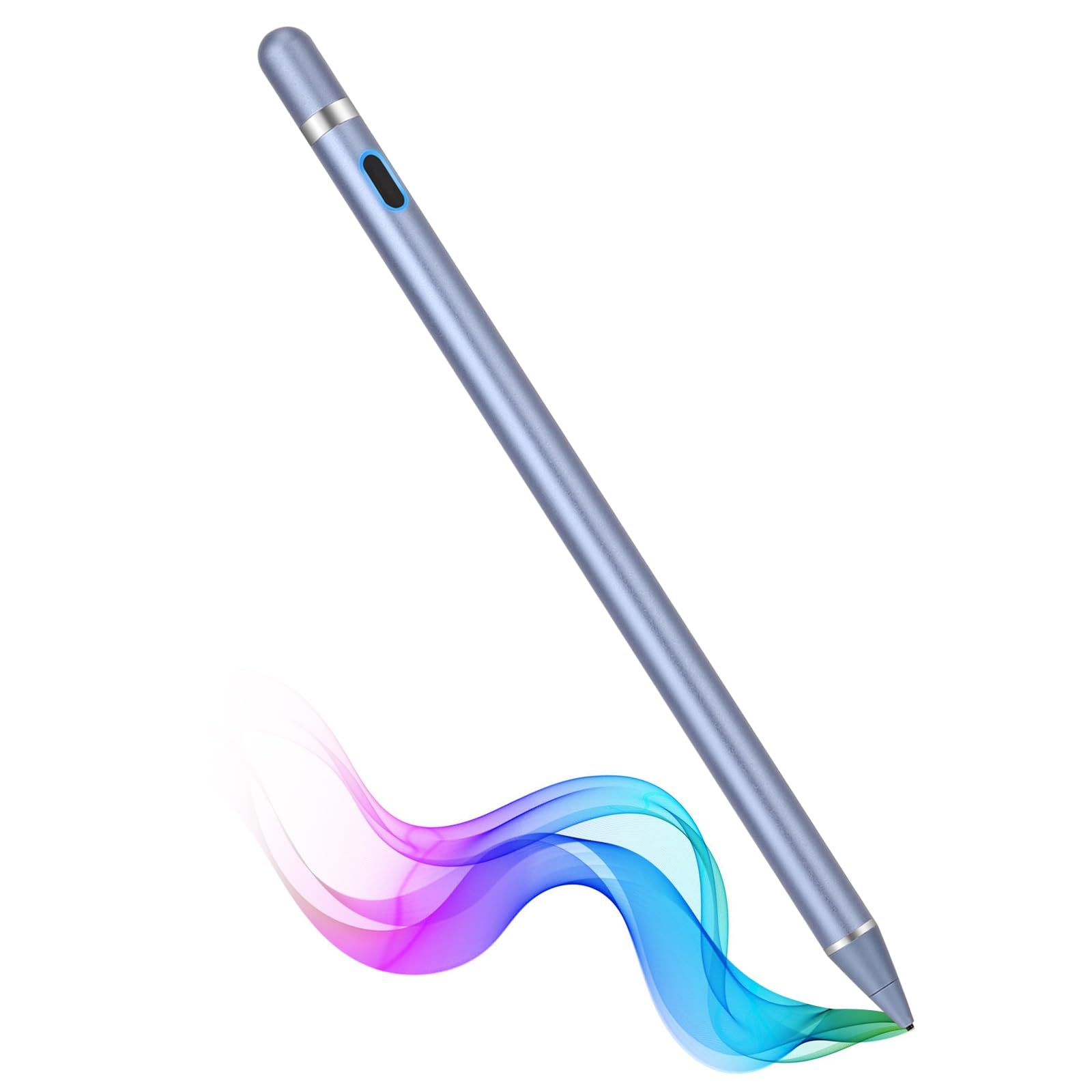


🖊️ Elevate your digital creativity—stylish, seamless, and always ready to write your next big idea!
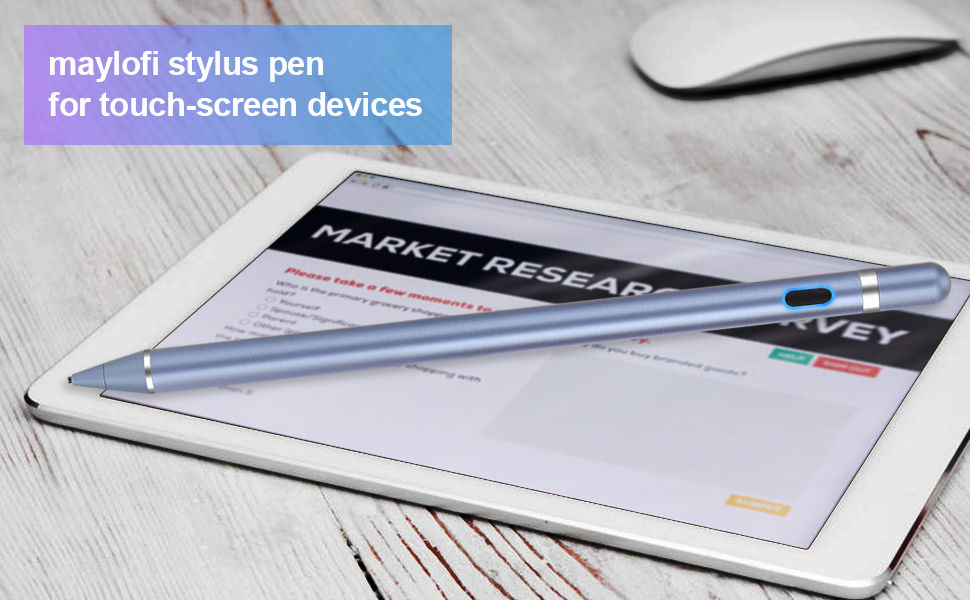
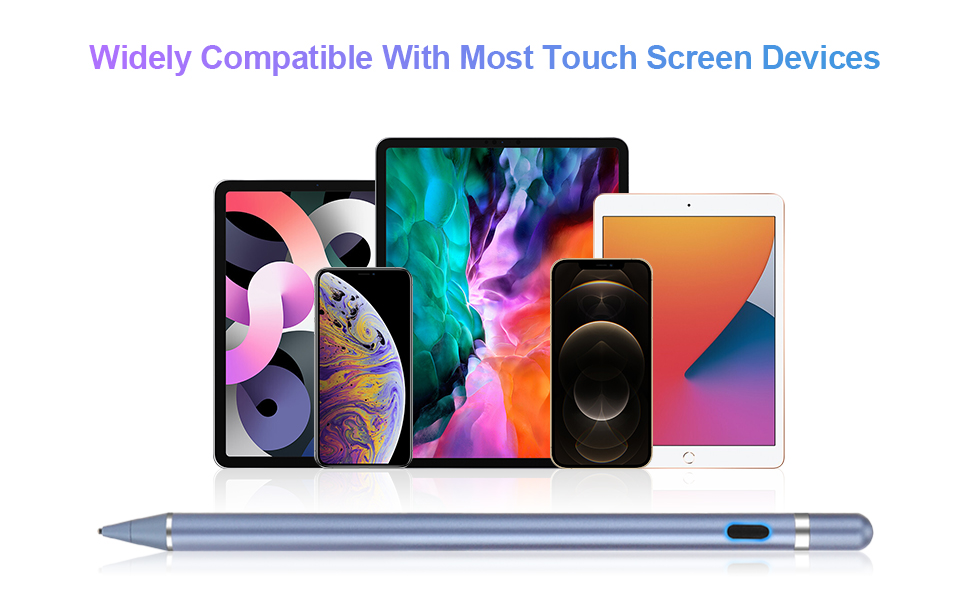
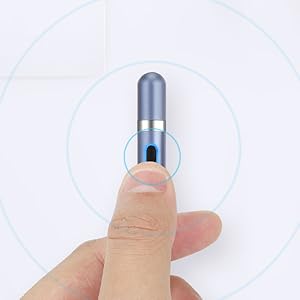
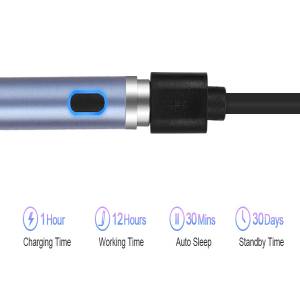
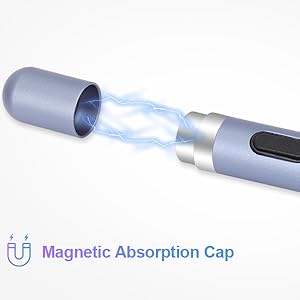
The maylofi Active Stylus Pen combines precision engineering with user-friendly features: a superfine copper tip for smooth, scratch-free writing, universal compatibility across iOS and Android devices, and a powerful rechargeable battery offering 12 hours of continuous use with just a 1-hour charge. Its magnetic cap design prevents loss, while one-click operation eliminates the hassle of Bluetooth pairing, making it the perfect tool for professionals and creatives on the go.

| ASIN | B08KJ5MX31 |
| Customer Reviews | 4.2 4.2 out of 5 stars (3,788) |
| Date First Available | October 2, 2020 |
| Item Weight | 1 ounces |
| Item model number | E8910 |
| Manufacturer | maylofi |
| Product Dimensions | 1 x 0.5 x 0.3 inches |
A**N
Disappointed
I was hoping for a more stable stylus. This stylus will shut itself off while in the middle of a drawing, taking notes, etc. It's frustrating having to stop every 5 minutes to turn it back on when it has a full charge. Also, the metal tip may need to be gently filed due to it scratching the screen. It's left tiny scratches over my tablet screen. I use it with a Lenovo Chromebook Duet 10.1 and sometimes ad I'm drawing lines, the lines will not be staright and rather squiggly. It's a ok stylus at best.
P**R
Great Stylus Pen for a Fire Tablet
I got this after I had bought a similar one from a different company that did not work very well. This one from this company works great no problems at all. I got it Wednesday an I charged it before I used it an it was fast at charging. I play a lot of Circle the Word an Crosswords, an Paint by the Numbers as well as Bingo an I have played them all on just 1 charge an still have not had to charge the Stylus a second time yet. So 1 charge last a long time cause I spend about 10hrs. a day playing on my tablet with it. So it is definitely worth buying I will be buying a second 1 to keep back for when this one no longer works or charges. I am glad to finally find 1 that actually works like it says by the company that sells it.
T**™
Works 75% of the time
It is pretty neat and works well.. when it works. It seems like there is a combo trick to get it to work. like click twice, hit left. left, up, down, up down... I'm kidding but it doesn't just turn on and work. I haven't figured out the combo but after tapping it, turning it on and off 3 times, typing on keyboard first, trying it on my cell phone...only then will it work... And im just not going to talk about the skipping across the screen. Worst signature ever. I can't imagine it making a beautiful picture in the Paint app.
X**Z
in love
the best super practical to use my douther love it
K**T
Pleasantly surprised!
I use a Surface (2 of them) at home, so I'm used to the accuracy of those pens. I have a small HP that I'm married to at work. My fingers kept missing the mark so I decided to try this pen at work. VERY accurate; charge held for over 3 weeks. I'm getting used to turning it on whenever I need to use it. I gave it a 4 stars because: 1. It is long and slippery, thus, I kept dropping it. That was fixed by using a little athletic tape around the part that I hold. 2. The tip that slides off to charge it is held on by a weak magnet. I anticipate losing it within the next few months. While that won't affect the use of the stylus, it is annoying. (yes, I'm being picky) Still, I would buy it again!
D**Y
Series of problems, now it's unusable
Series of problems with this stylus. Most recently, the entire point section fell off and I am unable to get it back on, so it's totally unusable now. Prior to this, when I first got the stylus, the cap covering the charging port fell off repeatedly, and finally fell off and rolled away, never to be found. I was able to continue using it without the cap, but there was also an issue with the stylus itself rolling all over the place, under cushions, on the floor, etc. Whenever and wherever I put it down, it rolled, because it was so smooth. That one I solved by wrapping a rubber band around it. Also, it did not work well with my screen protector, so I had to remove that. (I got one of those notebook style covers for the phone instead. So far so good.) Having said all that, the stylus has helped me heal from a repetitive stress injury and I now can't be without some stylus. I will be ordering a different manufacturer's product today.
R**S
Good for the price, but if you can afford it get something better
TL;DR – Decent quality but it’s a bit difficult to write with and the tip is somewhat abrasive. + PROS + [+] Can match the apple pencil in terms of writing, IF you can get it to write. So I’ve tested this stylus on my iPad, and the line quality on the Procreate app is honestly pretty good and very similar to the apple pencil. HOWEVER, it’s a struggle to get it to write. Sometimes where you write doesn’t register and the lines can be off. [+] Feels nice to the touch. The textured finish on the outside feels nice and cool to the touch, so holding the stylus for long periods of time is comfortable. [+] Looks great! For a stylus this cheap, the available color options are nice. [+] Easy to use. No need to pair it with Bluetooth or anything, simply charge then press the side button to power it on. - CONS - [-] Doesn’t work on all screens. I’ve tested this on a 2-in-1 laptop/tablet as well as an iPad. For the 2-in-1, it didn’t work at all, unless I really pressed on the screen a certain way. So this may not be the best stylus to use for those devices. It did work a lot better on the iPad, so I give it that. The overall writing is difficult but I can see some people may get used to it. Don’t forget to use a glove as it doesn’t support palm-rejection! [-] The tip is abrasive. I’ve tried to use it lightly, but you need to apply at least some pressure in order for it to work. There is a noticeable scratching “feel” and sound as you write with it. My advice is that if you do end up getting this stylus, make sure to have a glass screen protector.
P**O
They work very well
These pens work very well. In fact I purchased three for my daughters school Chromebooks and they work very well. I do agree with other reviews that the copper tip can scratch your screen, but, how hard are you pressing or touching? I believe that it can scratch the screen as badly as you would scratch it when you use your nail. The performance of the pens is excellent with very little lag. I do have a lag on my Android phone when hand writing which is less noticeable on my Iphone 11 Pro Max and can't tell and my Surface Pro tablet and my children's school Chromebooks. I am very satisfied with them and so are my children that I will be buying additional replacements, after all they are children and is only a matter of time before they break them. 🤣
S**U
Um pouco fragil
V**H
Well I didn't expect this to work out the way it did.... This is the best purchase I made and a right one too. Pros: 1. The stylus is suuper sensitive. I am stunned by the accuracy of the device as I didn't exepect it to work for an ANDROID SMARTPHONE. 2. Easy to handle and use. 3.Highly responsive even for an Android phone. Cons : As someone mentioned, I didn't get the pen of desired colour instead I got a black one (one reason y I took away one star)
S**R
Not bad. Works fine. Need a suitable app for it's potential. I ordered gold and white colour but received black one. Rest all is good.
P**R
It is very sensitive. Very good for use.
R**M
Do not buy this pencil please totally money west product
Trustpilot
2 days ago
3 weeks ago