We remain fully operational. Our teams are working around the clock to ensure your deliveries continue safely.

DOWNLOAD THE APP


Customer Services
Copyright © 2025 Desertcart Holdings Limited
DOWNLOAD THE APP
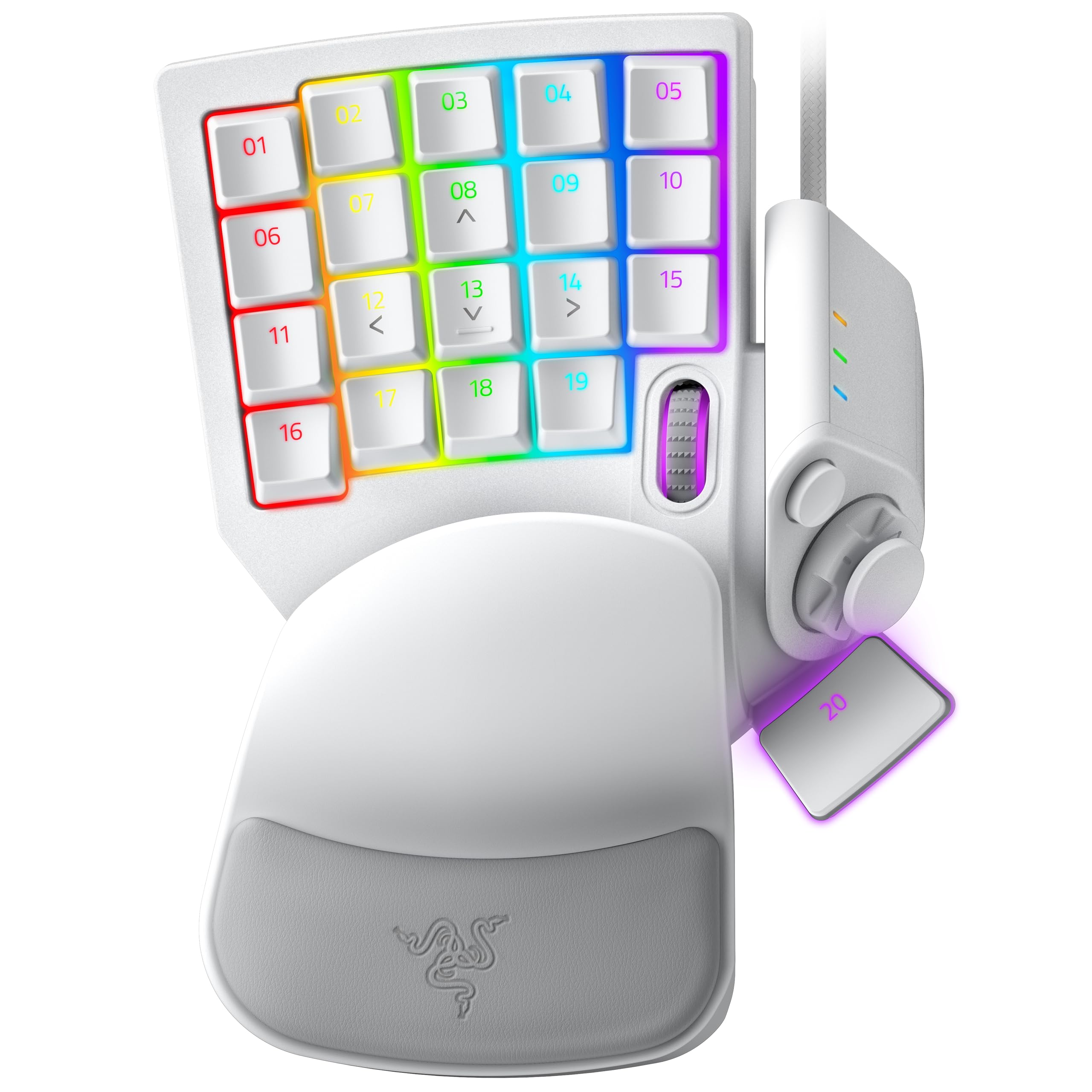
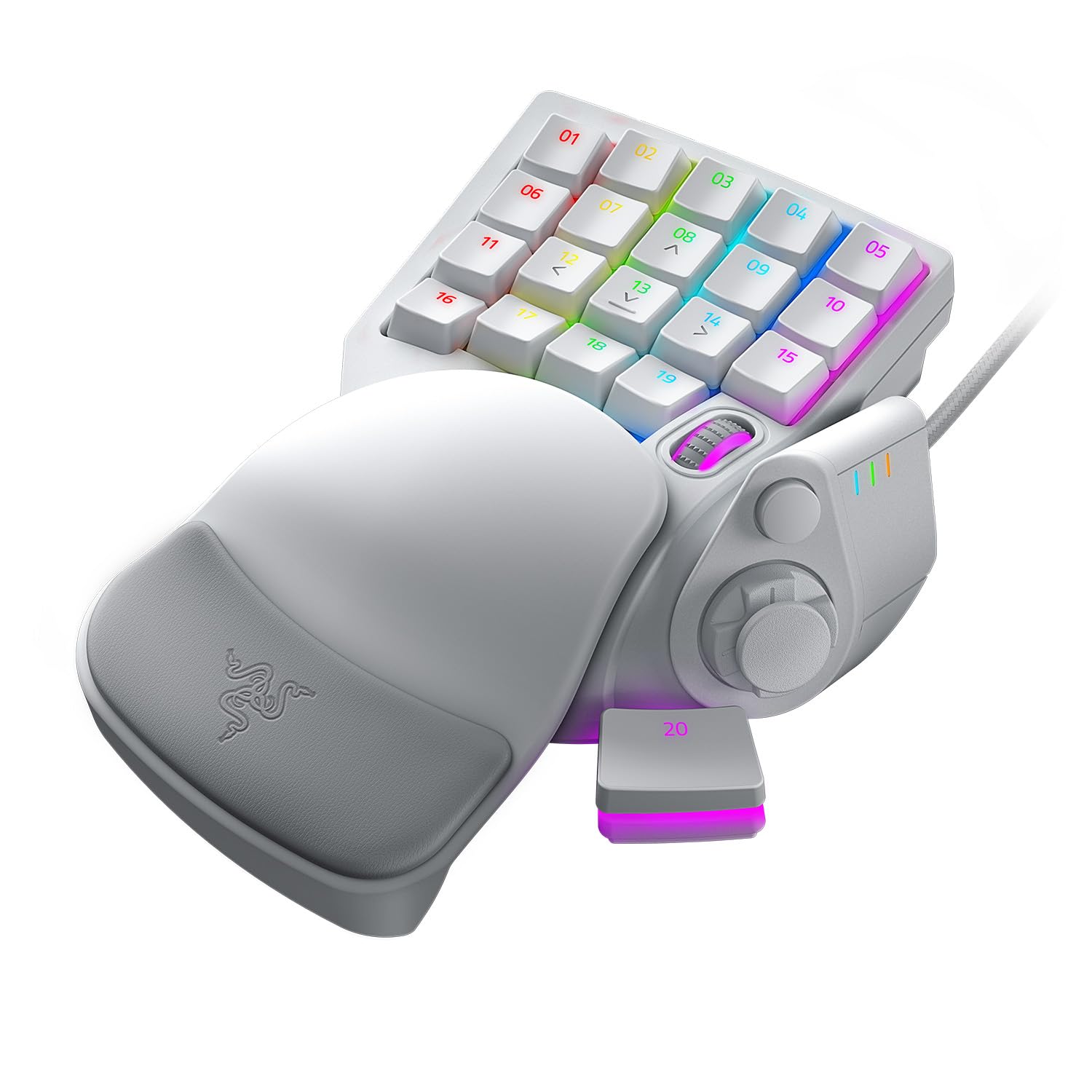


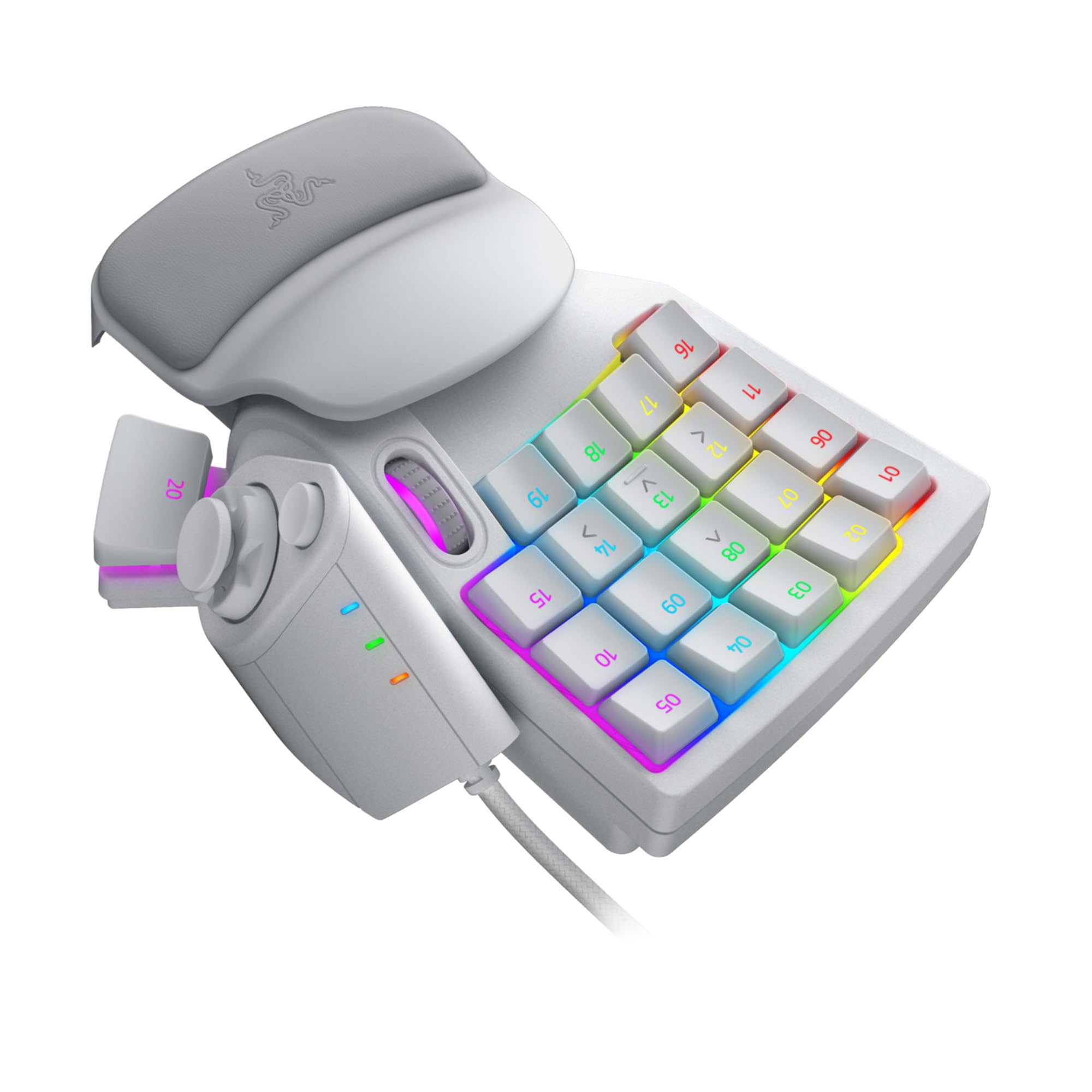
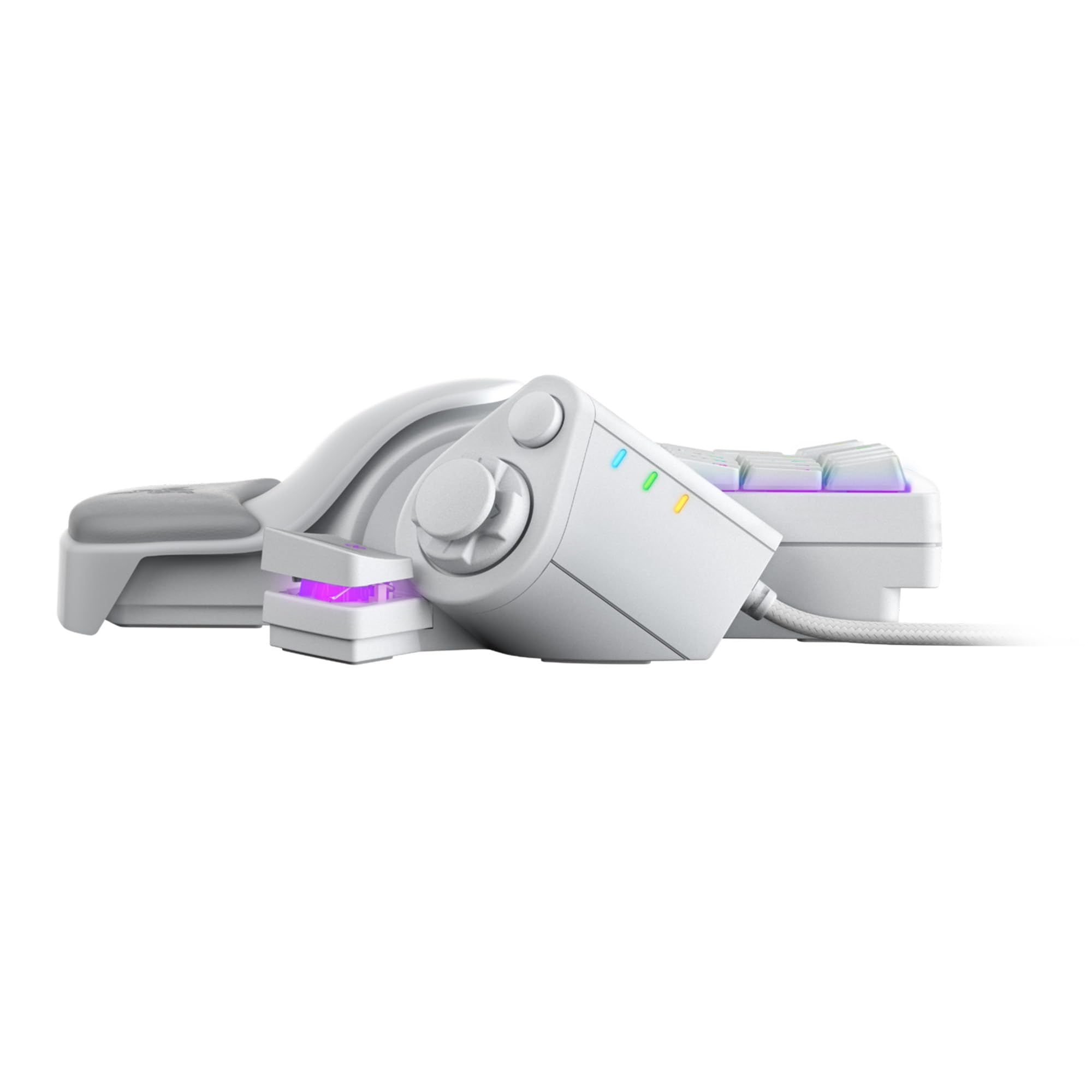
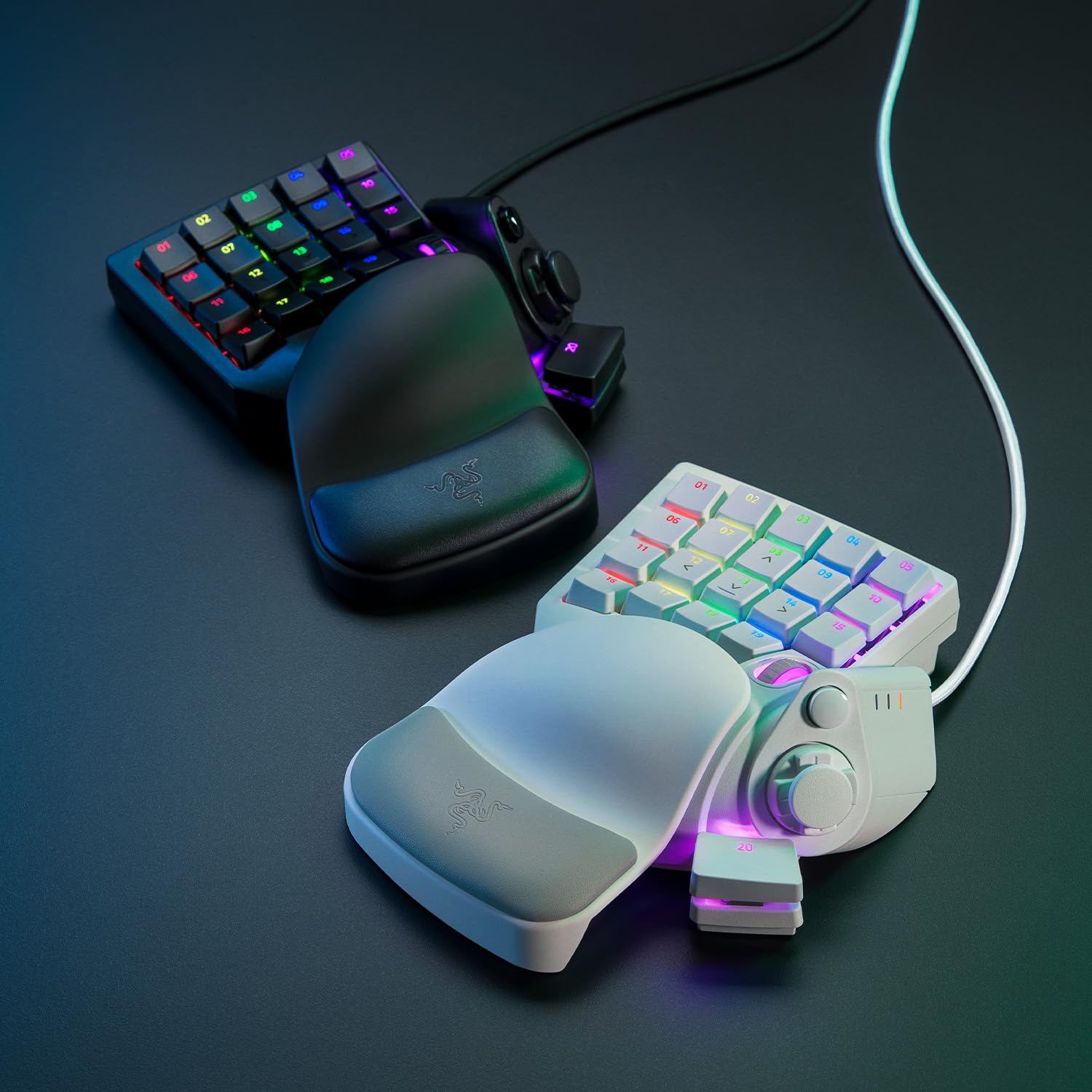
🎯 Dominate every move with precision and speed – the ultimate pro gaming keypad.
The Razer Tartarus Pro Mercury is a premium gaming keypad featuring 32 programmable keys with adjustable actuation and Razer's Analog Optical Switches for scalable input control. Designed for professional gamers and enthusiasts, it offers rapid trigger mode for ultra-fast key resets, 8 quick-toggle profiles for instant customization, and unlimited macro storage to optimize gameplay. Its ergonomic design and advanced customization make it a must-have for those seeking precision, speed, and versatility in competitive gaming.


| ASIN | B081S4C6LS |
| Are Batteries Included | No |
| Batteries | 1 A batteries required. |
| Best Sellers Rank | 772 in PC & Video Games ( See Top 100 in PC & Video Games ) 32 in PlayStation 4 Controllers 56 in PC Gaming Keyboards |
| Brand | Razer |
| Colour | White |
| Customer Reviews | 4.2 4.2 out of 5 stars (1,441) |
| Date First Available | 9 April 2020 |
| Guaranteed software updates until | unknown |
| Item Weight | 363 g |
| Item model number | RZ07-03110200-R3M1 |
| Manufacturer | Razer |
| Number of USB 2.0 Ports | 1 |
| Operating System | Windows |
| Power Source | Corded Electric |
| Product Dimensions | 20.2 x 15.1 x 6.35 cm; 362.8 g |
| Series | Tartarus Pro - Mercury |
J**H
Fantastic Gaming Keypad, Comfortable and Highly Customisable
The Razer Tartarus Pro has completely changed my gaming setup. The build quality is excellent. It feels solid and well made but is still comfortable to use for long sessions. The keys are responsive and the analog-mechanical switches give a really smooth and precise feel that’s hard to beat. The customisation options are brilliant. I’ve been able to map all my most used commands and macros exactly how I want, and the Razer Synapse software is straightforward and easy to use. The adjustable wrist rest is also a nice touch and makes long gaming sessions much more comfortable. It’s compact enough to keep on the desk without taking up too much space, but still has plenty of keys for all the commands I need. The build, feel, and responsiveness all come together to make it a really premium experience. If you’re looking for a gaming keypad that’s high quality, highly customisable, and comfortable to use, the Tartarus Pro is a brilliant choice. It’s easily one of the best gaming peripherals I’ve owned.
N**N
Excellent (but you need to know)
It is honestly Fantastic, customisable, comfortable. If you are one handed keyboard person like myself, you will love this. However, here is what you need to know. It acts a gamepad input and so certain games will think it’s a controller. What does that mean ? Any games that you use a controller for will now have to choose between it and your controller and it can cause issues. Some games will use mouse still but change the keyboard input so you are playing with a weird hybrid split. Basically a bunch of game issues in terms of controls. Never fear you can solve all of this by disabling the in game controller function from its properties. This will cause it to stop functioning as a gamepad and only as a keyboard. This means you loose joystick functionality but can still map everything you need. I didn’t know any of this before buying and thought I had wasted my money. Now it’s all sorted, I would recommend this 100%
M**L
A very handy extra for those MMOs and Apps with more far too many crucial key bindings.
Particularly worth it when you can snag one at a significant discount. Not just a bunch of extra keys, a great way to avoid having to remember, and execute loads of absurdly complicated key bindings. Just assign each button to do the whole 3 or more button press mash and you are good to go. Also allows for remembering specific key binding sets for whichever application you currently have open, and will change them automatically. Additionally the Pro version uses analogue keys which allow you to assign two functions to each key, a light press executes one function, pressing all the way - another. the thresholds for triggering the buttons is also adjustable. So all in quite nice to use. Only slightly meh factor is the software for editing it is bloated with all sorts of nonsense and the layout can be moderately confusing to start with, once you've got your head around it and set everything as you like it, you don't generally need to open it up all that often. One of Razer's better products, and the only one I own. Loses 1 star for yet another example of somewhat messy, clunky editor software, and when not on sale being expensive enough that you'll often find it hard to justify next to the price of decent, fully featured keyboards. That said, I still like it :)
G**E
Compact, customizable, and comfy—Tartarus Pro is a macro beast for serious gamers and streamers.
The Tartarus Pro is a one-handed gaming keypad built for MMO players, streamers, and macro lovers. With 32 programmable inputs, analog optical switches, and adjustable actuation points, it’s designed to give you controller-like finesse with keyboard-level control. ✅ Pros: Analog optical switches: Smooth, linear feel with adjustable actuation 32 customizable inputs: Keys, scroll wheel, D-pad, and thumb cluster Compact design: Saves desk space and keeps hands close for mouse-heavy setups Great for macros: Ideal for productivity and multi-profile setups Comfortable wrist rest: Magnetic and padded for long sessions ⚠️ Cons: Steep learning curve: Not intuitive for casual gamers Software bugs: Razer Synapse can be glitchy1 Some keys hard to reach: Layout isn’t perfect for all hand sizes2 Pricey for niche use: Not essential unless you’re deep into MMOs3
S**Y
Good replacement for my orbweaver.
Got this as a replacement for my orbweaver and was worried how long it would get used to. Took less than a day for it to fit like a glove.
D**N
Not for me (refunded)
The product itself seems like an ideal solution for gamers who hate full sized or even 60% keyboards. Construction feels solid with disappointing plastics, but generally overall the build was as I say, solid. I unfortunately had to return it however, as I just could not get used to the feeling of it. It feels like my fingers were arched more and almost more restricted. Due to the layout of the keys, I kept misclicking keys and overall it just wasn’t for me. I think it may be a better fit for someone with longer and skinnier fingers as you can literally customise every key to your needs and seems to be a good piece of kit, albeit a little overpriced.
J**A
Can't imagine gaming without it anymore
This, my friends, is one of the GOATs. Especially pairing with a Razer mouse, utilising hypershift to double your key capacity without lifting your hand, and customisation galore for comfort and your own feeling of what key should be where, and that's BEFORE utilising profiles on the go. Takes a little to get used to, and a lot to customise, but once you do, you'll never want to go back.
D**Y
Tres bonne qualité !! Je recommande vivement 👍
A**O
Estoy muy satisfecho con mi producto, lo personalize con keypads verdes para más precisión igual de la marca razer, lo uso para Albion Online y League of legends
B**E
Je suis habitué au Keypad gaming et j'étais en possession du Orbweaver de Razer (avec touches mécaniques) depuis bientôt 9 ans et il vient récemment de me lâcher. (Je peux dire que je l'ai vraiment séché pendant ces 9 années, je ne joue qu'avec ça.) Je suis donc parti sur le Tartarus Pro car il n'y a plus qu'une seule référence chez Razer maintenant (enfin sans compter la version normale et pro) Je n'utilise pas la double détection des touches du coup je me demande si c'est une bonne idée d'avoir pris la version pro.. Mais alors quel plaisir de l'utiliser ! Il est d'un confort extrême avec le petit "canapé" sous le poignet, les douches sont silencieuses et très réactives, la couleur est top et entièrement réglable, on peut ajuster la longueur du support pour ceux qui ont des grandes mains comme moi, et l'ensemble a un rendu vraiment premium. 2 petits défauts tour de même (mais minimes donc ne rentrent pas en compte dans ma note) : - je transpire de la pomme de la main avec cette version (contrairement à l'ancienne version Orbweaver où il n'y avait strictement aucune transpiration) et donc je l'essuie de temps en temps - il manque très clairement la touche "V" à la place de cette molette useless. Mais pour palier à ce problème j'ai bindé la touche "V" sur le clic molette ET sur la molette UP + molette DOWN. Du coup peut importe comment mon doigt arrive sur cette molette, j'ai ma touche "V" qui part. Attention tout de même : il faut un petit moment pour s'adapter à un Keypad. Mais après on ne peut plus s'en passer 🙂
K**R
Removing one button to have a scroll wheel is awful to me. I already have a scroll wheel on my mouse, I don't need a giant hard-to-press clutzy one stuck on my keypad. Also this controller is gigantic. I have absolutely massive hands and I can't reach the top row of buttons comfortably. Yes, I adjusted the hand rest and even took it off completely but no luck. I have used two previous iterations of this controller and they were all fine (except the rubber pads kept coming uglued on the hand rest). This one is the worst of all of them.
Z**O
Great after the learning period. Well worth it.
Trustpilot
4 days ago
1 month ago