



💼 Elevate your data hustle with dual-drive power and one-touch ease!
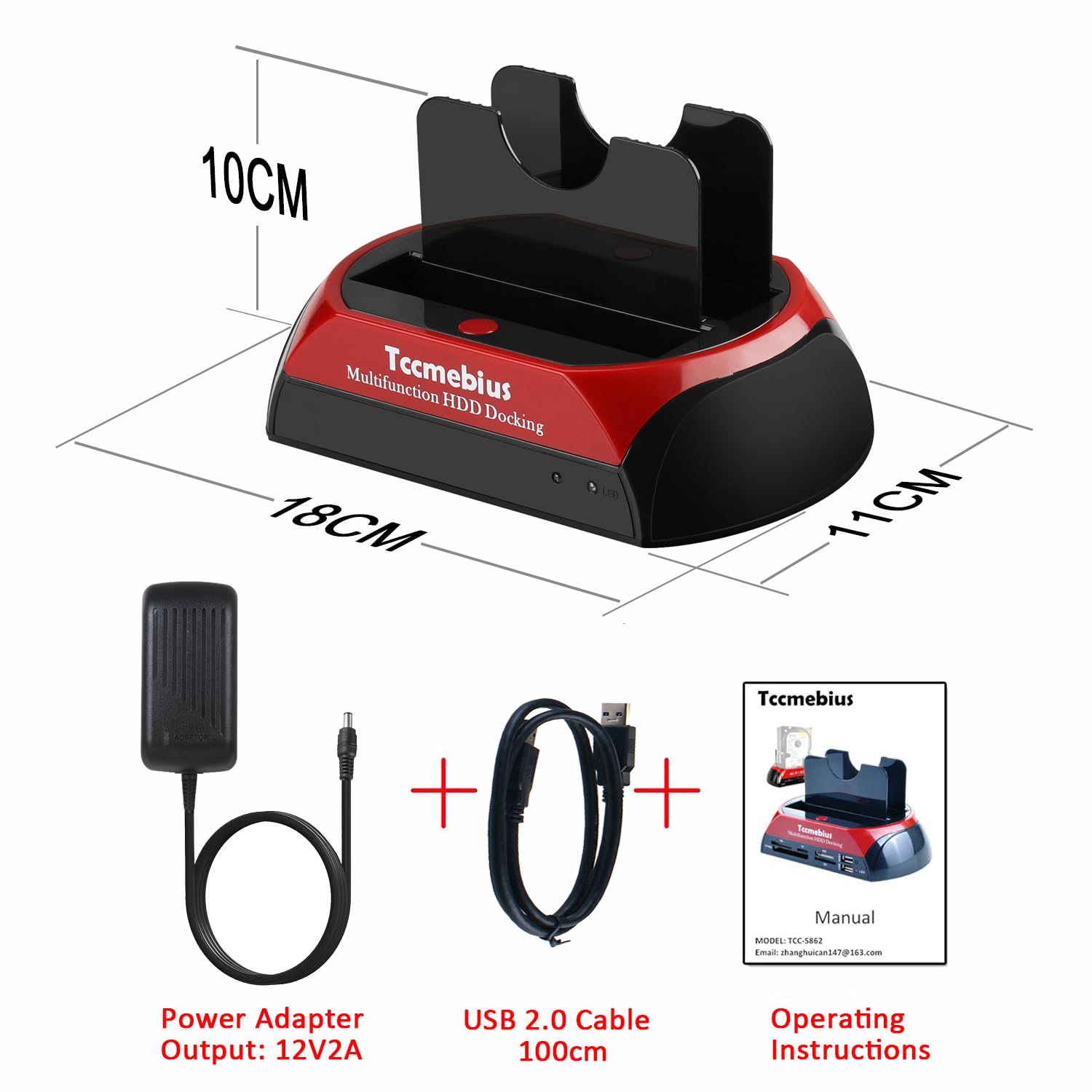
The TCC-S867-UK USB 2.0 Hard Drive Docking Station offers dual slots for 2.5"/3.5" SATA and IDE drives, supporting up to 22TB and 1TB respectively. Featuring tool-free installation and USB 2.0 speeds up to 480MB/s, it enables quick data transfers and one-touch backup functionality (Windows only). Compatible with multiple OS platforms and backed by a 1-year warranty plus lifetime support, it’s the perfect external enclosure for professionals managing diverse storage needs.


E**Y
easy to use and works well.
Worked well with the hard rives that I had not damaged. Easy to use. I would reccomend tis item.
E**T
Excellent Docking Station
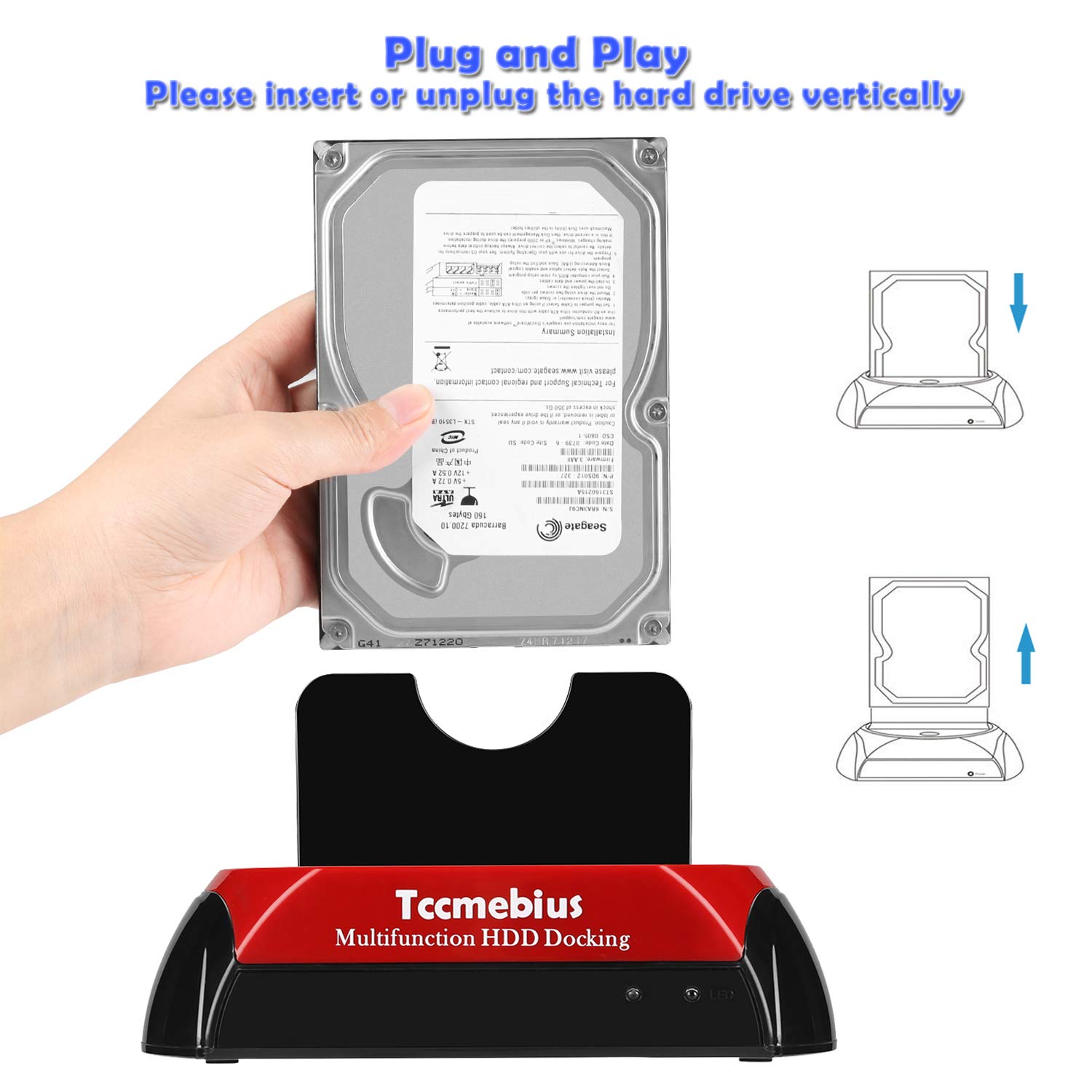
Will add images at some point. This an excellent docking station and with extreme care will last hopefully.. Just understand that some harddrives are very sensitive and must be handled with extreme care when connecting or disconnecting. The main drives to be aware of are the 2.5 Sata drives.. Just to avoid any damage done to the drive always make sure the docking station Is turned off or the USB lead disconnected to avoid any electrical short when inserting drives and boy oh boy I have had them short out so any data on the drive is lost forever unless your into micro surgery or data retrieval. Always make sure you insert the drive in the correct port.. DO NOT FORCE! Especially on older IDE 3.5 or even some 2.5 drives as the pins are easily bent. If you don't see the disc but its spinning go to disc management if on Windows and make sure the drive is assigned before deciding to scrap... Plenty of vids out there on how to do this. Anyway yes I like this docking station it looks quite nice In Black and Red plastic. Does the job intended.. I have a mountain load of drives and need to find files. I have other ways and means to extract data but this docking station is pain free providing Its used with care especially when inserting those drives.. Always Always disconnect from power when inserting a drive, and avoid touching any contacts on the hard drive unless you are grounded.. Static alone will damage a 2.5 Sata drive In other words all your important data gone in seconds, Always be aware of that with SD CARDS, Yes I know this docking station isn't a card reader I'm just mentioning the significance of fragility in these systems. Yes I like this docking station even if it didn't work I love the color.. Great work Guys
C**R
Does the job but a bit awkward to use
Works perfectly for a 3.5" IDE HDD and any SATA SSDs I've tried. I did try one 2.5" IDE which didn't work, however it is over 20 years old so the problem is likely with the disk. It has a movable power socket for 3.5" HDDs to cater for different sizes. One small problem is that the 2.5" socket is a bit fiddly (and the 3 5" one too a lesser extent) - e.g. you can't see it while plugging in the disk, and it's a tight angle, which gives the potential for damage while connecting.
C**S
Easy to use
Nice piece of kit easy to use and doesn’t feel cheap
B**E
Nice all round
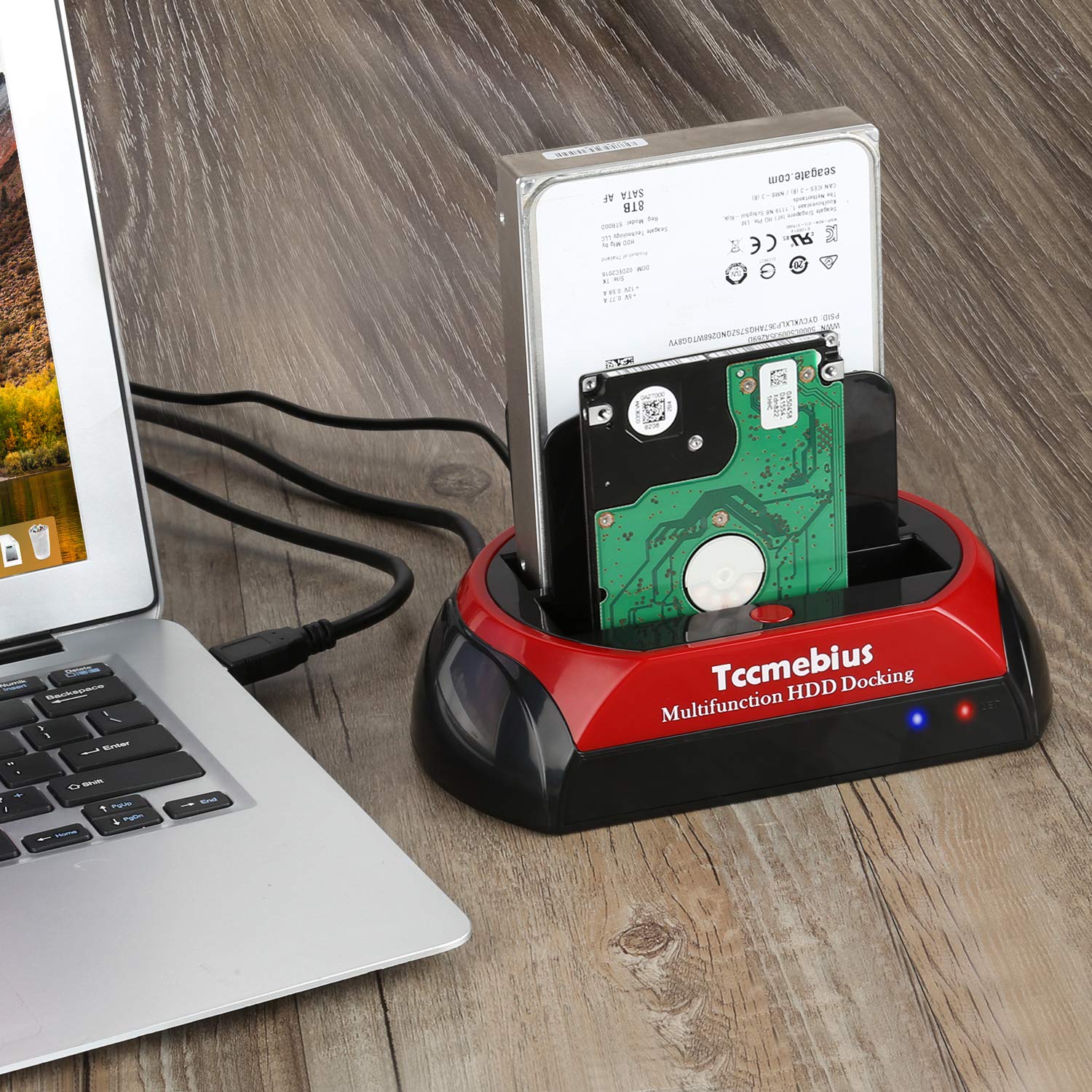
This has worked perfectly for all the drives I’ve connected to it. Not going to be lightning fast, but good enough to be able to read and write disks (spinning and SSD). Like the adjustable power plug on the PATA interface, so can be adjusted to fit any old disk. Laptop disks are no problem either, SATA or IDE. The blue LED is too bright and lights up the room at night, I wish they would use red LEDs like way back. Have just stuck a bit of Duct tape over the LED.
G**P
Not great for IDE
This works great with SATA but I am finding it impossible to connect an IDE drive; I had to stop as it was bending the pins. I will try with extension cables, but this means another purchase and is a let down.
E**D
Easy to use, worth it.
I am not the greatest technically experienced person but our pc had finally failed and I wanted to be able to access the data and (although most was backed up) I bought this hard drive docking station in the hope that I could remove the hard drive and use this for the task. I was hopeful that it would be an easy task and thankfully it proved to be. The hard drive dock was well packaged and very easy to install - just plug in and switch on. Inserting the hard drive did need some light pressure to engage the drive into the docking station - probably to be expected but as I said if you are not technical you may be concerned about putting any pressure on, don’t be it was really easy. If, like my husband, you expect instant access don’t ........ Just be patient once you have the hard drive in place, depending on the individual hard drive rate, it may take some minutes before the data is available, but it is great. Our hard drive is 7200rpm, 1TB. I am delighted with how easy it was to use and how successful the process was. If you have the space on your desk you could use this with a new external hard drive as your backup. It has proved to be value for money.
A**.
Docking Station
It works well with most drives but older desktop IDE drives don't fit it as the adjustment isn't enough. Laptop IDE drives work perfectly well with this item.
Trustpilot
3 weeks ago
2 days ago



