Desert Online General Trading LLC
Dubai, United Arab Emirates
Desert Online General Trading LLC
Dubai, United Arab Emirates


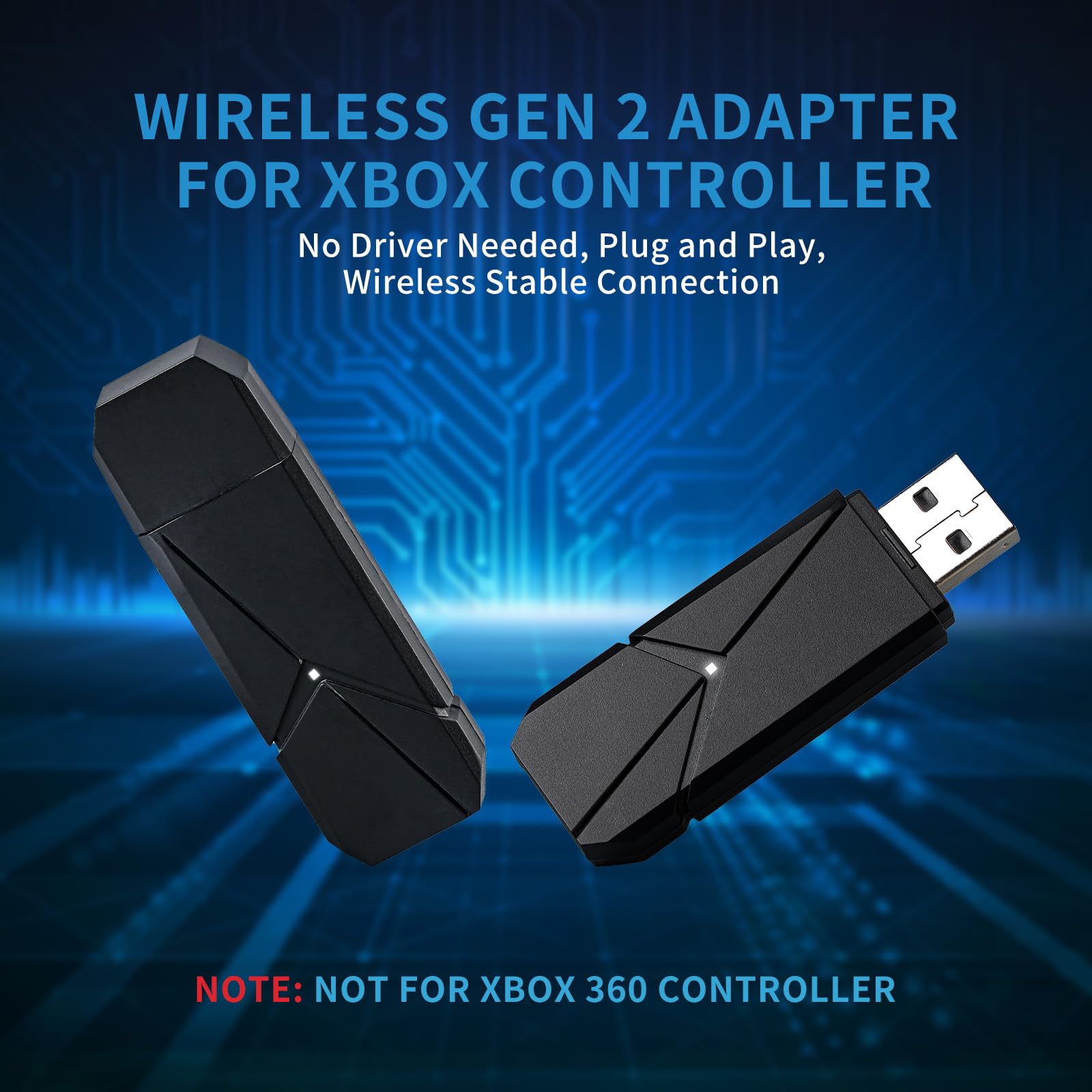
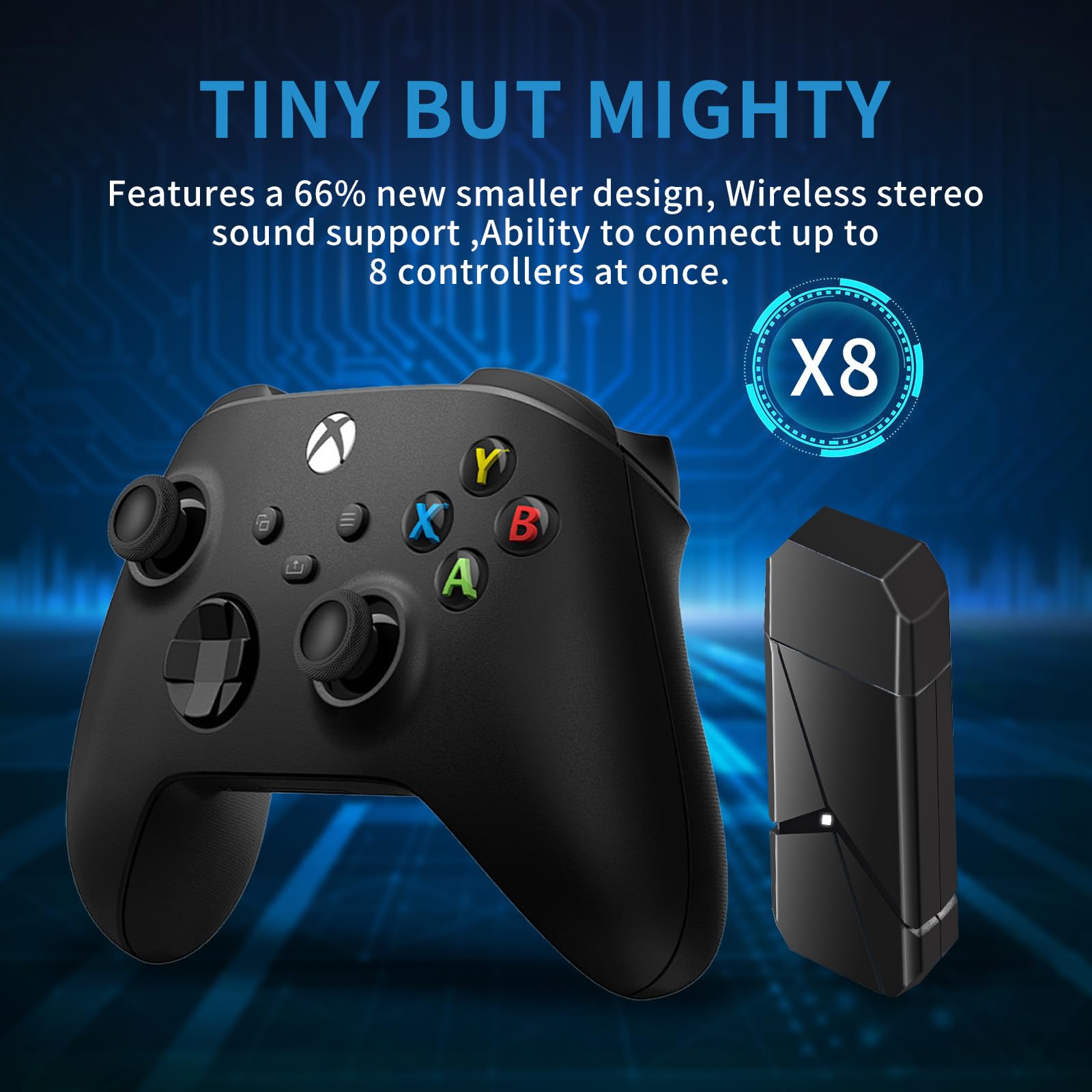

🎮 Level up your PC gaming with Xbox wireless freedom!
The TECTINTER Wireless Adapter brings official Xbox wireless tech to your PC, supporting Windows 7 through 11. It offers a robust 2.4GHz connection with a 6-meter range, supports up to 8 controllers and multiple headsets simultaneously, and delivers high-quality stereo audio for immersive gameplay. Its compact design and reliable customer support make it a must-have for serious Xbox gamers transitioning to PC.


| Unit Count | 1.0 Count |
| Number of Items | 1 |
| Package Quantity | 1 |
| Item Dimensions | 3.94 x 3.94 x 0.59 inches |
| Finish Types | Metallic |
| Color | Sky Black |
| Warranty Type | Limited |
| Connector Type Used on Cable | Controller Adapter |
| Compatible Devices | Controller for Xbox Series X |
M**E
Works well
Gives me great connectivity and still allows full sound on my headset when Xbox controller is connected on my pc the controller has full functionality with the dongle so I do recommend.
M**L
Doesn’t work
Didn’t automatically installer drivers, had to find and install them manually. No ideal but whatever Get past this hurdle, go to follow the instructions, press the button and the light will flash. There is no light on the dongle. I suspect they have ripped the instructions verbatim from the genuine Microsoft one without even being able to read them. Persevered regardless and it wouldn’t connect no matter what I tried. Doesn’t work, don’t waste your money.
R**N
Xbox controller dongle
Works well for all Xbox controller types I added a couple of raspberry pie heat sinks to keep it cool as it gets hot
M**H
Actually works with headsets.
Took a punt on a cheap adapter.99% say they don't work with headsets, but this one didn't have that line removed from the description.Well happily it works great. No drop of sound quality when using the mic. (Bluetooth drops quality)It does get quite hot though. Think I'll add a small heatsink to the chip on the PCB.Fingers crossed, it'll last.
V**R
Plug and play on my Windows 11 PC
I picked this up for my old Windows 11 PC that lacks Bluetooth, and this works perfectly.Very simple to use, just plug it in (may require a reboot after driver install on Windows 10), hold the sync button on the stick, and on your controller, and it should pair very quickly. You can quickly test pairing by hitting the Xbox button to see if it launches the Xbox Game Bar on your PC. Adding subsequent controllers is just a case of following the same steps - good for multiplayer games that support split screen.Build quality is OK for the price, very plastic-y, a little loose on the port, but it just works which is the important thing.Very handy device, which should also result in slightly lower latency / higher polling rates rather than using Bluetooth.
C**R
Working great
Coming in a small box this opens to the dongle and little much else. Its a light plastically little device with a cap.Once connected windows drops it's little bing bong and with literally no effort i was good to go. Press the single button on the top and on the controller and thats it, youre good to go.Fantastic for those who have a front room pc and want to sit on the sofa while still chatting, this is the best cost effective alternative.After a few days i did go to add a second controller and it is very warm, almost hot but this pc is never turned off and weeks later the dongle is still working fine.
Trustpilot
Hace 3 semanas
Hace 2 meses