Desert Online General Trading LLC
Dubai, United Arab Emirates
Desert Online General Trading LLC
Dubai, United Arab Emirates

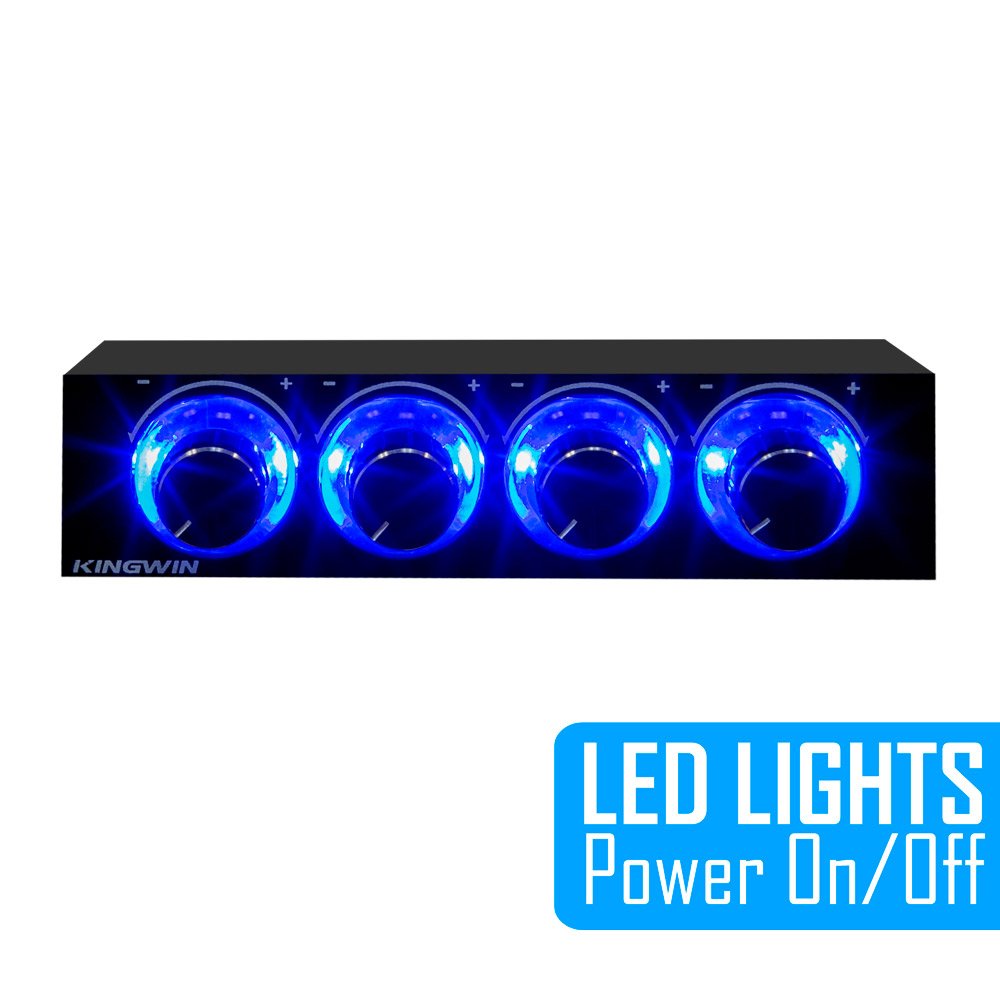


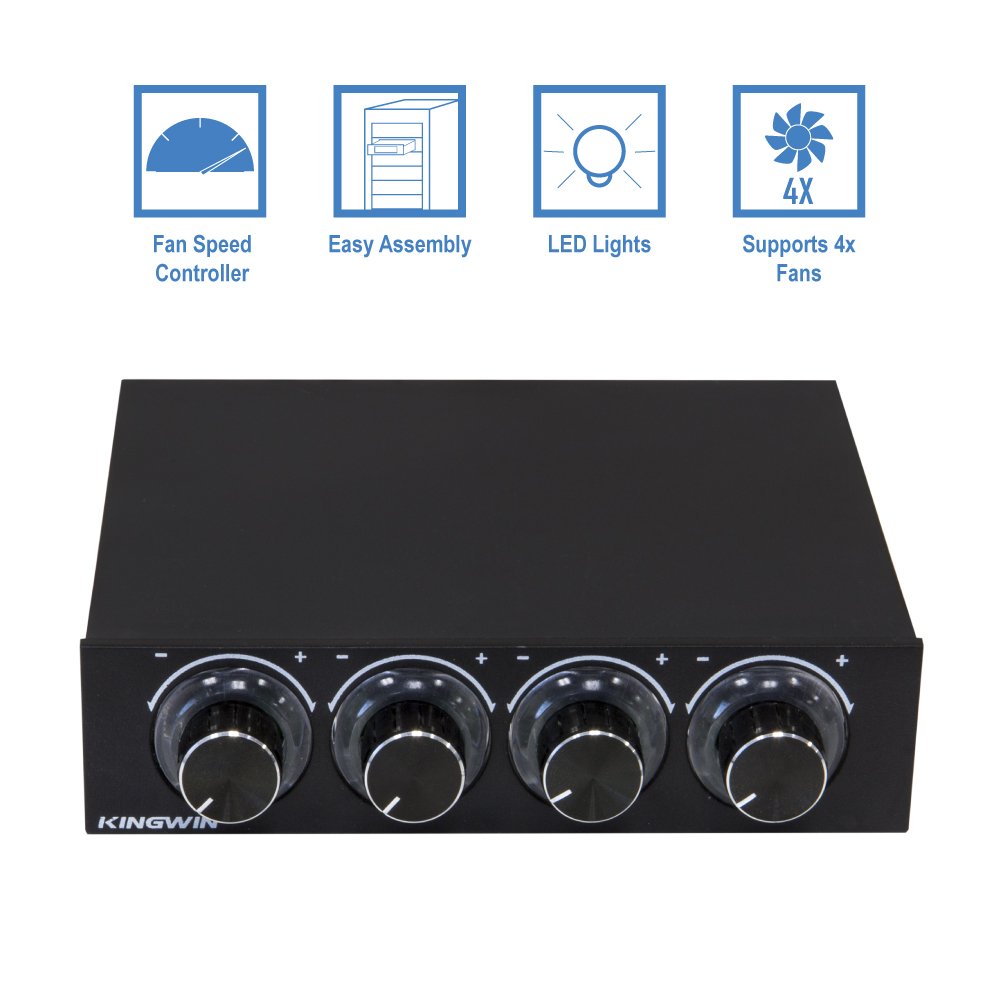


🚀 Elevate Your PC Game with KingwinFan Controller!
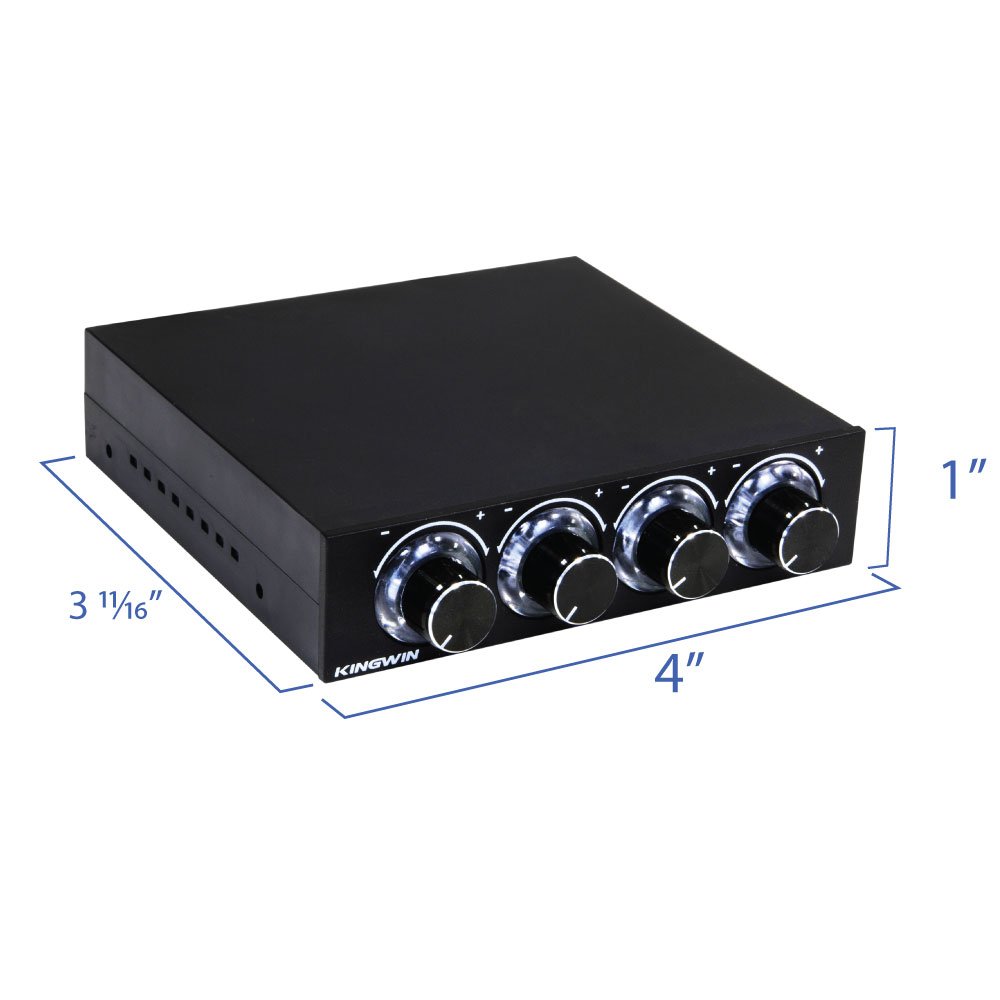
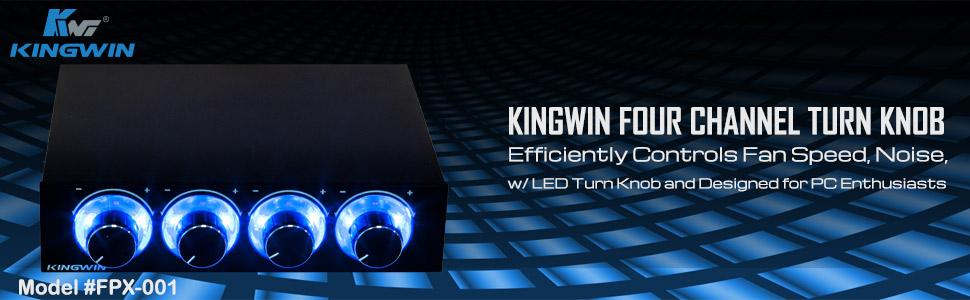
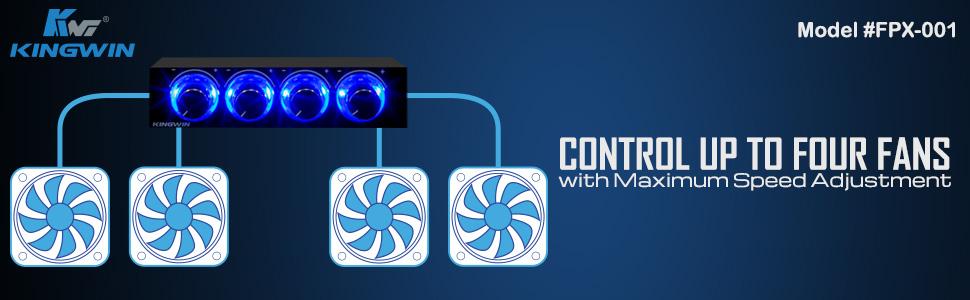
The KingwinFan Controller is a high-performance 4-channel fan controller designed to fit in a 3.5-inch drive bay. It features independent turn knob controls for optimal cooling management and supports a variety of USB connections, including USB 3.0 and eSATA, ensuring fast data transfer and compatibility with multiple devices. With a commitment to quality service, KingWin stands behind its products, making this controller a reliable choice for any PC enthusiast.

| UPC | 172304223796 804066544153 809185326048 172302660814 168141424540 808111663226 163121137328 809385175224 812348012160 132017921150 |
| Global Trade Identification Number | 00812348012160 |
| Manufacturer | KingWin |
| Charging Port Type | USB 3.0 (Type-A), USB-C, eSATA |
| Item model number | FPX-001 |
| Item Weight | 4.6 ounces |
| Product Dimensions | 5.25 x 3.5 x 3.5 inches |
| Item Dimensions LxWxH | 5.25 x 3.5 x 3.5 inches |
| ASIN | B00DP9WRZY |
| Country of Origin | China |
| Is Discontinued By Manufacturer | No |
| Date First Available | June 28, 2013 |
B**T
Works great for manually controlling fans
Product works good, just I find the leds super annoying so I removed those permanent led lights. The dials work good not bad quality. just be aware this is a 3.5” slot compatible device, you will need a 3.5” to 5.25” expansion bay adapter like how I have pictured if you dont have 3.5” slots.
C**E
Not great, just OK. You only get a low of about 60% MAX if that, and LEDS will ALL dim as you turn down if you have led fans :-(
OK....I installed this last night and am SOMEWHAT happy with it BUT.....the variable speed will NOT lower your fans much lower than about 60-70% so you're not going to be able to really turn them down much at all, prob just enough to adjust the noise a bit but not near as much as I was hoping. BE VERY careful when tightening this into a 5.35" adapter tray if you don't have a 3.5" floppy compartment....this is plastic housing and pretty cheap and I BARELY tightened my first screw and stripped it out VERY easily so used a bigger screw to get it tight again.ALSO, if you have LED colored fans, the WILL dim also as you turn them down which is also a bummer....it's be nice to have the LED stay bright and still be able to turn them down like my case fan will if plugged into the sysfan connector on the motherboard but when plugged into this it gets dim as I turn it down, Also if you have software that controls your fans like some motherboard utilities have and some games can do it won't work as you're overriding these since they are plugged into this instead. All in all, I wish there was a way to simply have more case fan connections coming off the actual board instead or an adapter of some kind you could plug into the ONE case fan connector on the motherboard and have it create two-4 more sys fan plugs without sacrificing led brightness and better low end speeed like I get with my motherboard software (I c literally turn them down to like 10% and still have 100% brightness o the LED) but then I'm not sure if it'd power them all, but I don't see why not. But since most motherboards only have one sysfan maybe two connectors I went with this with hopes in achieving something that the motherboard (Gigabyte LGA 1150) software does and it technically does the trick but at the cost of not much change overall when turned down all the way (again at 60-70% lowest speed only) which is a bummer, I wanted about 20% and up variance but you won't get it....60% or so and higher is all this will do which isn't much really and then it REALLY dims your leds too so in hindsight I probably wouldn't have bought this and tried something else but for the money and the fact it's installed I think I'll leave as is for now until I find a better way since I'm not upgrading anytime soon to say water cooling where I wouldn't need the fans much...So if anyone knows a better way to have more sys fan connectors that come off the actual sysfan on the board I'm all ears....a moduar power supply with adapter cables worked to add more too but the mobo software wouldn't control all the fans without dimming either because they aren't seen unless plugged into the sysfan on the board so the LEDs and speed were topped out at max with no control but did of course work, just at full speed only. Kind of . bummer. I wanted to control two front fans, and 3 top fans with this which it DOES do, but the low speed isntvery low at all and then of course the LED lighting is variable too so the lower you go down the dimmer the LEDs.....not a huge issue but I like to show off my case and also wanted a much lower bottom end control....not just . 40-40% decrease but more like 20% and up option.... So for the dimming of the LEDs and the not so low fan speed-ability I dock a star for each.
A**R
Made of Plastic
Yes, this item has a plastic housing, what happened to the all metal housings??? Yet the reason I am giving this 5 star is it fits perfectly in a Thermaltake Level 20GT hard drive cage!!! Actually I can put two of these in one cage and when I want to adjust the fan speed, just pull out the trays and adjust. I was first concerned about the thickness of this item and it being too large to fit the cages, but it does. I can see also why the screw holes would strip out easily and it only aligns with two screw holes in my thermaltake drive bays, but a tight fit and not moving. I am well happy with these controllers. These should fit in any the new model thermaltake dive bays or cages. GT or View models which I have.
H**S
Good unit, dont expect alot from it.
I had high hopes for this unit as an amazing fan control. Turns out I used it only as a central location to hook my fans into, which turns out its perfect for.As it only mounts into the 3.5" slot as described you really cant adjust it on the fly.It is plastic so it has a cheap feel to it. I tried modding it to fit in a front grill of the external bay so I took it apart and put it back together, which it took like a champ. I then installed it in the case as the "fan central wiring hub" and its perfect in there and adds extra lighting inside.I also received a unit that only seems to work 60% to 100% IE It does NOT shut off the fan = 0% but instead slows it down but I see no difference from 0-60%. It also dims the LED lights on your fans.All in all a good choice if you use it as a central place to connect 4 fans. If you want to control your fans I would go for the external touch screen units.
R**R
works as intended.
Works as described. The casing is light and feels cheep, but that s not a problem for this item for something that is meant to fit into a floppy drive bay. The knobs are smooth in rotation and don't have click points, but that will just depend on your preference. Opening up the device is easy if you need to and that allows you to place the device into other enclosers.I was able to place the controller into a hard drive sled by removing the metal backing of the sled. for a server that was having fan control problems.
V**O
FPX-001 is decent for the price.
It's small, made for small towers I assume. But disregarding the size, it works and is cheap. I figured out a way to put it in my case and it works perfectly, allows me to control extra case fans I have to both reduce the noise from fans as well as keeping all of my computer insides cool.Good buy overall if you're looking for something cheap and working.
P**Y
This controller not compatible with 3-pin case fans only small 2-pin fans
This item will only work with small 2-pin fans not the big 3-pin case fans. This product is useless to me
L**L
Awesome 3.5" fan controller for "retro" builds.
this fan controller was super easy to install, looks great, and most importantly: matches the theme of my "retro" 2000s-style PC I'm currently rebuilding. I've always loved the look of these fan controllers, and I'm super stoked to have found one!
Trustpilot
Hace 2 semanas
Hace 2 días