We remain fully operational. Our teams are working around the clock to ensure your deliveries continue safely.

Descargar la aplicación


Servicios al cliente
Sobre nosotros
Copyright © 2025 Desertcart Holdings Limited
Descargar la aplicación






Buy anything from 5,000+ international stores. One checkout price. No surprise fees. Join 2M+ shoppers on Desertcart.
Desertcart purchases this item on your behalf and handles shipping, customs, and support to Peru.
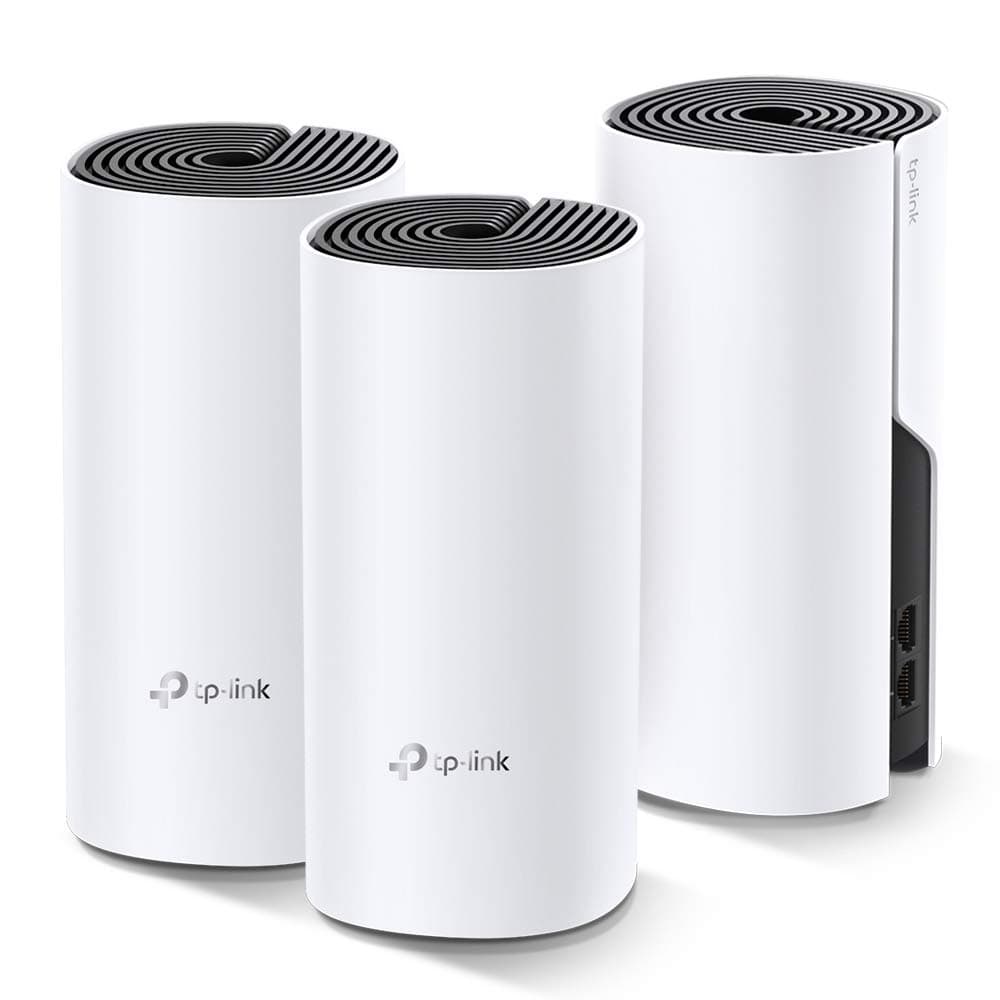
🚀 Elevate your home WiFi game—because buffering is so last decade.
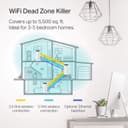
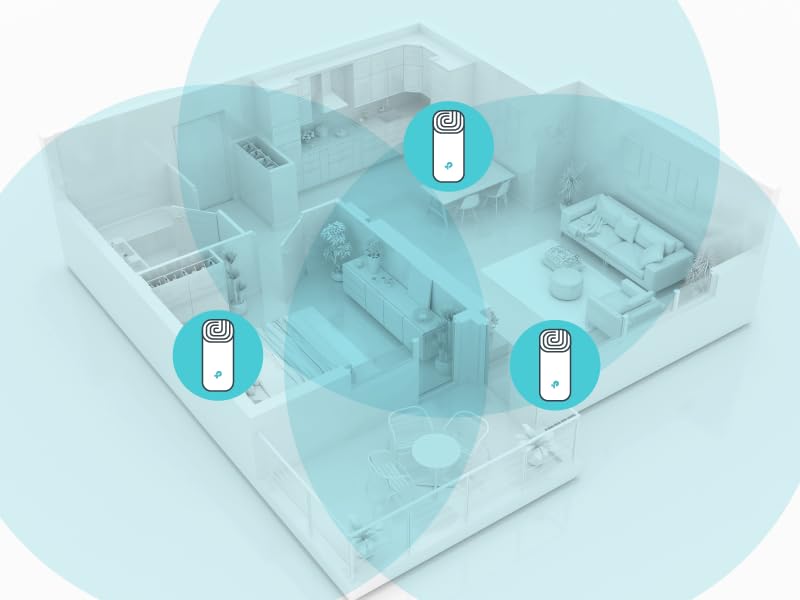
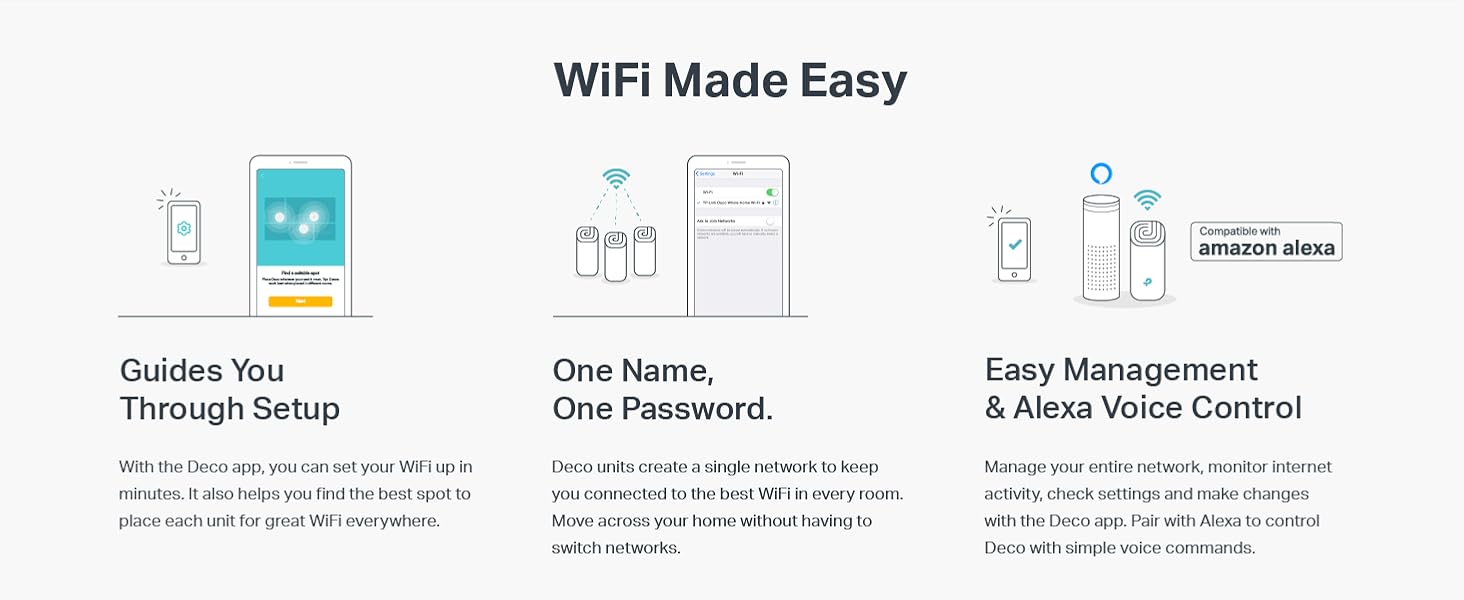
The TP-Link Deco M4 3-Pack Mesh WiFi System delivers expansive 5,500 sq.ft. coverage with AC1200 dual-band speeds, supporting up to 100 devices seamlessly on a single network. Featuring advanced mesh technology, it ensures uninterrupted roaming throughout your home, robust parental controls, Alexa compatibility, and an easy app-based setup backed by 24/7 award-winning support.








| ASIN | B07NF6V8SC |
| Antenna Location | Home |
| Antenna Type | Internal |
| Best Sellers Rank | #66,041 in Electronics ( See Top 100 in Electronics ) #273 in Whole Home & Mesh Wi-Fi Systems |
| Brand | TP-Link |
| Built-In Media | Network Cable, Power Supply, QIG |
| Color | 3 Pack |
| Compatible Devices | Personal Computer |
| Connectivity Protocol | wi-fi |
| Connectivity Range | 5500 Square Feet |
| Connectivity Technology | Wi-Fi |
| Control Method | Voice |
| Controller Type | amazon_alexa, vera |
| Coverage | 5,500 square feet |
| Customer Reviews | 4.5 4.5 out of 5 stars (2,264) |
| Data Transfer Rate | 1200 Megabits Per Second |
| Frequency | 5 GHz |
| Frequency Band Class | Dual-Band |
| Global Trade Identification Number | 00840030700125 |
| Is Modem Compatible | No |
| Item Dimensions L x W x H | 3.57"L x 3.57"W x 7.48"H |
| Item Type Name | wifi router |
| Item Weight | 3 Grams |
| LAN Port Bandwidth | 1000 Mbps |
| Manufacturer | TP-Link |
| Maximum Upstream Data Transfer Rate | 867 Megabits Per Second |
| Mfr Part Number | Deco M4 (3-Pack) |
| Model Name | Deco M4 (3-Pack) |
| Model Number | Deco M4 (3-Pack) |
| Number of Antennas | 3 |
| Number of Ports | 2 |
| Operating System | Android |
| Other Special Features of the Product | Fast Charging |
| Security Protocol | WPA2-PSK, WPS |
| Smart Home Compatibility | Smart Home Compatible |
| UPC | 840030700125 |
| Unit Count | 1.0 Count |
| Warranty Description | 2 Years |
| Wi-Fi Generation | Wi-Fi 5 |
| Wireless Compability | 802.11a, 802.11ac, 802.11b, 802.11g, 802.11n |
V**N
Solid economical buy for home Wifi mesh system needs with good signal bandwidth
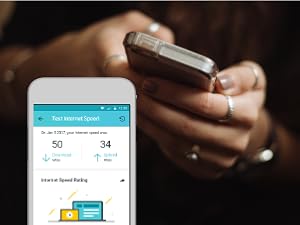
This review is about TP-Link Deco Whole Home Mesh WIFI System – Seamless Roaming, Adaptive Routing, Up to 5, 500 Sq. ft. Coverage, Works with Alexa(Deco M4 3 Pack). Need: Setup mesh router system for WIFI on my two-storey 3000 sq.ft home. Price: I started with Google Wifi system (3-pack) but ended up preferring the TP-link system primarily because of the price-point (approx, $300 vs $150). Setup: Connect to ISP-provided router (disable WiFi if it has one). The provided setup installations via downloaded TP-Link mobile-app are thoroughly straight forward. One thing to note is that the positioning of the each mesh-router would depend on the layout of the house (location of walls/other signal-blocking obstacles, Wifi-needing devices etc.). Some competitors have option that indicates the strength of the mesh setup as to whether if a router needs to be re-positioned). I myself did the manual way of identifying the places where router needs to be placed, did the setup via the app and then moved throughout the house doing internet-speed tests. Once you do some trial and error, and feel comfortable, it should hold good then onwards (provided your ISP-provided-bandwidth is good enough). The speeds provided (upload/download Mbps) by each router is at par with my ISP-plan speeds. Notable Aspects: I created dual networks (2.4Ghz, 5Ghz). You may configure WiFi-devices to connect to both/one. Yo may very well assign static IPs which is probably required for camera-security-system setups (involving cameras, receiver, switches etc.). I operate the system in 'Router' mode where it is responsible for IP-assignment. Also, you may assign priority to some devices like mobile-phones, laptop etc (so, they aren't bandwidth-throttled by other competing devices. There are 2 ethernet ports on the back (one obviously to connect to ISP-provided router) and the other may be used in cases where direct LAN access is needed for any devices (I use one to connect to my mobile-carrier-signal-booster). You may stick some devices to a particular router (eg: Ring doorbell) or by default, beam-forming with have devices connect to router generating max-signal-strength. In cases where you may want to reboot the system, it is possible to do so via the mobile-app. The mobile-app is mostly functional with some occasional lag (like when renaming some connected devices, it sometimes takes 2 tries to achieve it, also when refreshing the connected devices list it takes 5-10 seconds for the devices list to refresh etc.). Attaching few snaps. Overall, hardly any complaints after 6 months of usage. I'll update this review if I notice anything substantial.
J**N
May save your marriage.
Prior to TP-Link Deco, I lived a life full of angry women (wife and four daughters) who constantly chastised, berated and blamed me for wifi outages, poor connection speed and inability to stream their favorite shows. I felt emasculated, inadequate and an overall failure as I was told that wifi and all electronics was my job. Step one was to change from ATT uVerse as they had poor 25 mbps download speed in my neighborhood. Done. I moved to Spectrum with 400 mbps download thinking my woes would be cured. Nope. I had poor home coverage as our house is larger than average. Even after adding a Nighthawk router to replace the inadequate, buggy router from Spectrum, I still fell short and was barely getting any signal on my third-floor office. After calling in a Spectrum technician, we discussed a Mesh network and he said it was mandatory. I researched systems and bought the TP Link system. Setup was simple and despite having to hookup what seemed like 100 devices (laptops, wifi-tv's, Blink security, ipads, Kindle's, phones, desktops, Energy consumption meter, etc.) it was 100% worth the trouble. My speed in the house is consistently fast and is also reliable. My wife now speaks to me again and brags of my wifi and technical prowess. I sometimes catch her giving me that approving look that all men yearn for. I believe it has improved her libido as well. My daughters no longer hold their heads in shame when their wifi-entitled friends come over. TP Link is to thank as my home is now a blissful wifi-paradise.
F**Y
STOP THINKING...JUST GET IT!
By far the best ISP WiFi router alternative for the money. Before this I tried so many options to boost the junky ISP Wifi router signal. We have a house with 2 floors and the ISP router was constantly cutting out and dropping signals. The only strong area was just in front of the router. Now we have a strong signal through tour the whole house, in the backyard and even in the garage. You can even buy more nodes if necessary, but most won’t need it, three should cover most average size houses nicely. And the best part is that there haven’t been any complaints about slow WiFi since I installed the system, (dads you know what I’m talking about). Also, setup was really simple. I heard that some other systems might have been challenging, which is one reason I chose the TP Link. Directions are pretty clear and there are lots of YouTube videos to walk you through the setup (but you really won’t need it), setup is a snap. They also look nice, no need to hide them like most other routers. Seriously, stop debating and just get it. I was not paid to do this review. I bought the system out of necessity and after several months of service with no hiccups in service, I’m 100% satisfied with my purchase would absolutely recommend the product to anyone who is frustrated with their lousy coverage from their ISP WiFi router. Just buy it. You won’t regret it.
Trustpilot
Hace 1 mes
Hace 3 semanas