We remain fully operational. Our teams are working around the clock to ensure your deliveries continue safely.

Descargar la aplicación


Servicios al cliente
Sobre nosotros
Copyright © 2025 Desertcart Holdings Limited
Descargar la aplicación

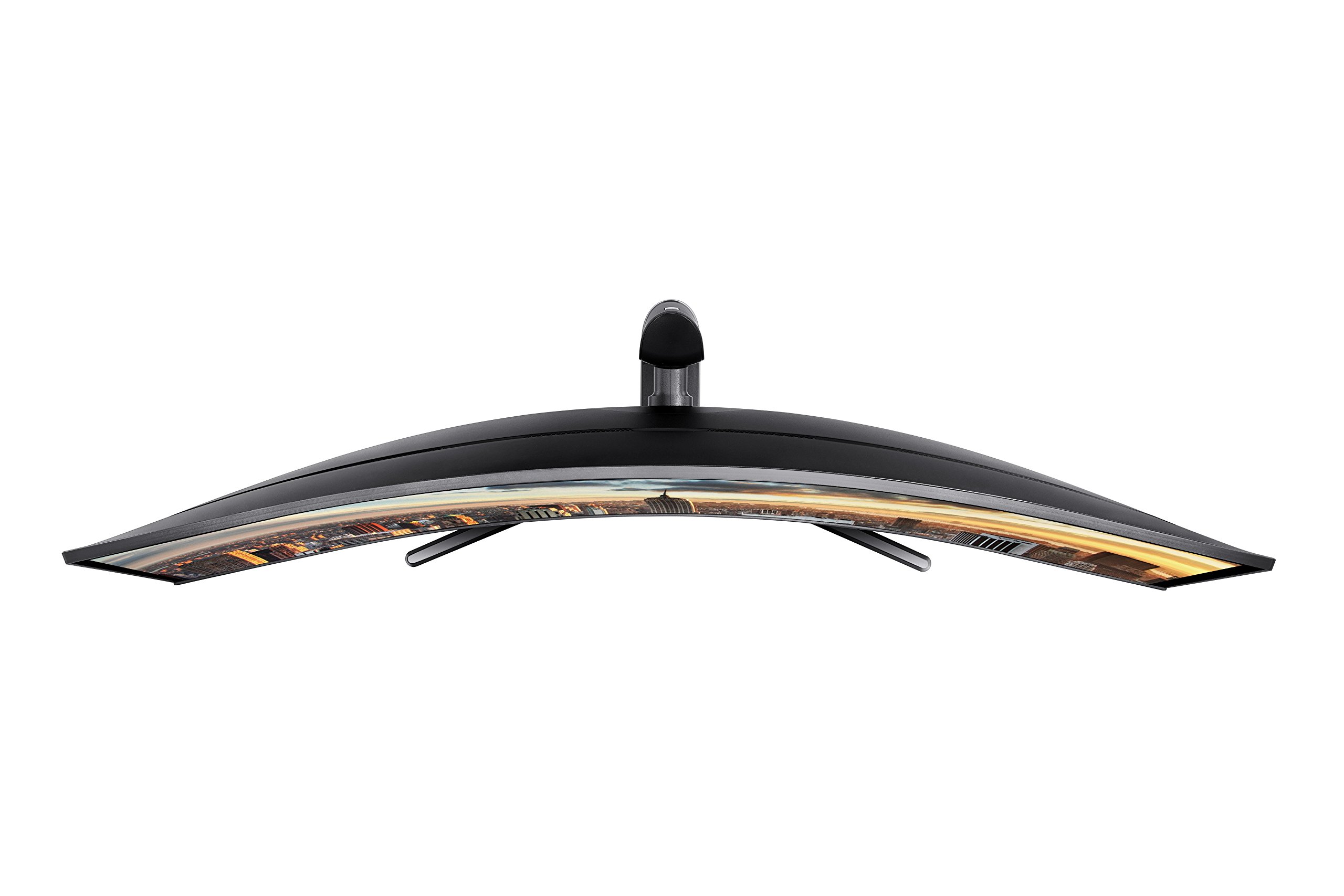
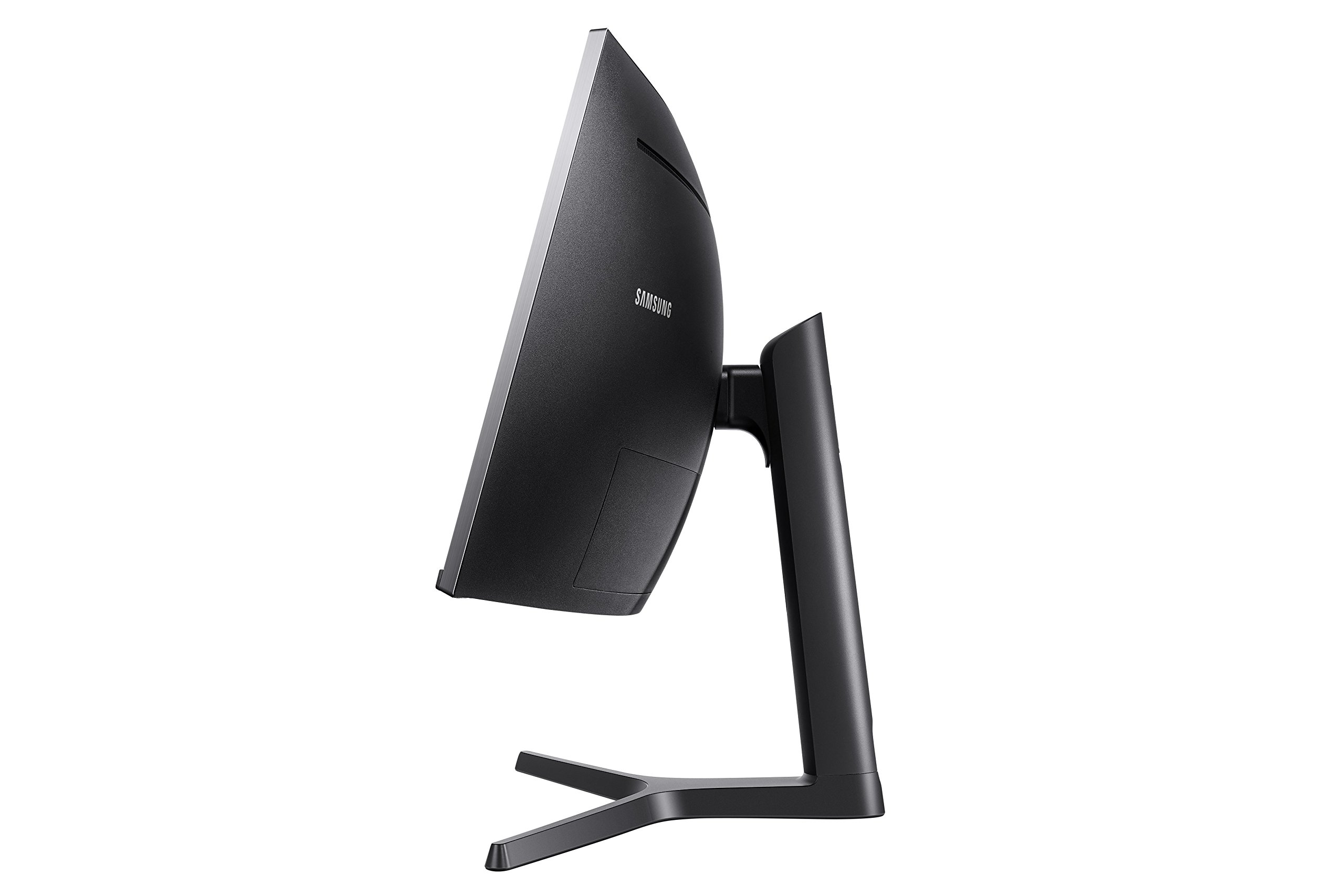
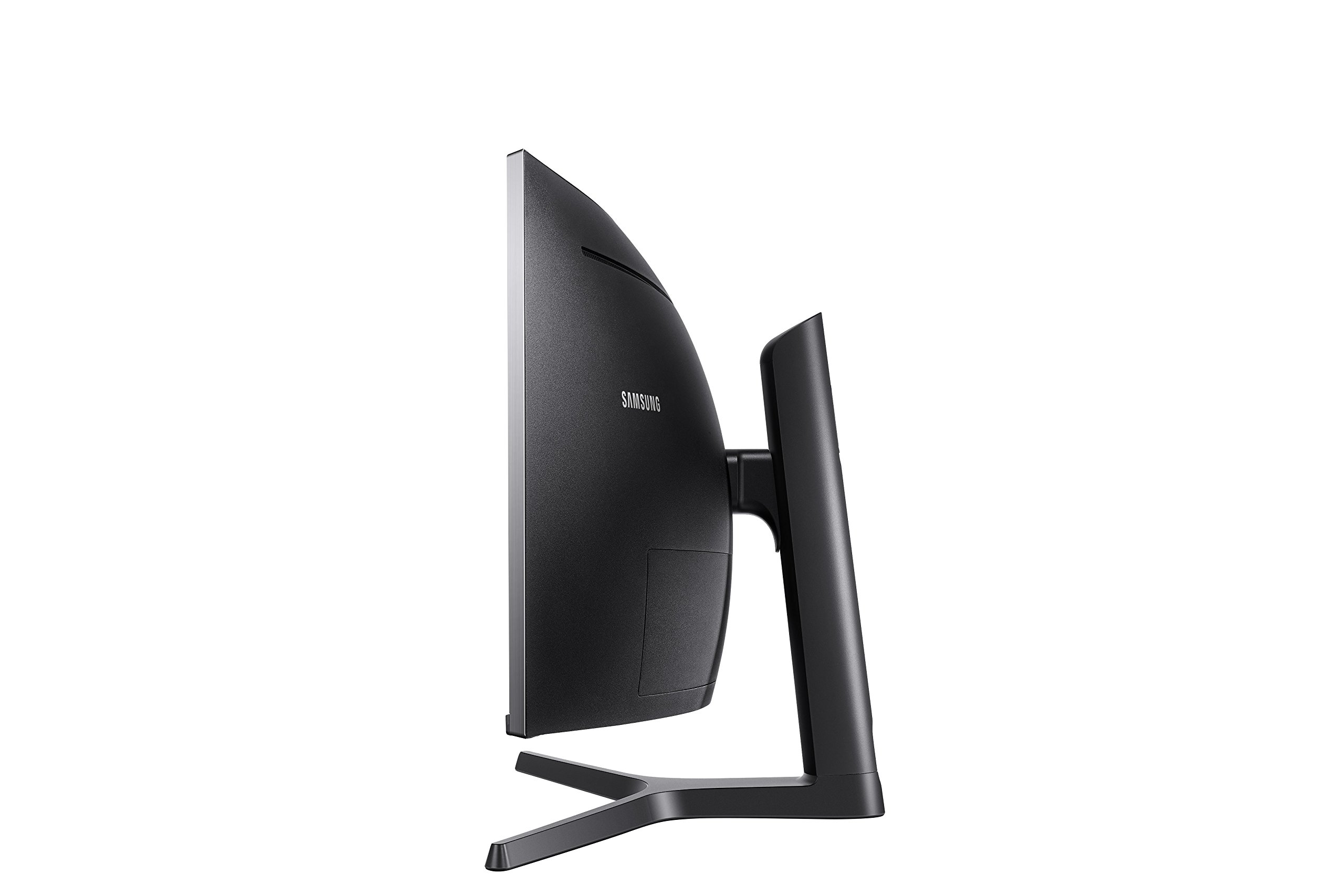
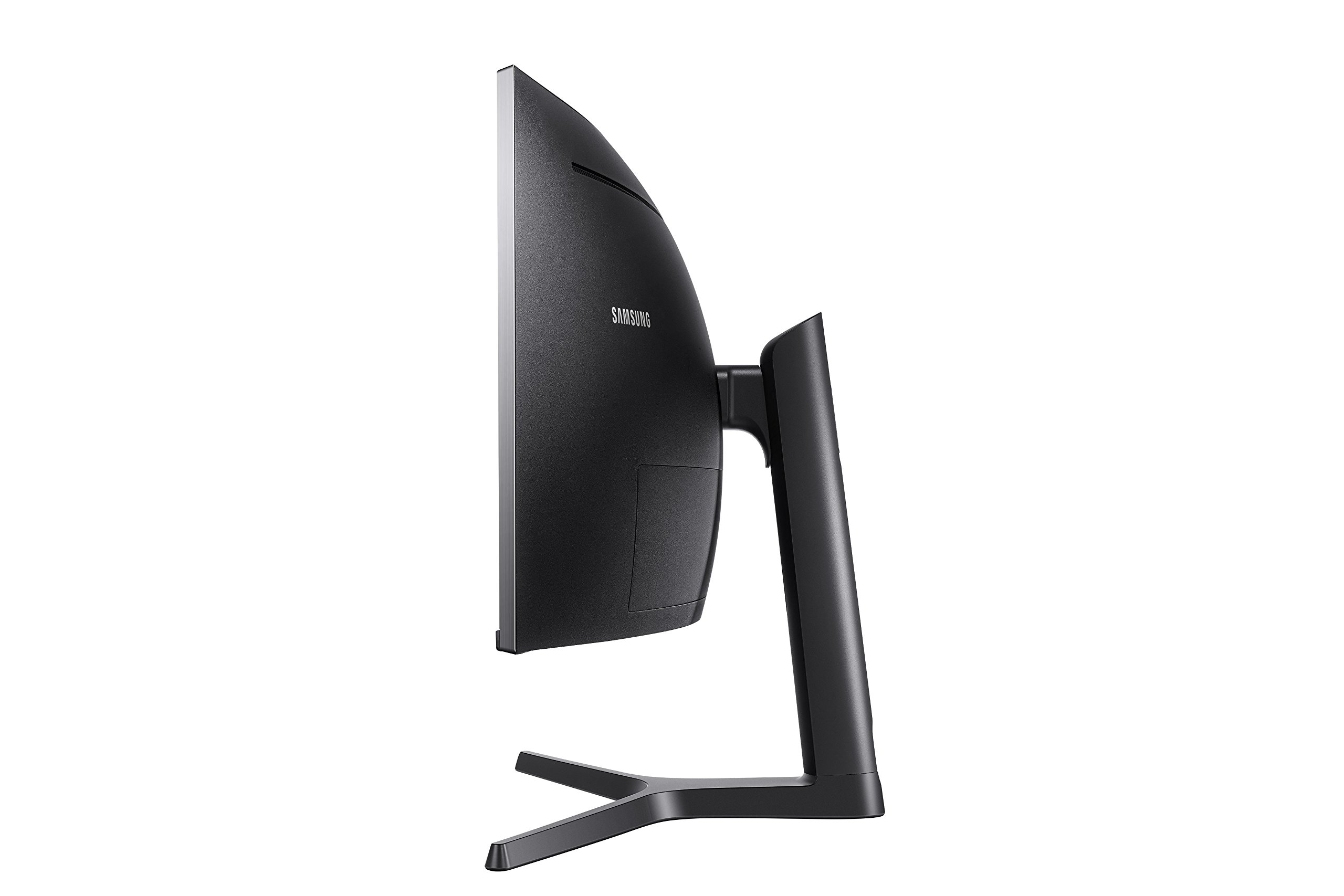

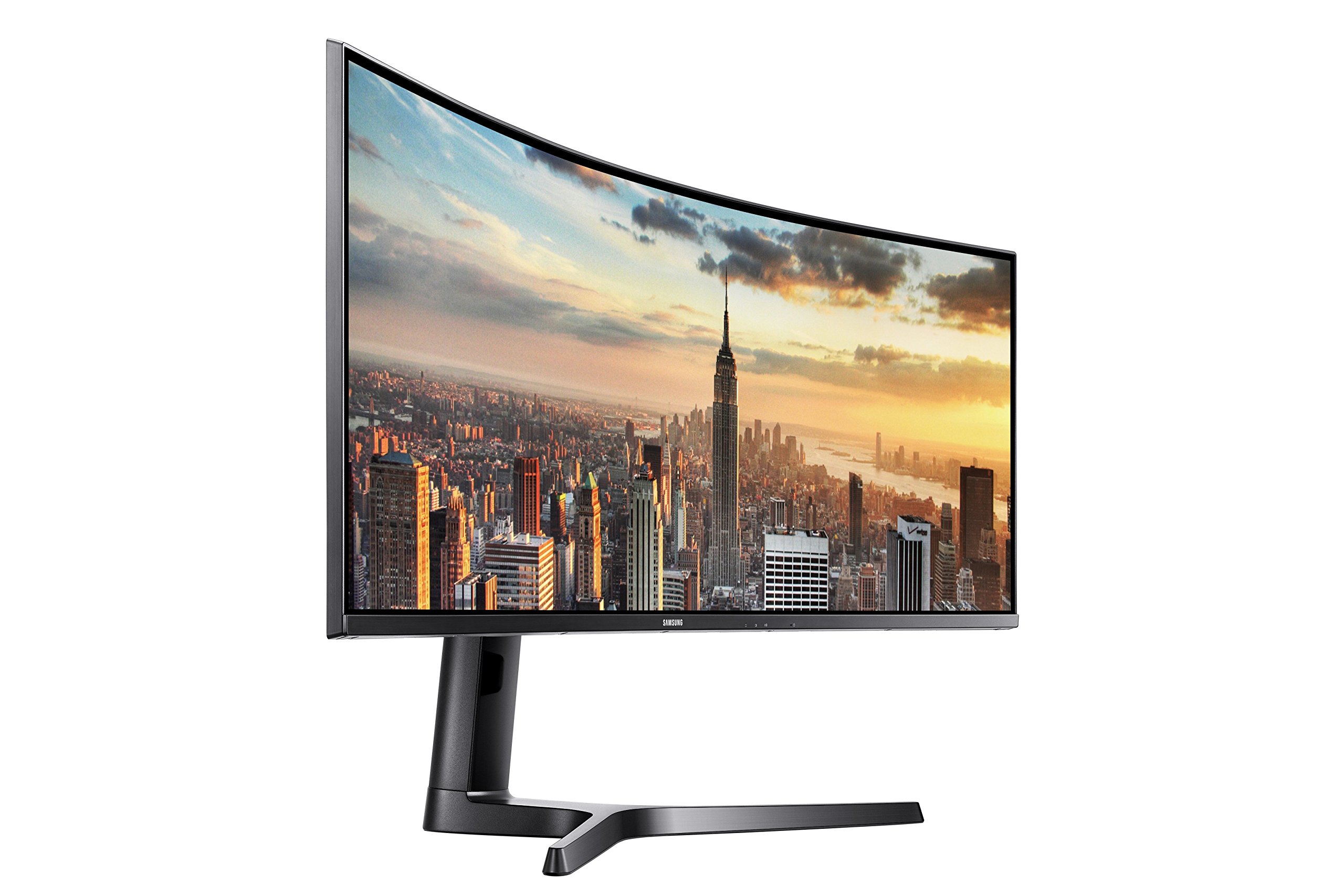

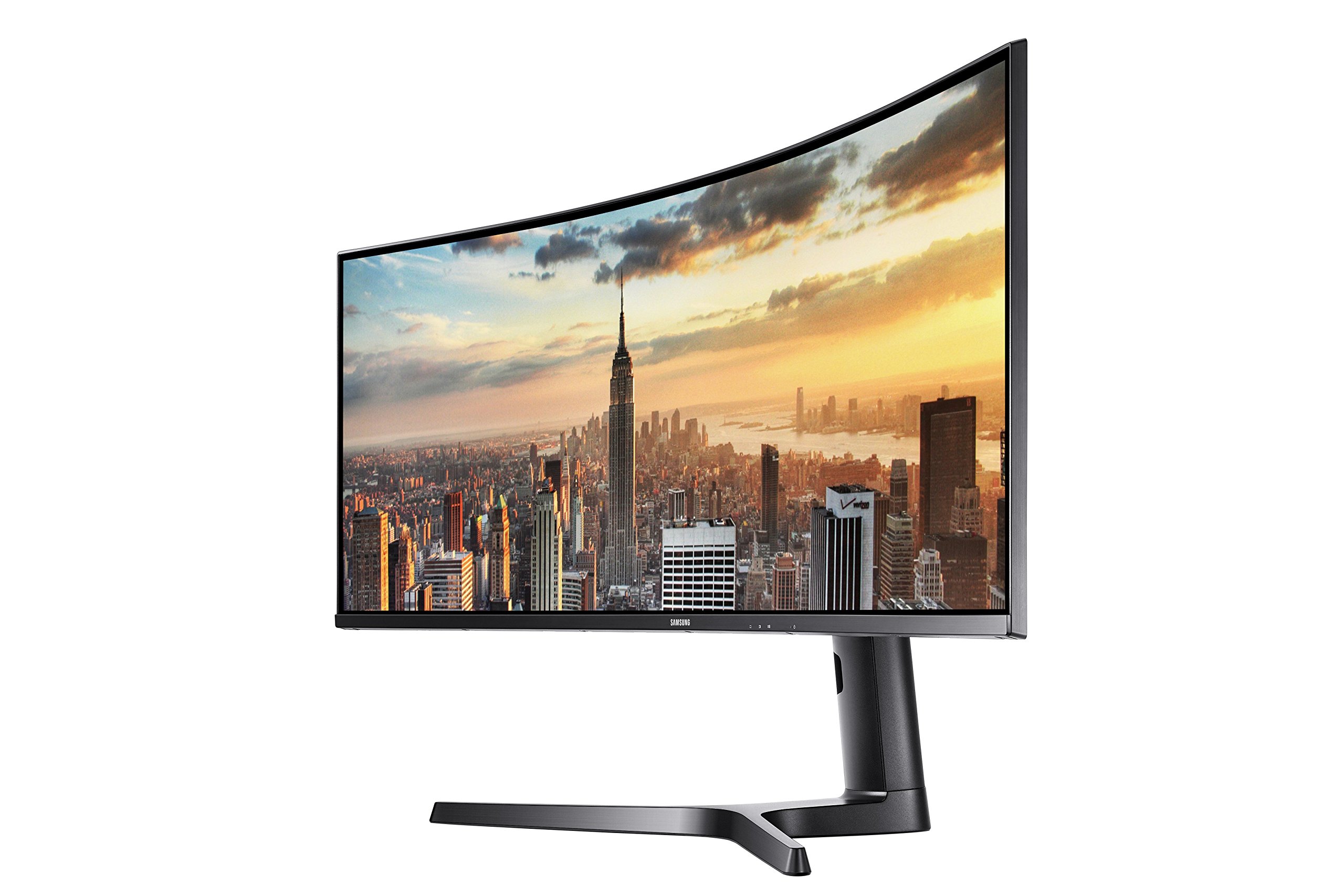
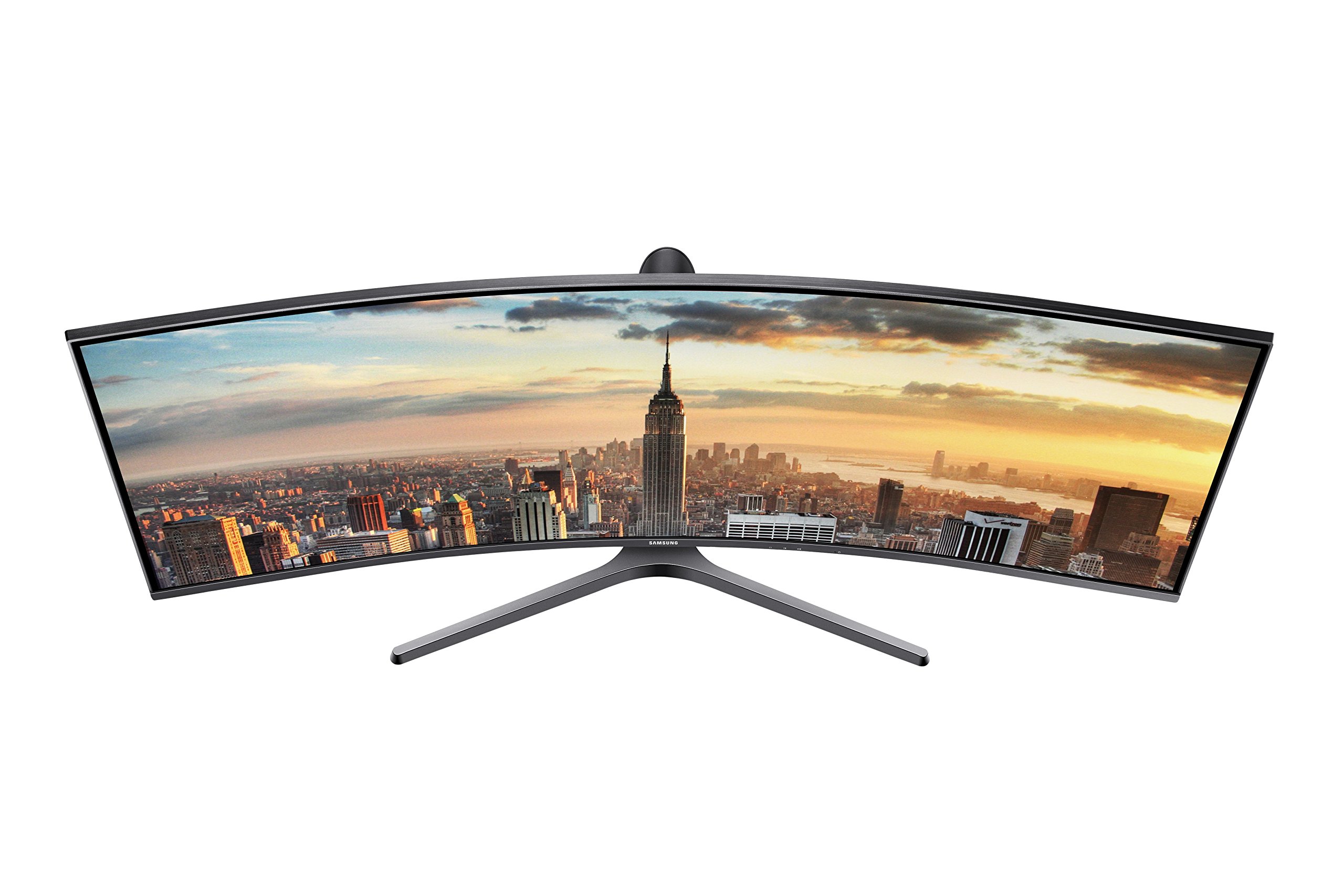


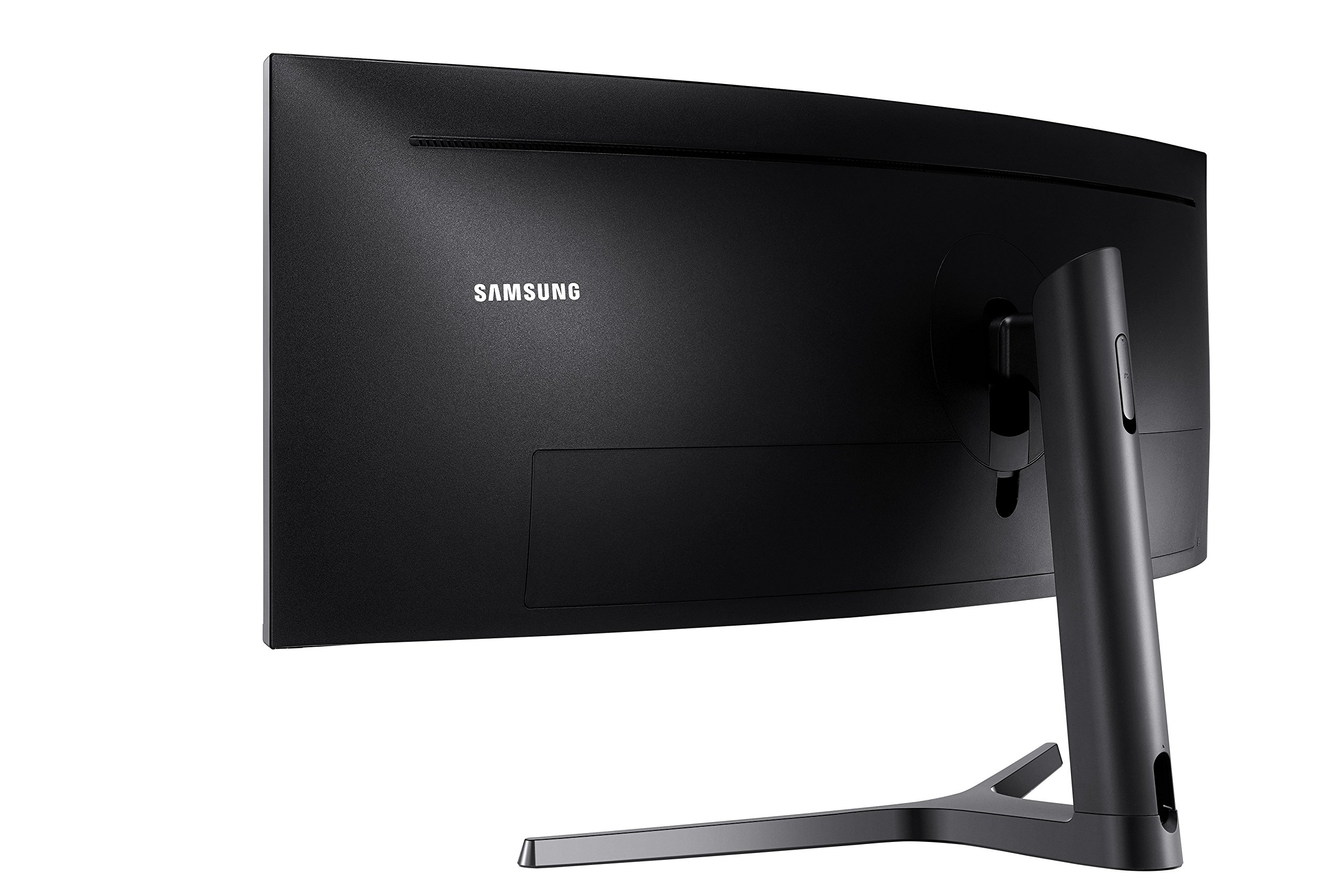
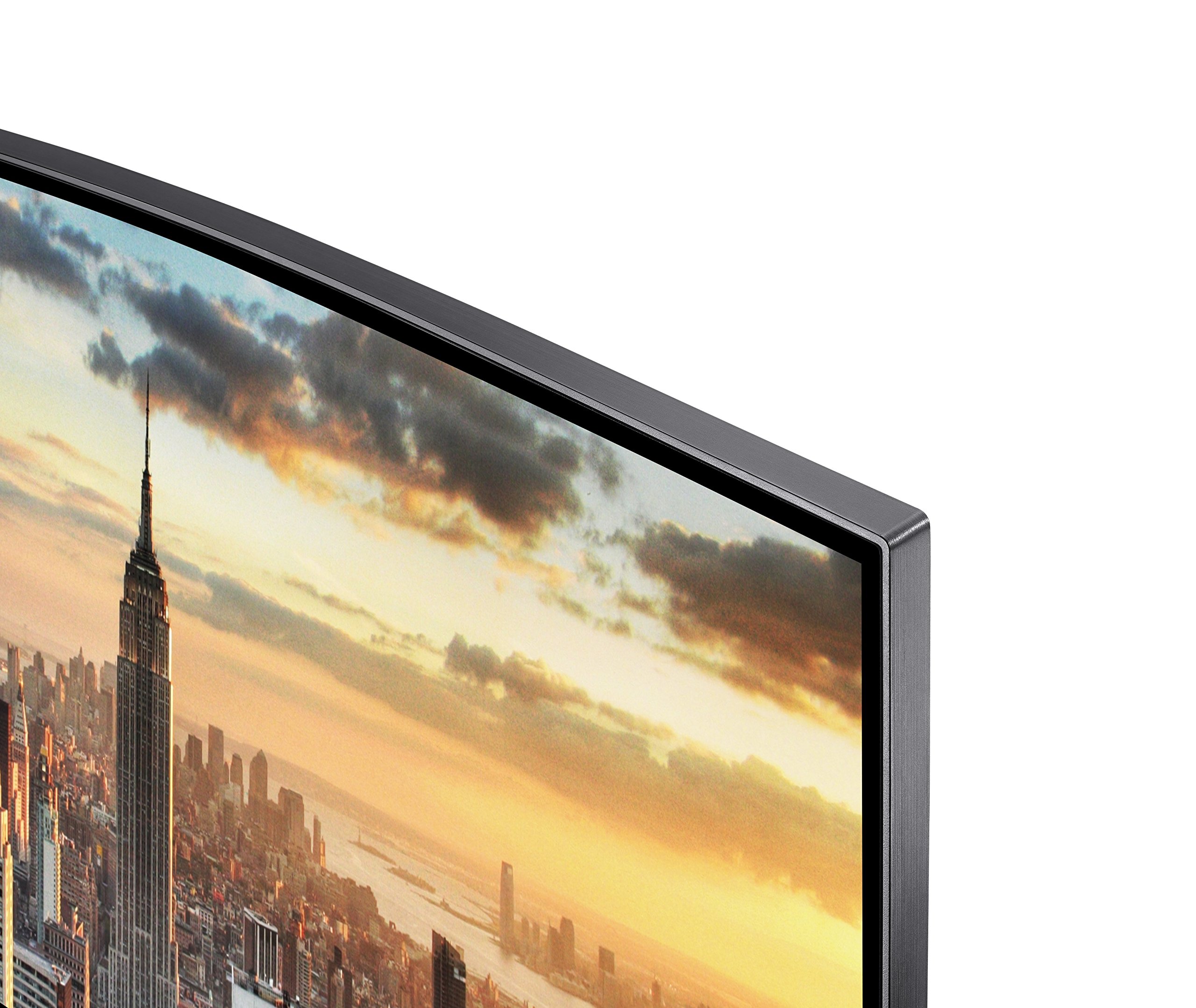
🚀 Elevate your productivity and play with the ultimate panoramic powerhouse!
The Samsung C43J890 is a 43-inch super ultrawide curved monitor featuring a 3840x1200 resolution and a 32:10 aspect ratio, designed to deliver expansive screen real estate ideal for professional multitasking and immersive gaming. It boasts a rapid 120Hz refresh rate for smooth motion, multiple connectivity options including USB-C for streamlined device integration, and built-in 5W stereo speakers for quality audio, making it a versatile centerpiece for any modern workspace or gaming setup.


| ASIN | B07FB39NGH |
| Are Batteries Included | No |
| Best Sellers Rank | 351,584 in Computers & Accessories ( See Top 100 in Computers & Accessories ) 5,369 in Monitors |
| Brand | Samsung |
| Colour | Dark Blue |
| Customer Reviews | 4.2 4.2 out of 5 stars (146) |
| Date First Available | 1 Aug. 2018 |
| Guaranteed software updates until | unknown |
| Item Weight | 13 kg |
| Item model number | LC43J890DKUXEN |
| Manufacturer | Samsung Monitor |
| Number of HDMI Ports | 1 |
| Number of USB 3.0 Ports | 3 |
| Product Dimensions | 12.36 x 41.81 x 20.63 cm; 13 kg |
| Resolution | 3840 x 1200 Pixels |
| Screen Resolution | 3840 x 1200 pixels |
| Series | C43J890 |
| Standing screen display size | 43 Inches |
| Voltage | 240 Volts |
| Wattage | 59 watts |
M**R
Best monitor I’ve ever owned bar none.
After receiving one with a dead pixel, the Amazing Amazon Customer Service had a perfect replacement out the next day. I bought this primarily for 3D CAD modelling with some gaming on the side, after trying several different setups, 2 x 27” monitors, 1 x 43” 4K tv but nothing felt or performed right until I bought this. Though slightly smaller than 2 x 27” monitors, (it actually measures at 2 x 25” monitors) The extra resolution, 1200 instead of 1080, means there’s as much screen area for cad work, menus etc but crystal clear image. It looks amazing on the desk, and is certainly a centre piece and a joy to use. As for gaming, the 120hz refresh rate is noticeably better than my old monitors, no blur during fast action, and the 5ms response is certainly fast enough for fast games. Contrast is great, rich deep dark colours and bright highlights.. Best thing I’ve bought for my gaming set up, I mean, my work set up ;)
M**H
Excellent all round monitor
No regrets buying this monitor, excellent for gaming (surround effect is quite unbelievable) My only drawback is Lightroom CC Classic and other Creative Cloud applications, they take a very long time to load. I have done research into this and cannot find any answer, the Lightroom window will always load full screen by default and you cannot resize it (even using software) My PC spec is ample, RTX2070, 32GB Ram etc but Creative Cloud has resolution issues with this monitor making it painfully slow loading. Please leave any comments if you are having simular problems with Adobe products and this monitors resolution. Very happy otherwise. I have left a image of the Lightroom window default size with cannot be changed on opening.
C**I
Great, but not a full price and with some caveats.
UPDATE - November 2020: To avoid confusion, my review is for the Samsung model: LC43J890DKUXEN 43" I still love this monitor. It's been working flawlessly and I don't see myself replacing it any time soon. If you're looking at the 40" version, keep in mind it may be too long for you. I have a friend who has it and I personally find it 'too wide,' compared to mine (43"). Basically, when you have 2 windows open, with the 43" monitor you have to turn your head to the sides to look at the windows; with the 49" the same it true, but you have to further turn your head (obviously). It's a matter of preferences, but bear that in mind. To give a bit of context, the latest monitors l've had were a 32" BenQ PD3200Q (2560x1440@60Hz) and then an Acer Predator Z35p (3440x1440@100Hz). Compared to the aforementioned monitors, the Samsung monitor has: - No SRGB calibrated mode. - Super basic on screen menu (with just basic functions). - No Gsync. - Low blue light is useless (as it increases the brightness automatically and you can't turn it down without disabling the 'low blue light' mode). The 'on screen menu' deserves a full paragraph as it is truly basic. It feels like you're operating a Nokia 90's phone. The lack of direct access controls for, for example, different 'user modes' is really annoying. You'll find yourself in/decreasing the brightness in an 'old school way,' menu->settings>brightness- +/- instead of pressing a direct access 'user mode' button. Basically, l hardly ever change the brightness (it's set to minimum; l sometimes increase it for gaming). Then you have 3 buttons (other than the main joystick) that I personally find useless and never use. If Samsung had thought of allowing users to reconfigure these 3 buttons for other functions, the usage of the monitor would be a lot better. However, this Samsung has the best 'aspect ratio' l have found to this date and it excels at different tasks: - Internet browsing: I'm not a 'multitasking person' but I changed the way I browse internet after using this screen. I find myself cutting the screen into two, and having two different tabs opened at all times. *Tip: in case you don't know, you can easily position your windows/folders on the screen. Just open a folder or browser tab, then press and hold down the 'windows key,' then (while holding that key down) 'play' with the different arrow keys to see how the opened window changes its shape and position on the screen. Try also 'windows key held down' + arrow up/down (twice at a time) and see the changes. Also handy comes 'windows key' + 'D' to show the desktop... - Movies: I don't watch many movies, but you can surely watch them like in a 21:9 monitor. You'll have two black bars on each side of the screen (not a big deal for me). Speaking of 'black,' this monitor does reproduce real blacks (as opposed to other panel variants, especially in a room with no other source of illumination than that of the monitor itself). - Gaming (it deserves a full section): If you're a gamer, you'll love this monitor as it excels at playing video games. It's by far the most immersive experience I've ever had. All types of games look fantastic. Surely, you may come across poorly implemented games but I haven't, although l know there are some. The games I like to play simply look great. Metro Exodus is a treat (and all the other Metro games), Battlefield (4, 1, 5) looks amazing, same as Alan Wake (awesome old title), Dirt Rally, Alien Isolation, etc. I still haven't tested games like Arma 3 or Squad (*Update: Squad works in full screen and it looks great!), but I have no reason to think they won't work perfectly fine. I'm not sensitive to 'ghosting' so I don't see it (or perceive it) but YMMV. Honestly, if you're a gamer (not a 'e-sport competitor'), this monitor is wonderful (look at the pictures l uploaded). The aforementioned Predator monitor has a SRGB color mode (missing in the Samsung, as I said) and a different aspect ratio. It is a great monitor, but it simply can't compete with the 32:10 aspect ratio of the Samsung. I thought (some) games would look weird in the latter due to the narrower screen, but l was very wrong. Again, gaming in this monitor is a treat . With its 120Hz refresh rate I'm still to find any tearing. I have it paired to a GTX 1070 and a Ryzen 1700x and games feel very smooth. I'm considering upgrading to a 2080, but mostly because l'm a 'PC enthusiast' and not because I find that I need one to play my games properly, by any means. So yes, despite the high resolution, BV or Metro Exodus get +60fps most of the time (just tweak a bit the game's setting and you'll be alright) on a Strix 1070 (l haven't OC the GPU/CPU, it's all at stock. I prefer a 'silent gaming experience' over a few extra fps). All in all, I find this Samsung to be a truly great compromise if you take into account that: - It's great for office/serious work, and it looks serious (no 'funny gaming looks' like the Predator monitors). - It excels at video games. - It has a good amount of contrast so movies/games/images look great. At £640 I find this monitor is a bit overpriced due to the lack of SRGB mode and the mega basic on screen menu. However, given I find most monitors of this type to be overpriced, I think you'll do better with this one (again, as long as this aspect ratio is mostly what you're looking for). Other things worth mentioning: - The stand is rigid and prevents the monitor from wobbling while you type. - Accessing the connections in the back is a PITA. You'll rather pay someone to go and connect a USB peripheral for you. TIP: From factory, this monitor does NOT awake from sleep so every morning you switch on your PC or you wake it from sleep you have to press the joystick button first to off then back to on position. Annoying as it gets... Thanks god I figured out why (or at least I found a work around). All you have to do is go to the 'Nokia' menu (pressing the joystick once until the 'on screen menu' appears) and then go to: - menu-> system-> timer -> (set to) off. This trick will allow your monitor to wake from sleep. I hope the review is helpful. l'll upload picts when I have the time. *Update, I found the time so pictures uploaded. I took some with my phone while playing "Metro Exodus" (Ultra settings, tessellation and physics 'on'; hair works and other RTX options 'off'. The game looks a lot better in reality. I also uploaded a few wallpapers I found online. All pictures where taken while having 0 to 40 brightness (out of 100) set on the monitor. I took the pictures on 'manual mode' to try to make them look as close to the actual monitor as possible. *My RTX 2080 is coming. We'll see if it makes a difference after turning off the FPS counter...
T**S
KVM Switch is a disaster
I really want to like this monitor, partly because of the price tag but also the wow factor of seeing a wide curved monitor on my desk, but It was really when I tried to use it with two computers that it all came unstuck! I have a Macbook Pro and Windows 10 desktop. The Mac is connected vir USB C to the USB1 port and the Desktop to the Display port and a USB C 'PC' port for peripheral relay. I encountered two problems: 1) When the display goes to sleep it's very difficult to wake the device. This is especially true for my Mac which causes the screen to go into an automated search loop, trying all manner of combination of display and peripheral port for what seems like ages and often I have to unplug and reconnect the USB C plug connecting my Mac to the monitor before it will come back to life. 2) My Mac doesn't recognise this monitor in a way that enables Nightshift to enable. I've tried a few hacks I found online but I can't for the life of me get my Mac to enable Nightsift on this external monitor. I know this can be a problem on some external monitors, but in this case none of the fixes work - buyer be aware. Other than for a small dead pixel in the top left corner the image quality is great, but I'm afraid I won't be recommending this monitor to my friends. Look for deals!
S**E
Great Monitor - Good to be aware of the configuration options
Great monitor overall. Good picture quality on MacOS. A few minor issues though. The supplied usb-c cable is far far too short to reach your laptop if it's on the right hand side of the monitor. Similarly, you don't get anywhere near the best picture quality over the usb-c cable. Instead the DP cable is the best bet from your macbook. Downside of using the DP cable though is the USB-A ports are not enabled so you don't get the full benefit of the usb hub in the monitor as a result, which is just mad. So you lose the use of 2 ports right away. No firmware update in 2 years though. Monitor is fast and responsive though and ticks all the boxes.
A**O
🚫🚫🚫 Versione corta 🚫🚫🚫 Sono davvero soddisfatto di questo monitor, ha risolto completamente i miei problemi e ha caratteristiche niente male! Punto di riguardo allo switch KVM integrato, una manna! Ho trovato unicamente un "problema", risolvibile con un semplice aggiornamento software. Consigliatissimo! Per maggiori dettagli, potete leggere la versione lunga in seguito. 🚫🚫🚫 Versione Lunga 🚫🚫🚫 Con il suo rapporto d'aspetto di 32:10, la sua risoluzione di 3840x1200, il Samsung C43J890 porta il mondo dell'ultrawide ad un livello superiore. Pensato sia per l'uso in ufficio che per il gaming, questo monitor porta con sé una frequenza di aggiornamento di 120Hz ed un tempo di risposta di 5ms. Il pannello curvo VA, unisce i vantaggi di un IPS e quelli di un TN, portando questo monitor ad avere la già citata frequenza di aggiornamento alta, ottimi angoli di visione ed una buona gamma di colori. ➡ Collegamento Questo monitor prevede un'ampia varietà di porte per il collegamento sia in downstream che in upstream. Per il collegamento video/corrente con i nostri computer troviamo: - una porta HDMI 2; - una porta Display Port compatibile sia con 1.1, 1.2 o superiori; - una porta USB-C, con alimentazione a 95W che permetterà, una volta collegato il nostro laptop, sia di passare i dati che di caricare il computer; - una porta USB-C, con alimentazione a 15W che permetterà il collegamento delle USB con un computer o per la ricarica di un dispositivo mobile (smartphone o tablet). - una porta USB-C per connettere un nostro computer all'hub USB integrato, se il collegamento non avviene già attraverso un'altra entrata (es. USB-C 15/95W). Tra le porte in downstream troviamo due USB 2.0, una USB 3.0 a cui collegare le nostre periferiche e Jack da 2.5" per cuffie e microfono. ➡ Lo switch KVM Oltre ad offrire vantaggi come la ricarica attraverso l'USB-C, uno dei reali punti di forza di questo monitor è lo switch KVM integrato, che permette di utilizzare più dispositivi con le stesse periferiche. Nel mio caso, ho due PC fissi (HDMI + DP) e un Dell XPS 15 collegato via USB-C da 95W. Il collegamento alle USB per i due PC fissi avviene usando due cavi USB-C (schermo) - USB-A (PCs). Passando da una fonte all'altra, attraverso il bottone Source, lo schermo cambia automaticamente il destinatario degli input per le varie periferiche. ➡ PIP/PBP Dato lo switch KVM integrato, non potevano mancare le modalità PIP/PBP. La prima, Picture-in-Picture permette di inserire l'input di uno schermo, sovrapposto all'input dello schermo principale, attraverso una piccola finestra posta in uno dei lati del monitor. La seconda, Picture-by-Picture, permette di affiancare gli schermi di due PC diversi, creando due finestre 16:10. Per entrambe le modalità, è possibile usare il bottone "Switch USB" per cambiare il destinatario degli input. ➡ Caratteristiche "minori" Lo schermo a prima vista può sembrare troppo grande per l'uso quotidiano, tuttavia la curvatura da 1800R, permette di avere buoni angoli di visione senza dover muovere la propria testa. Ha un'ottima luminosità e soffre davvero poco di backlight bleeding, considerata anche la grandezza del pannello. ➡ Possibili miglioramenti Per una versione aggiornata del firmware, consiglierei il miglioramento della scelta della sorgente. Al momento, l'utente durante il cambio di sorgente è costretto a scorrere (automaticamente o manualmente) tutte le sorgenti in loop. Trovo più comodo un selettore manuale. ➡ A chi lo consiglio? Sia ben chiaro, non valuterò il lato economico per il semplice motivo che vale ogni centesimo del suo costo dato quello che offre. Personalmente lo consiglierei a chi, come me, si ritrova ad avere diversi computer (e consecutivamente cavi in disordine per il continuo attacca-stacca o multiple periferiche) dato che è uno dei pochi monitor sul mercato con un KVM integrato e, forse l'unico, ad averlo implementato in modo decente. Soprattutto se si è abituati ad avere un doppio schermo, questa potrebbe essere una buona soluzione per ridurre i cavi e unire gli schermi in uno solo. Nota per i gamer: il mio setup da gaming prevede una AMD 580, riesco a giocare oltre i 100fps (e quindi sfruttare i 120Hz) a piena risoluzione gestendo leggermente i dettagli (medio/alti) sulla maggior parte dei giochi online (es. Fortnite, Counter Strike) e giochi di simulazione (es. Euro Truck Simulator), non siate spaventati dalla risoluzione!
M**.
Bellissimo, ampio si lavora bene con la separazione dei monitor in due. Utilizzabile anche per il trading on Line. Ottima la definizione
A**O
ottimo monitor, facile da collegare e usare, molto intuitivo....
L**.
Dunque, premetto che ho atteso un mese di prova prima di esprimere un giudizio sul prodotto. Mi sono documentato a lungo prima dell'acquisto leggendo tutto il possibile. Ero, come altri (ho letto), fortemente indeciso alla fine fra questo 43" e la serie g9 da 49" non tanto l'odissey ma più che altro il C49RG90, ma ho optato poi verso questo 43" un pò per questioni di spazio sulla scrivania, un pò per il prezzo, c'era allora una differenza di circa 250 euro mentre ora, ho visto, il 49" è sceso più o meno allo stesso prezzo di questo 43". Non so a questo punto se ho fatto bene, tornassi indietro probabilmente prenderei il 49" che ora sta a 999, considerate che ho pagato il 43" 980. Prima di comprarlo su Amazon ne avevo trovato uno diciamo usato (dicevano mai usato solo aperto per esposizione) su ebay ad un prezzo molto accattivante : 650 euro, ma chiaramente il prodotto è arrivato con una macchia di luce al centro e con altri difetti software e quindi prontamente rimandato indietro e devo dire rimborsato in tempi record. Nonostante questa brutta esperienza mi sono incaponito su questo monitor e l'ho preso su Amazon al prezzo di 980 nuovo. Spedizione perfetta da Procomponentes Spagna, azienda veramente seria, prodotto arrivato in tempi brevi e senza alcun difetto di spedizione. Veniamo al dunque: a mio personale giudizio non è facile esprimere una valutazione assoluta su questo monitor perché si può giudicare in base all'uso che se ne intende fare. Personalmente venivo da due monitor vecchi 26 + 22 e volevo avere una postazione più clean senza mille cavi, ne faccio un uso prevalentemente "lavoro" con qualche puntata gaming. Dal punto di vista della sostituzione di 2 monitor siamo stretti, si sono due da 24" mentre io puntavo a qualcosa di più quindi meglio il 49". Dal punto di vista pc gaming è decente ma c'è di meglio, se fossi un gamer punterei a qualcosa altro. A questo monitor manca l'hdr e il G-sync che sono una diminuzione importante nel comparto gaming. Non usatelo per gaming console (ps4,xbox...) non è il suo campo, probabilmente non è il campo di nessun monitor ultrawide. Nel lavoro quotidiano è piacevole, la risoluzione a 3840x1200 è giusta con una frequenza a 120hz, il prodotto ha ottimi colori, una buona luminosità e direi un ottimo audio. Le note a mio giudizio molto negative sono la pessima gestione del cablaggio posteriore (scomodissima) e la altrettanto non fluida gestione delle fonti (sources) tramite software, si ci sono problemi soprattutto nella funzione Picture-by-Picture, lo Switch KVM integrato funziona a singhiozzo soprattutto nelle connessioni con dispositivi tramite USB-C e non sempre si rivela utile. Penso ci sarebbe bisogno di un aggiornamento firmware, ma al momento non ne ho trovato traccia (anche se inserire un pendrive nell'usb posteriore vorrebbe dire riaprire il coperchio copri cablaggio posteriore e spostare completamente questo grande e fragile monitor...ma una porta usb anteriore nooo???). Ho dato 3 stelle anche per il prezzo ,io pagato 935 più spedizione= circa 980, prezzo troppo alto a mio giudizio per un prodotto del genere anche perchè si rivela fragile nella sua composizione dei materiali, caratteristica comune a Samsung. Lo tengo, non faccio il reso, è piacevole alla fine lavorarci, poi vi confesso che ritirare giù tutto , imballare e spedire per poi dover rimettere un altro monitor (a questo punto 49") da capo con tutti i cablaggi ed i settaggi....anche no. Traetene voi le conclusioni...
K**0
Perfetto in tutto *_*
Trustpilot
Hace 2 semanas
Hace 2 semanas