We remain fully operational. Our teams are working around the clock to ensure your deliveries continue safely.

Descargar la aplicación


Servicios al cliente
Sobre nosotros
Copyright © 2025 Desertcart Holdings Limited
Descargar la aplicación
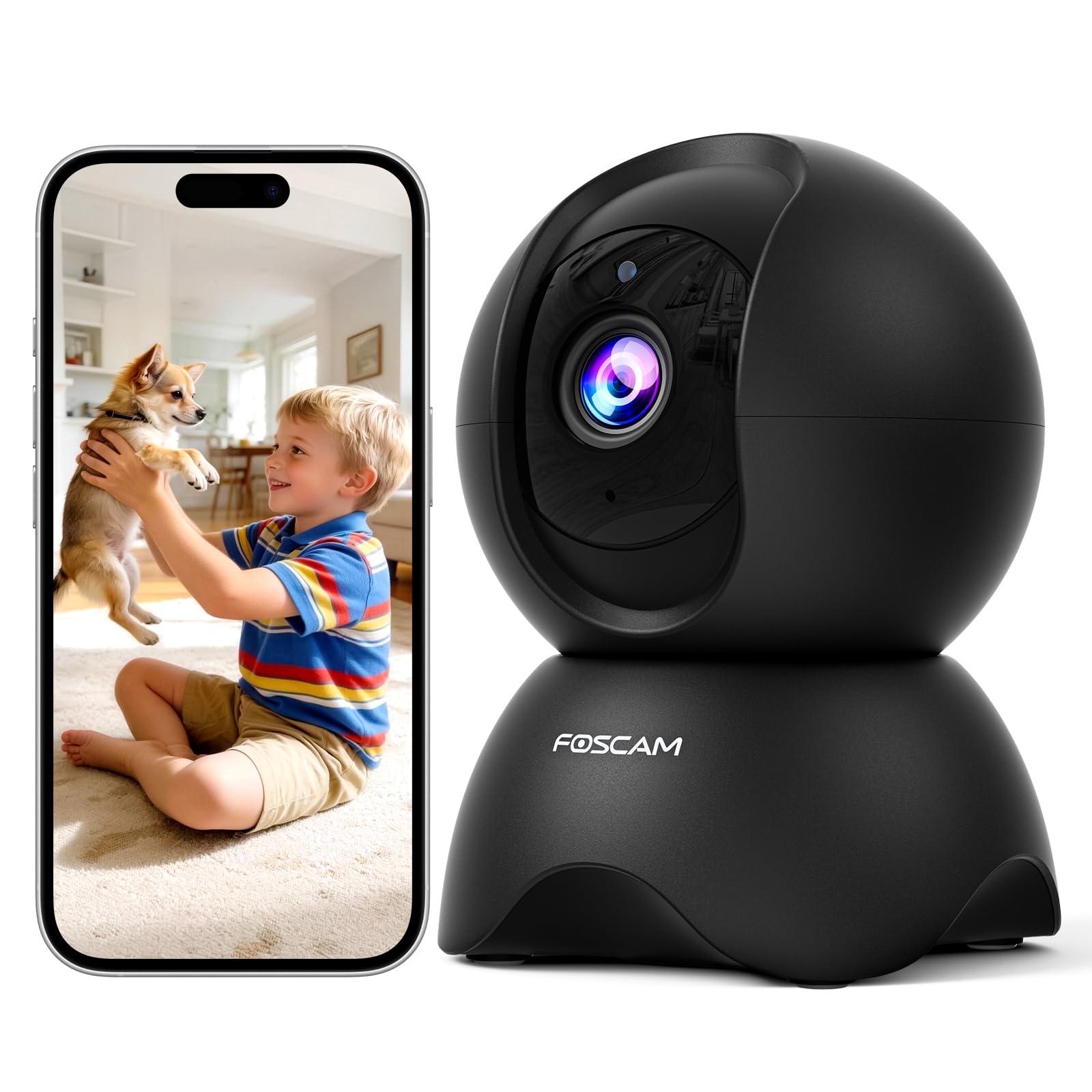
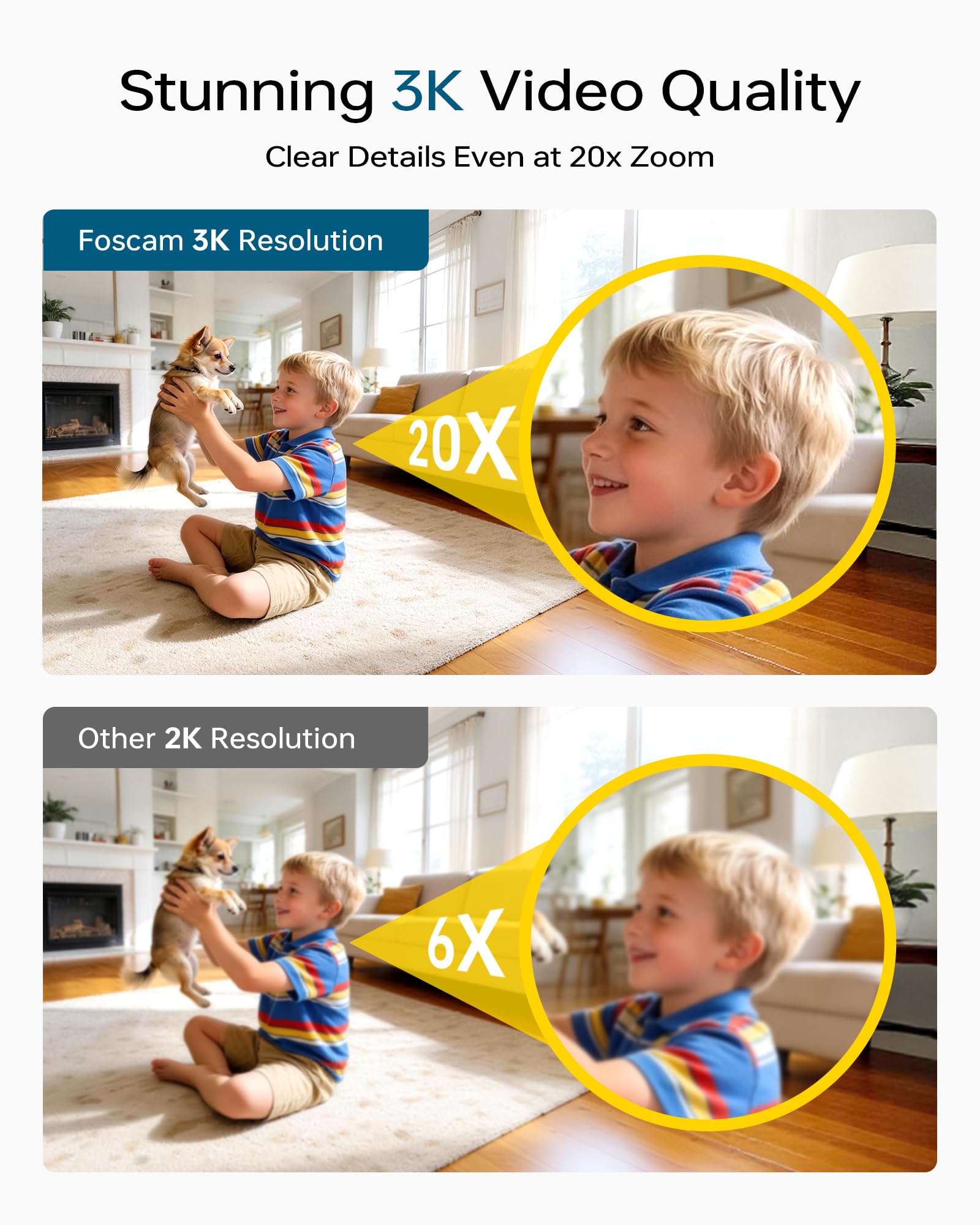
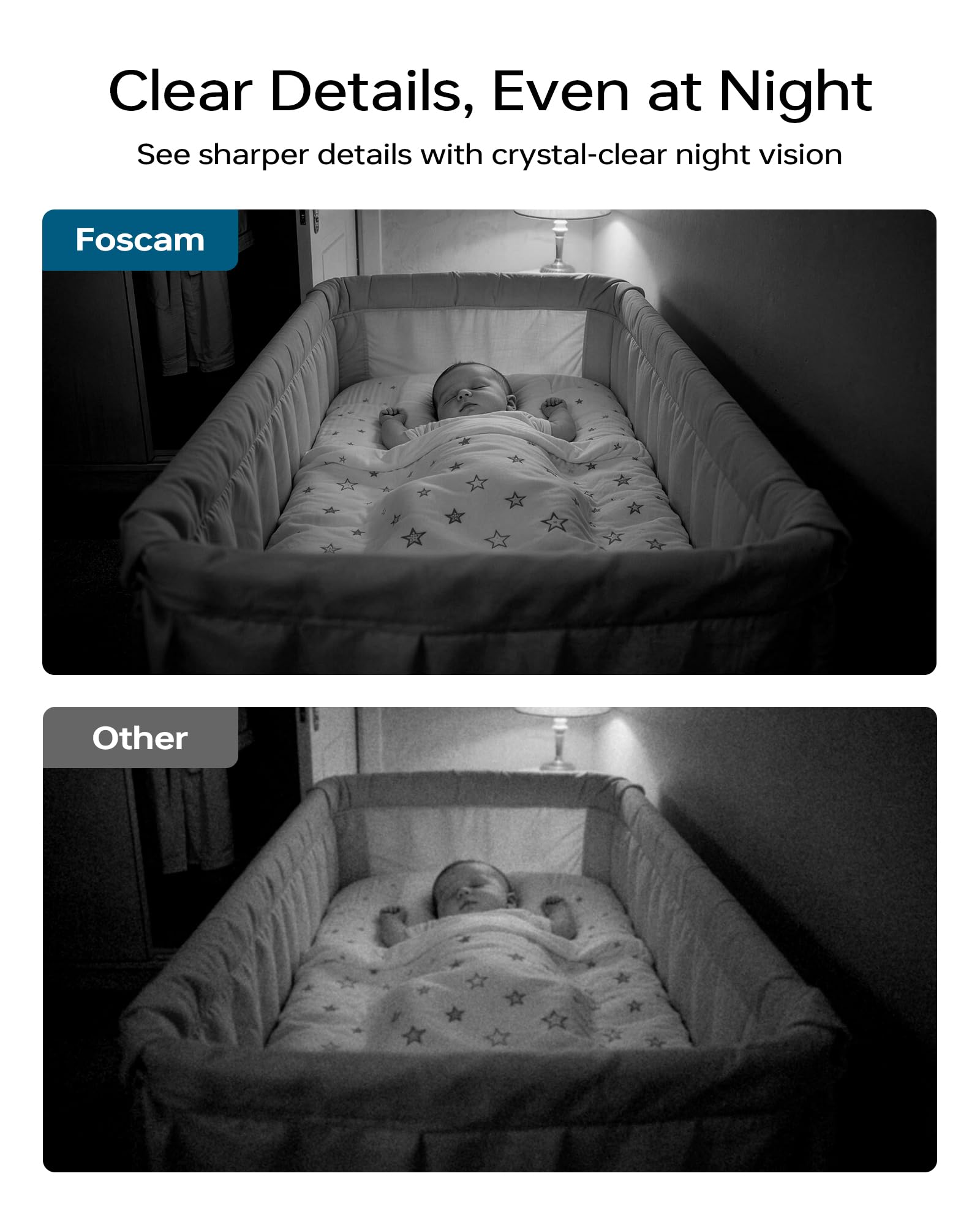
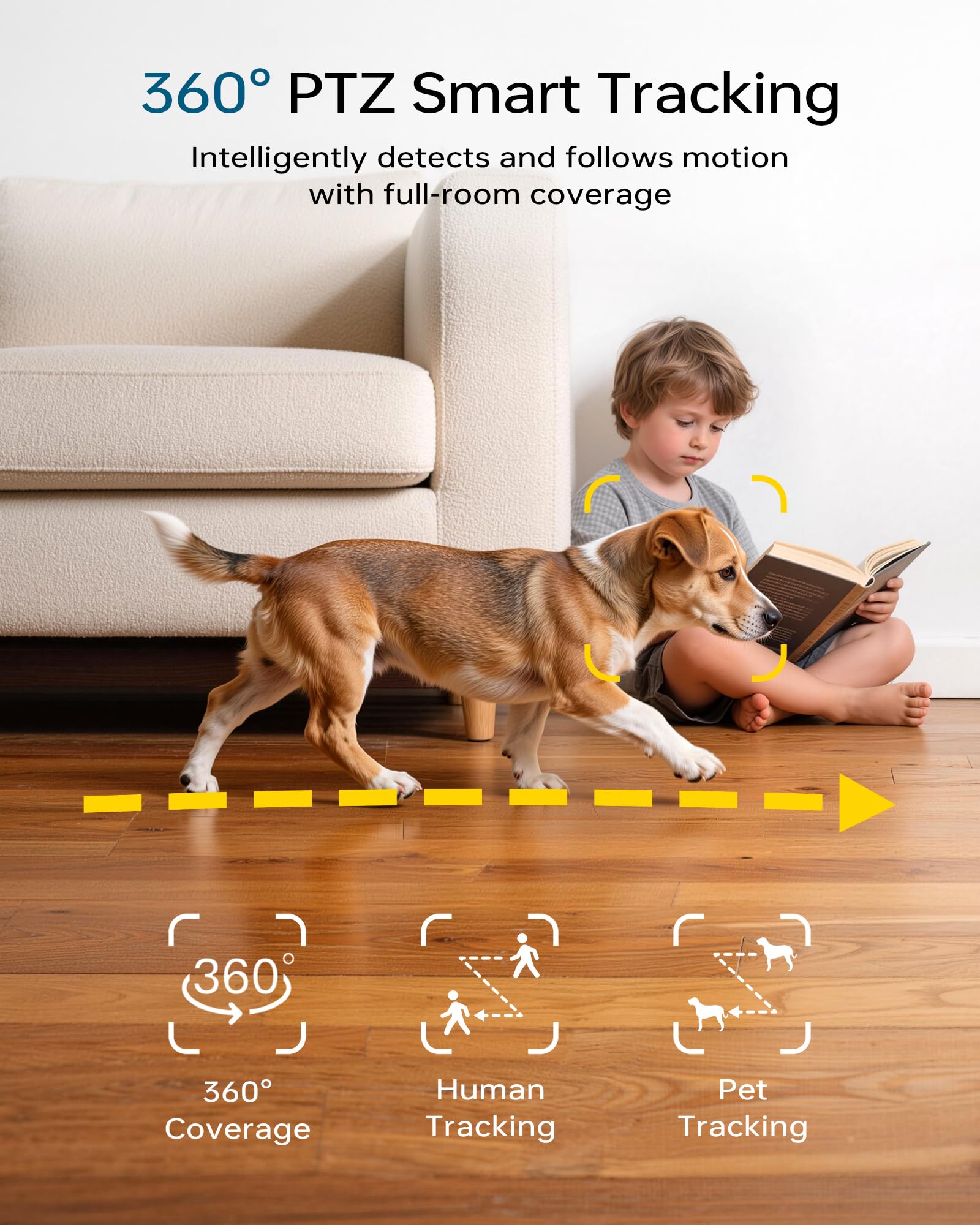
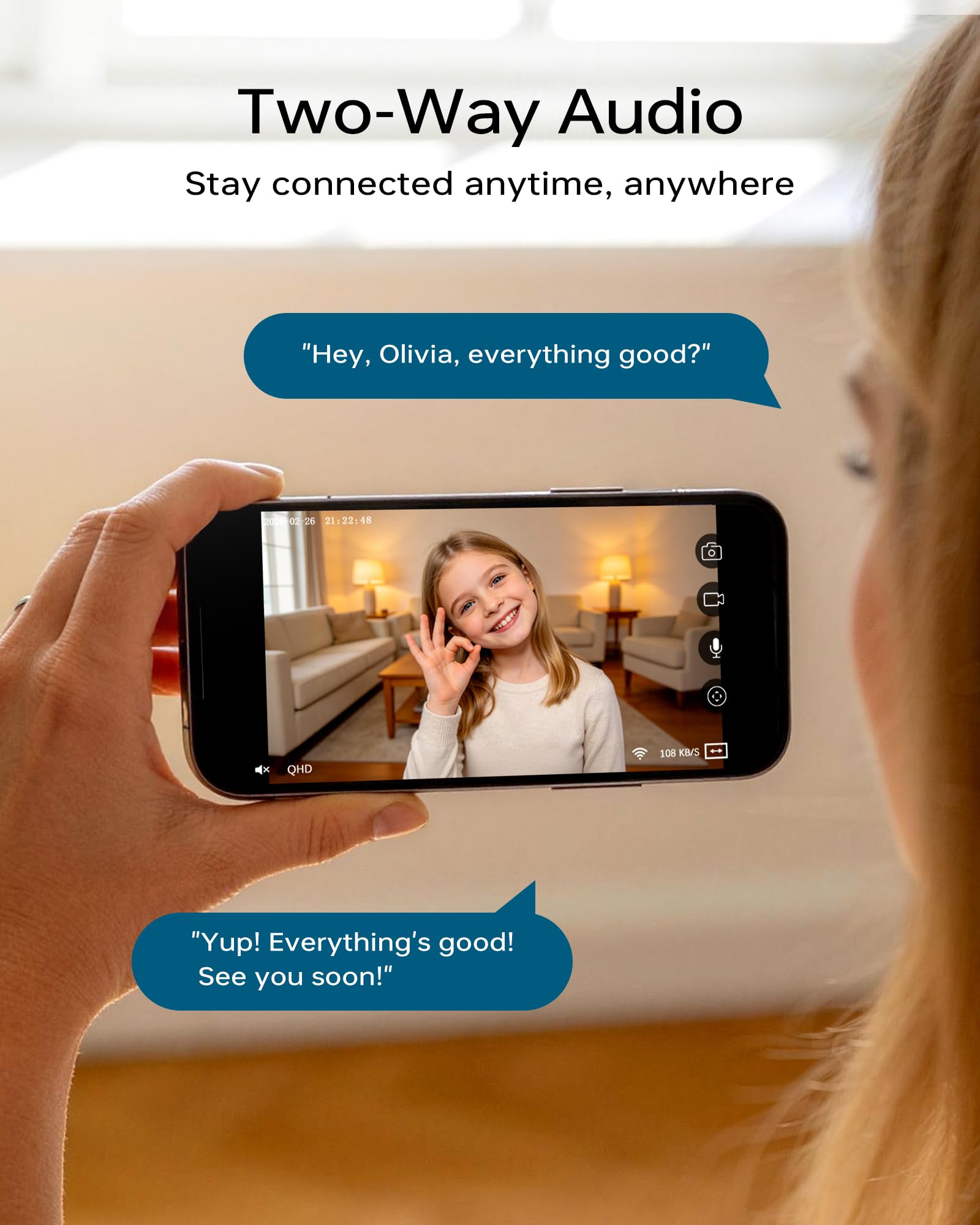
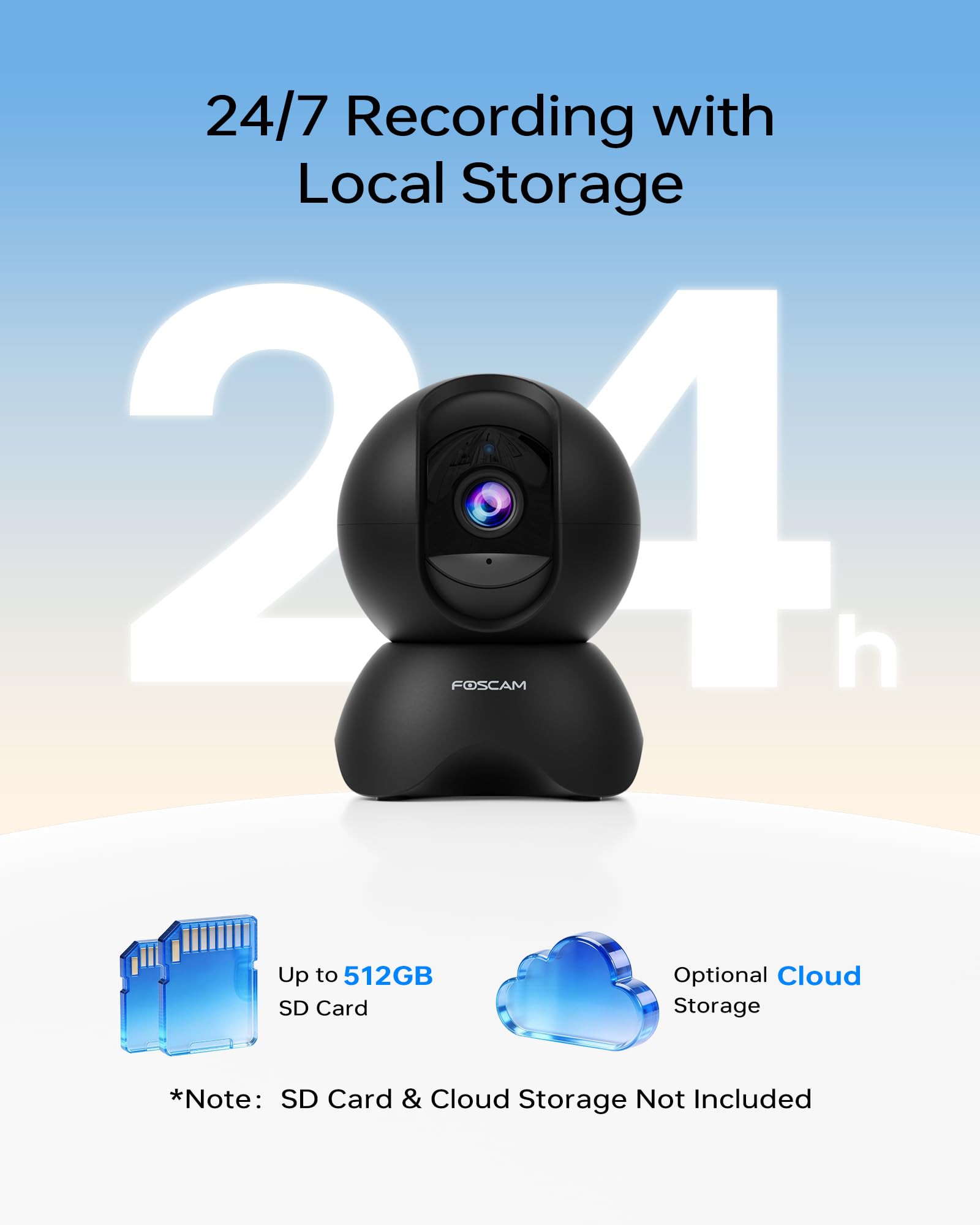

🔒 Elevate your indoor security game with crystal-clear, smart surveillance.
The Foscam 5MP Indoor WiFi Surveillance Camera delivers professional-grade 5MP video resolution with smooth pan-tilt-zoom functionality over reliable 2.4GHz Wi-Fi. Designed for indoor security, pet, and baby monitoring, it supports continuous recording on up to 512GB SD cards and integrates effortlessly with Alexa, Google Assistant, and the Foscam app for smart home control. Lightweight and compact, it offers quick setup and dependable performance for modern connected homes.


| ASIN | B09QW2TGC9 |
| ASIN | B09QW2TGC9 |
| Batteries Included? | No |
| Batteries Required? | No |
| Best Sellers Rank | #54,436 in Electronics ( See Top 100 in Electronics ) #643 in Dome Surveillance Cameras |
| Compatible devices | Smartphone |
| Connectivity protocol | Wi-Fi |
| Controller type | Amazon Alexa, Google Assistant, Foscam App |
| Customer Reviews | 4.1 4.1 out of 5 stars (492) |
| Customer reviews | 4.1 4.1 out of 5 stars (492) |
| Date First Available | 16 October 2024 |
| Date First Available | 16 October 2024 |
| Effective video resolution | 5 MP |
| Form factor | Box |
| Item Weight | 372 g |
| Item dimensions L x W x H | 8.3 x 7.6 x 11.4 centimeters |
| Item model number | R5 |
| Item model number | R5 |
| Number of channels | 2 |
| Part number | AUB09QW2TGC9 |
| Power source | Corded Electric |
| Product Dimensions | 8.31 x 7.62 x 11.38 cm; 372 g |
| Product Dimensions | 8.31 x 7.62 x 11.38 cm; 372 g |
| Special Features | Motion Sensor |
| Video capture resolution | 5 mp |
| Voltage | 5 Volts |
| Wattage | 7.5 watts |
| Wireless communication technologies | Wi-Fi |
J**F
Very easy to setup and they work great! I already had the foscam app for my other cameras, so all I had to do was click the plus, scan the qr code, click next since my wifi info was prefilled, then hold my phone up to the camera to show it the qr code for the wifi. Easiest setup ever. I love the PTZ so I can look around and see where my dogs are. The resolution seems great. I don't think my eyes could even tell if it was improved. We added a sd card to ours and we do continuous record which works great. We never have issues with running out of storage with the 512GB card.
P**A
As per Foscam usual: Reset... Then connection to the network at the first attempt. Everything works as promised. The only gripe I've got this time is, that the USB power supply doesn't have a UK plug and that the cable is nowhere nearly as long as the one from the same camera I ordered in Germany a few weeks back. The price is about the same, though. So why the short cable?
S**G
It came with very short usb cable and US plug. No warning, no information. What is the point? I don't know if it works - I returned it
M**R
I have a love-hate with my Foscam cameras. They are cheap and the hardware is fine. The software is always sloppy. But I have a love-love relationship with Blue Iris, which tends to drive my camera selection. This R5 is the cheapest but the sloppiest yet. It no longer has a built in web server so you have to use the phone app to get it on your WiFi network and the app wants all kinds of permissions. You have to use the QR code method as near as I can tell. I did get it to work, although you have to be patient. But once on the network, I could not use the phone app to configure it - kept getting a temporary "Logging in..." tiny banner flash when selecting advanced options and the options would never come up. But I found I could configure it using the Windows app, which I had to update to get it to work - my version of the Windows app may have been a year old. Once on the network I delete the phone app because I am not high trust with Foscam. I will reinstall it just as necessary and remove it afterwards. In the Windows app, I could turn on ONVIF (make sure to change the port to 888). Then, in Blue Iris I could find/inspect and pull it in. It pulled in the video at a 5x4 aspect ratio, which in the app, under the main stream is listed as QHD with the option to change it to FHD and 1080p. But there was no effect when I did that - I could not seemingly force the camera to 16x9 natively and instead had to do that in Blue Iris, which is a stretch rather than a crop. As I trust Blue Iris more than Foscam, I'll call that a bug; I'd be fine with a crop - after all that is what most cellphones do to take 16x9 photos. In my router I then force it to the static IP address I wanted it on using my DHCP settings, and then I always block these cameras from internet access using the MAC address - I am not high-trust with Foscam (didn't I already say that?). But when you pay 3 times the price of this you get the same quality of hardware with better software, but for 3 times the price I am tolerant of the foibles of Foscam. Particularly because these days cheap cameras also try to lock you in to a proprietary cloud solution and they don't have published APIs. ALWAYS get an ONVIF/RTSP camera if you want flexibility down the line so you can mix cameras over time. I give it 4 stars because of price - at $100 it would be a 2 star camera. How is the picture? Much better than the VGA camera circa 2013 I replaced it with.
D**.
NoranChau did a great job helping me with the setup.
Trustpilot
Hace 2 semanas
Hace 2 días