We remain fully operational. Our teams are working around the clock to ensure your deliveries continue safely.

Descargar la aplicación


Servicios al cliente
Sobre nosotros
Copyright © 2025 Desertcart Holdings Limited
Descargar la aplicación



Buy anything from 5,000+ international stores. One checkout price. No surprise fees. Join 2M+ shoppers on Desertcart.
Desertcart purchases this item on your behalf and handles shipping, customs, and support to Peru.
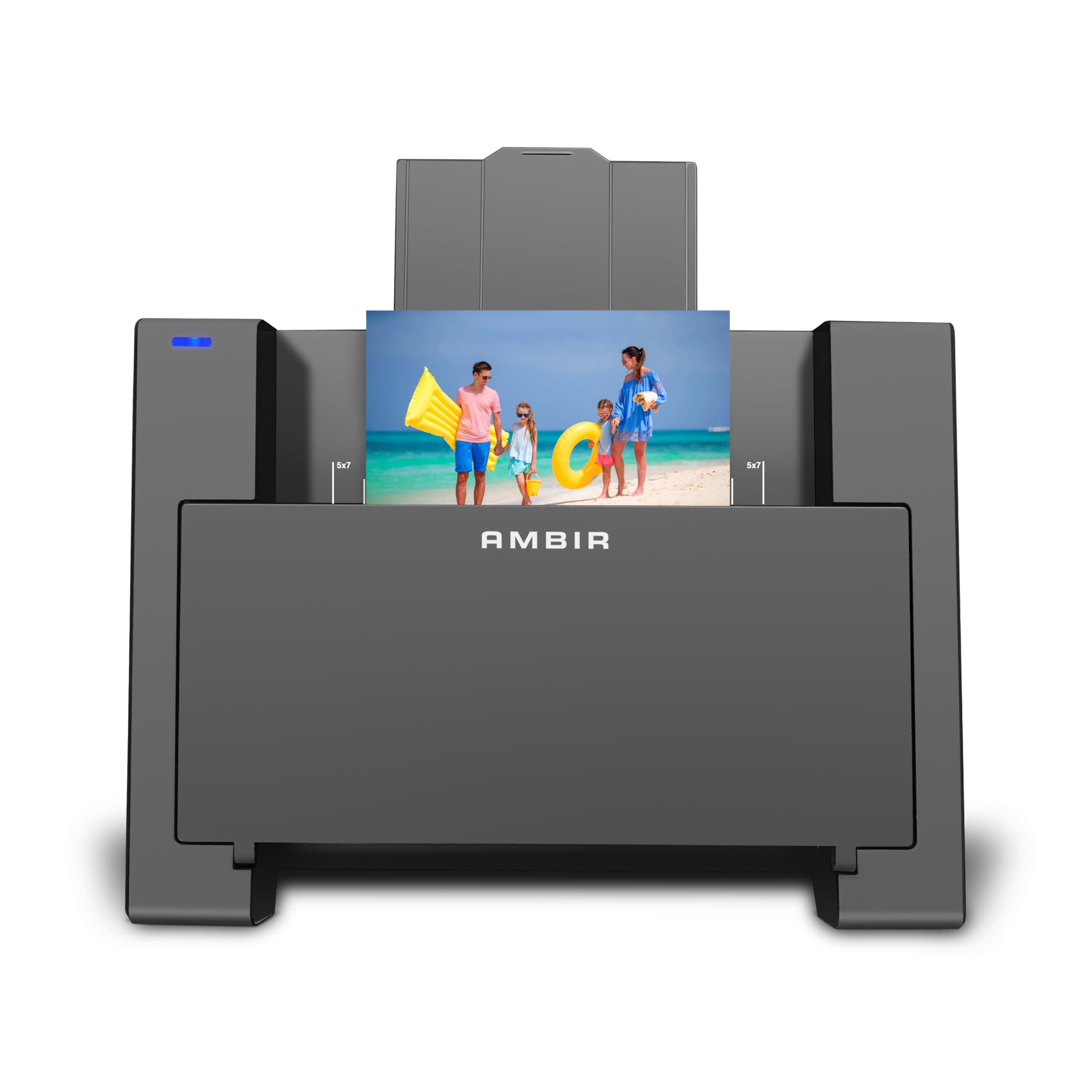
AMBIR TECHNOLOGY PHOTO SCANNER WITH PICTURESTUDIO Review: Purchased to copy pictures from the family album into an electronic storage. Copies relatively quickly (about 5 seconds per picture) and another bit to save to a file in one of 3 formats. Review: The Photo Scanner with PictureStudio excels at its primary task: quickly and efficiently digitizing boxes of old photos. With the auto feed function it can make quick work of a box of old photos. Depending on your needs it can scan at either 300dpi or 600dpi. Once scanned the software takes over, here is where some of the automatic features really speeds up the process, like the auto-deskewing, as I rarely placed the photo in perfectly straight. Auto color optimization and cropping also aided the process. I also experimented with some of the other settings, like colorizing black-and-white photos, and was impressed with how well the AI handled the process. While it's not perfect, the results were surprisingly good and definitely added a bit of life to some of my older images. Overall, I believe this scanner is an excellent choice for anyone looking for a fast and effective solution to digitize and organize their old photo albums. It’s a great tool for both beginners and those with large collections, offering a solid combination of quality, convenience, and ease of use.


| ASIN | B0D9YS2RJZ |
| Brand | AMBIR |
| Colour | Black |
| Customer Reviews | 3.4 3.4 out of 5 stars (55) |
| Included Components | Item |
| Item Weight | 1.59 kg |
| Manufacturer | AMBIR |
| UPC | 835345006857 |
S**R
Purchased to copy pictures from the family album into an electronic storage. Copies relatively quickly (about 5 seconds per picture) and another bit to save to a file in one of 3 formats.
D**C
The Photo Scanner with PictureStudio excels at its primary task: quickly and efficiently digitizing boxes of old photos. With the auto feed function it can make quick work of a box of old photos. Depending on your needs it can scan at either 300dpi or 600dpi. Once scanned the software takes over, here is where some of the automatic features really speeds up the process, like the auto-deskewing, as I rarely placed the photo in perfectly straight. Auto color optimization and cropping also aided the process. I also experimented with some of the other settings, like colorizing black-and-white photos, and was impressed with how well the AI handled the process. While it's not perfect, the results were surprisingly good and definitely added a bit of life to some of my older images. Overall, I believe this scanner is an excellent choice for anyone looking for a fast and effective solution to digitize and organize their old photo albums. It’s a great tool for both beginners and those with large collections, offering a solid combination of quality, convenience, and ease of use.
F**.
I have read all the reviews both in Amazon and other platforms before purchasing. Understanding the pros and cons of what i have paid. I have lowered my expectation and hope for the best. A. If you are looking for something to auto reload the stacks of photo automatically, this is NOT for you. It is a single photo scanner. B. For this price, it meets my objective - digitalising thousands of photo for safe keeping. I know there is another photo scanner in the market now(April 2025) but it costs 3 times more. Considering it probably 1-2 times use for me and passing this to my friends and relatives, this is suitable for me. C. There are a few negative reviews here (Amazon) based on the software and quality. I think we have to understand we are NOT paying a lot of this device. Yes, there should be more information or support for the software. D. There is no software or manual which come with this scanner. A search online for "Picture Studio for Ambir Photo Scanner" would lead one to these. There should be a sheet or information for any user which comes together with the scanner(hardware). Most people who have stack of old photographs to be scanned are not IT experts and some requires their younger friends or relatives to help them to set up. E. Hardware - the calibration at the beginning stage was little painful and the roller unable to accept the paper which comes with the scanner. A little pushing into the slot helps. These "pushing" helps at times when some of the photos are of different quality paper, hence, it may gets stuck. For me, only 1-2 for a stack of 50 requires some pushing. In fact, i like the single photo scanning as i can check on the software for scanned photo if the cropping works as advertised or i wanted. There is a LED on the scanner, there is no information in the manual. Green, Blue and Off, basically when there the LED is off, it is busy or OFF. I like the function of "Auto-scanning" which it quickly scan the photo when i place it on the slot. It is much faster compared to those flat scanner devices. E. Software - works well for my Mac OS and easy to understand. For more functions, one can refer to he manual. Love the auto scanning and auto cropping ( i do not need to place the photo nicely on the slot). Please do not expect the brightness or contrast to your preference. For me, i prefer some photo to be brighter but for some it can also captured some small "black dots" on photo which i have to pay more attention on the hardcopy photo. Nevertheless, it is good enough for me. I have other softwares(Adobe) to edit it if i want to. Hence, this software for editing is fine but the main purpose for this software to be installed so that it can link your Computers or Macs with the appropriate driver to the scanner. F. Scanning of 300dpi format or 36 photos requires 2-3minutes (auto-scanning) and i used another 1-2 minutes to check. It is much faster and good quality, comparing to a average flat scanner. If required a higher quality of 600dpi, it requires 3-4 more time to scan. Finally thoughts, it is a great product for people who just want to get rid of the old photos and digitalised them for safe keeping. If you a professional photographer, you have to lower your expectation for this product. Hope my review helps!
M**A
The product arrived quickly, was securely packaged and easy to set up... and that's where the good points end. I chose an automatic feed photo scanner because I have boxes of old family photos recently found that I want to digitize. - while the feed rolls of the scanner can technically be called automatic. It is far from what I had envisioned. You still have to Manually Place one photo at a time in the tray. -the rollers that pull the photos through will turn the pictures when scanning causing distorted images or grabbing and scanning mutilple photos into one jpeg,png, etc. - this is NOT quick at all. The software takes a pretty long time to render an image on your screen and you have to wait for the photo being scanned to finish and fall out the bottom before you can load another one. - I will let the pictures tell the rest of the story. I scanned the one in the red dress twice. The first created weird glitches on the right hand background. I turned off the enhancement features and there was significant lines and streaks (which are not visible in the original)
G**D
the scanner is OK The software is what i had problems with it my have been me or may have been my new PC ?
Trustpilot
Hace 2 meses
Hace 2 semanas