We remain fully operational. Our teams are working around the clock to ensure your deliveries continue safely.

Descargar la aplicación


Servicios al cliente
Sobre nosotros
Copyright © 2025 Desertcart Holdings Limited
Descargar la aplicación
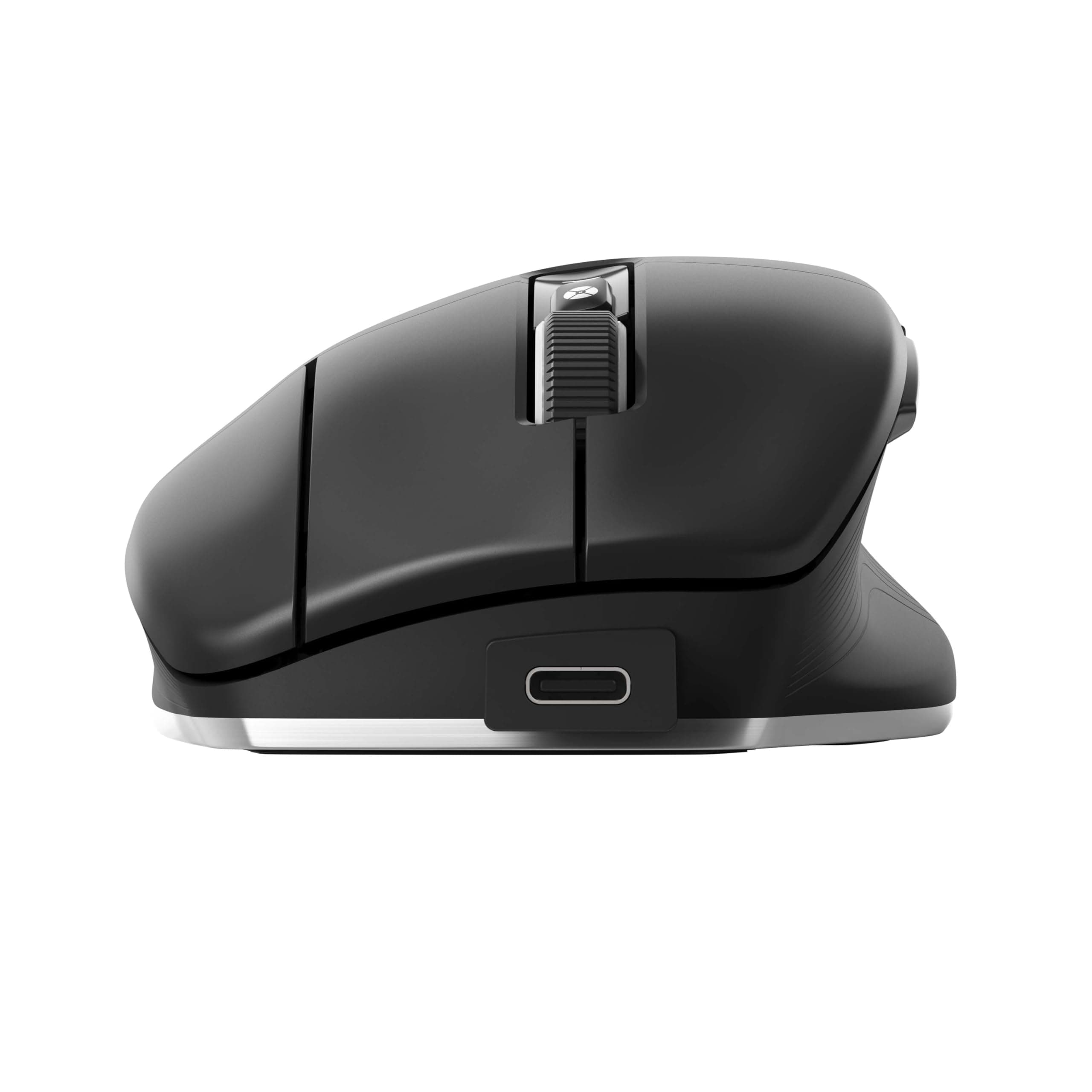
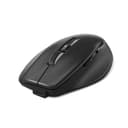
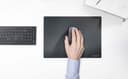
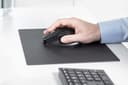
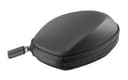
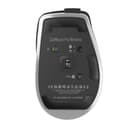
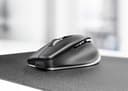
🖱️ Elevate your CAD game with precision and comfort that lasts all day.
The 3DX-700116 CadMouse Pro Wireless is a full-size, ergonomically designed mouse built specifically for CAD professionals. Featuring 7 programmable buttons including a dedicated middle mouse button, a high-resolution optical sensor, and Smart Mouse Wheel 2 with customizable radial menu, it offers superior control and efficiency. With up to 2 months of battery life, 50 million clicks durability, and versatile connectivity options (USB-C, Bluetooth dongle, onboard Bluetooth), it’s engineered to be the essential tool for modern CAD workflows.
| ASIN | B0BKHB9B7J |
| Best Sellers Rank | 40,165 in Computers & Accessories ( See Top 100 in Computers & Accessories ) 892 in Mice |
| Guaranteed software updates until | unknown |
| Item model number | 3DX-700116 |
| Manufacturer | 3Dconnexion |
| Product Dimensions | 20.32 x 15.24 x 10.16 cm; 250 g |
T**G
If you any type of CAD work this is a must in your arsenal of tools. Highly recommended for CATIA users. Three unique full mouse buttons, never have to rely on clicking the mouse wheel for middle-button clicks anymore. Mouse wheel, buttons for mouse speed, as well as the very useful forward and back buttons. Battery life lasts a long time and charges just as easy. You can connect with the USB-C cord, connect by using the Bluetooth dongle they give you, or if your laptop has on-board Bluetooth you can connect with that.
J**.
Mi dedo índice me lo agradece, manejo Revit y con el scroll del mouse normal ya era un martirio, y ahora que he configurado los botes quedó de lujo. No había escrito una reseña hasta usarlo bien y sobre todo esperar que me llegara el Pad Compact el cual recomiendo lo compren junto, ya que con otros se siente pesado y no de desliza bien es algo palpable al 100% el cambio que sentirán al usarlos juntos.
N**M
Finally I find the right mouse for my 3D software and perfect design for my hand
横**樹
中々良い
R**N
Works great. I use it for work, and it took me a while to get used to my hand position on a three-button mouse. I use a standard, two-button mouse for my desktop at home, and it always takes a second or two for my brain to adjust between the two. I'll likely eventually get a three-button mouse for home too (just to make the transition easier; I don't really use the functionality of the third button).
Trustpilot
Hace 2 semanas
Hace 2 semanas