




🚀 Elevate your workflow with speed, style, and seamless cloud power!
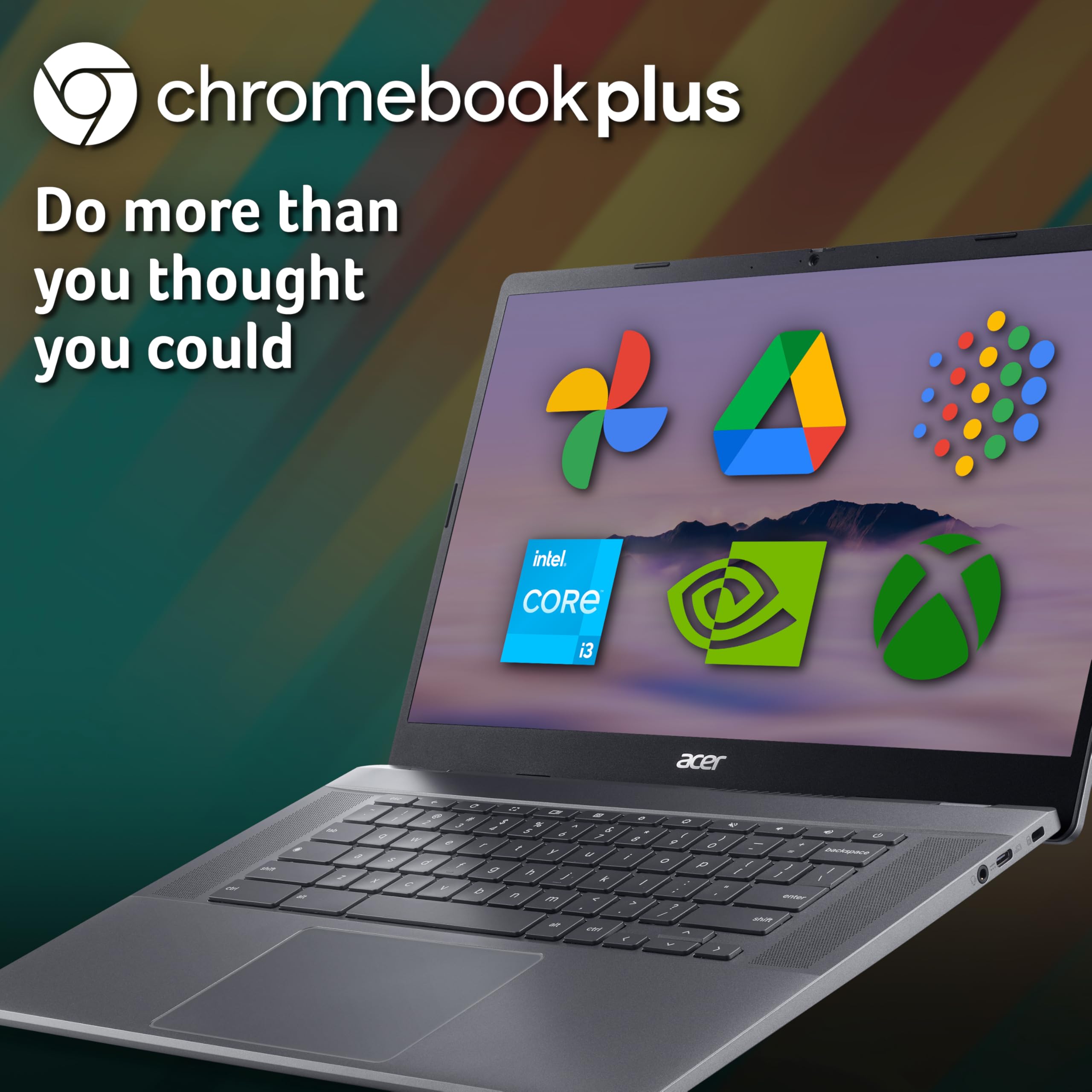
The Acer Chromebook Plus 515 CB515-2H is a robust 15.6" Full HD laptop powered by an Intel Core i3-1215U processor and 8GB LPDDR4X RAM, featuring a 256GB SSD for rapid storage. Running Chrome OS, it offers integrated Google Workspace apps and 10-hour battery life, all wrapped in a sleek iron-grey chassis with a backlit keyboard—designed for professionals who demand speed, reliability, and effortless cloud connectivity.


| ASIN | B0CGJNT8V1 |
| Are Batteries Included | Yes |
| Audio Details | Speakers |
| Average Battery Life (in hours) | 10 Hours |
| Batteries | 1 Lithium Ion batteries required. (included) |
| Best Sellers Rank | 9,695 in Computers & Accessories ( See Top 100 in Computers & Accessories ) 83 in Traditional Laptops |
| Brand | acer |
| Colour | Matte Black, Steel Grey |
| Computer Memory Type | DDR4 SDRAM |
| Connectivity Type | Bluetooth, Wi-Fi |
| Customer Reviews | 4.4 4.4 out of 5 stars (116) |
| Date First Available | 24 Aug. 2023 |
| Delivery information | We cannot deliver certain products outside mainland UK ( Details ). We will only be able to confirm if this product can be delivered to your chosen address when you enter your delivery address at checkout. |
| Form Factor | Ultra-Portable |
| Graphics Card Description | Integrated |
| Graphics Card Interface | Integrated |
| Graphics Chipset Brand | Intel |
| Graphics RAM Type | Shared |
| Guaranteed software updates until | unknown |
| Hard Disk Description | SSD |
| Hard Drive Interface | Solid State |
| Hard Drive Size | 256 GB |
| Item Weight | 2.65 kg |
| Item model number | NX.KNUEK.004 |
| Lithium Battery Energy Content | 56 Watt Hours |
| Lithium Battery Packaging | Batteries contained in equipment |
| Manufacturer | Acer |
| Maximum Memory Supported | 8 GB |
| Memory Technology | LPDDR4X |
| Number Of Lithium Ion Cells | 3 |
| Number of USB 3.0 Ports | 2 |
| Operating System | Chrome OS |
| Processor Brand | Intel |
| Processor Count | 1 |
| Processor Speed | 4.4 GHz |
| Processor Type | Core i3 |
| Product Dimensions | 36.06 x 1.99 x 23.84 cm; 2.65 kg |
| RAM Size | 8 GB |
| Resolution | 1920x1080 |
| Screen Resolution | 1920 x 1080 pixels |
| Series | Acer Chromebook Plus 515 |
| Speaker Description | Built-in |
| Standing screen display size | 15.6 Inches |
| Wireless Type | 802.11a/b/g/n/ac, Bluetooth |
J**J
A well made Chromebook Plus from Acer which delivers the expected performance.
Ordered this as my wife’s old laptop was running on Windows 10 and wasn’t able to go up to 11. I converted it to Linux as a result and she seemed fine with that. However she was still complaining that it was too slow. She also read a little about processors and decided she wanted a better one even though she didn’t know what they are or what they do. She also wanted another 15” screen and a backlit keyboard. Having used a small Chromebook myself when travelling, I thought one of these would be suitable for her basic computing needs & save me the hassle of having to deal with Windows updates periodically as these seem to update in the background without any bother so they are easier to use. With her wish list I settled on this Chromebook Plus from Acer as the cheaper ones are a bit underpowered and don’t tend to have backlit keyboards. I went for the i5 version rather than the i3 version as I wanted to make sure the wife was happy as a happy wife = a happy life! Fortunately she seem fine with after a few moans initially. The main finding are as follows: • The Full HD 1920 x1080 LCD Screen has thin bezels & seems bright & clear. • It also comes with a built in HD web cam with a privacy slider which will be good for web chats / video conferences, although we haven’t tried that as yet. • The keyboard does come with backlighting turned on via the setting initially. • Battery life in our use case of lots of browsing with the keyboard lit up, is more like 6 to 7 hours rather than the 10 hours advertised. • Audio quality is good as you have two upward facing speakers at either end of the keyboard. • Ports are a little limited with a USB-A port, a USB-C & HDMI ports that can be used for an external screen with the appropriate cable. Other than that there are charging & headphone ports. • There is a big track pad, but can’t comment on this as we have been using it with a wireless mouse with either a 2.4g dongle or via Bluetooth which this laptop comes with. • The Chrome OS is fine but obviously a bit different to Windows. It is a bit more like Android on a phone & I believe that Google have plans to merge those. As a result some apps may not work quite as expected. For example Firefox played up a bit but the Chrome browser was fine, funny that. • Performance for every day use has been quick as expected both in terms or boot up and browsing etc. Which is what I had hoped for given the processor, 256gb SSD and 8GB RAM. • Design is quite nice with metallic metal type colour with a two tone finish, but as it is a good sized model it is not the lightest if you are looking for portability. So overall a well made Chromebook Plus from a well know name which delivers the expected performance.
R**S
First Chromebook
Most of our business involves working on a variety of extranet sites plus some Word and Excel tasks. The current Windows laptop takes too long to boot up and generally get going. However we really didn't want to spend more than necessary so thought give a Chromebook a try. This Acer is a very well-made computer with a good sized display, responsive backlit keyboard and decent specs (i5 processor, memory etc) which together provide excellent value for money. Setup was a breeze especially if you already have Android and a Google id in place. Connection with a printer over wifi was seemless. It boots up in a jiffy and can get on to the web and on with tasks pretty much instantly. But it's different from Windows and does take a little time and effort to learn how to do things. It's worth knowing that: - All MS Office is through 365 online and no offline MS apps exist for Chrome as they do for Android. Outlook on 365 currently only supports @outlook.com email addresses. You can download from Google Play email apps such as BlueMail for Imap/pop3 accounts or use GMail for this. If you use Google docs and Drive etc then no worries there as these do work offline. However, MS Office 365 works very well if you have secure wifi. - Trackpad doesn't have right click and scrolling is a two fingered affair. You need to use Ctrl or similar for right click. I added a wifi mouse and it helps eg scrolling or selecting text for instance. - Not all Android apps work or are available on Chrome. If you accept it isn't a Windows laptop with all its functionality and are prepared to do a little relearning then there is alot to recommend this Chromebook for in terms of quality, value for money and particularly speed.
M**Y
Best yet.
It's hard to give something like this a review after just 2 weeks but so far I'm quite impressed. It's my third Acer and is the best so far.
G**O
Superb Chromebook Laptop
Superb chromebook, good design and well made. Ideal for those on Android as it uses your google account, so you can access your emails and photos etc. Fast startup time (10 seconds) due to the SSD card and lack of bloatware. The cloud office suite does take getting used to as it differs from MS Office, but the main toolbar is almost identical. Battery life is about par for the course, screen resolution very good. I have set-up my wifi printer and it works just fine. A couple of minor issues regarding apps. Not all apps are available that are on your mobile/cellphone and some struggle with screen sizing. For those who are coming to the end of Windows 10 it is an ideal option.
R**S
A new standard
I believe this is a 12th gen processor It can support multiple windows on multiple desktops and will handle all but the most intensive applications It is so far ahead of my old chromebook that I wish I had bought it for myself not my wife! The only downside is the lack of touchscreen. On the upside there are shortcuts for almost every imaginable operation and plenty of help available to make the most of it. The included AI and cloud storage offer great functionality. The AI will even advise you of the best performance tweaks
D**S
Acer Chromebook plus 515
The Acer Chromebook 515 is a nice looking laptop with a 15 plus inch screen. The screen lights up immediately on opening. The icons come up immediately on clicking. It's not as complicated as my old Microsoft Windows, but who needs all that bumph after retiring. I had problems with the camera which I use for video calls. I tried all the suggested ideas to remedy the problem but nothing worked. Finally I downloaded the User manual and found that all I had to do was use a slider located on the top of the lid by sliding it to the right, and all went well. So far so good. Had this laptop for 4 months now. Not recommended, Keyboard sucks, takes all day to type anything, odd letters turn up in every word. Thought it was my fault, it isn't.Stuck with it now, complete waste of money.
D**O
No llegué a probarlo. El teclado no estaba en Español; yo no tengo problema, pero era para regalo a alguien que tiene 0 inglés. Además, es el problema con Amazon: por más que leas del artículo, no hay donde diga claramente: SI o NO está el teclado en español.
R**S
Lightning fast operation, but battery autonomy is not as advertised (10 Hours plus). I'm lucky to get 7:30 hours. I'm not a heavy user, just browsing, but it's disappointing as one of the reasons I purchased was the fact that I wouldn't have to keep charging it at the end of the day.
G**Z
Über die Qualität des Gerätes gibt es nichts negatives zu berichten. Leider war bei dem Angebot nicht ersichtlich das es sich um ein UK Import gehandelt hat. Das Gerät wurde mit einem UK Stecker und einer UK Tastatur geliefert. Der freundliche Kundendienst bot mir ein Gerät mit einer Deutschen Tastatur an. Diese sollte jedoch mehr als das doppelte kosten. Ich überlasse mal die Schlussfolgerungen jedem selbst. Ich habe letzlich das Gerät behalten, da mir persönlich das keine Probleme bereitet mir einer englischen Tastatur zu arbeiten.
Trustpilot
Hace 2 semanas
Hace 3 semanas



