We remain fully operational. Our teams are working around the clock to ensure your deliveries continue safely.

Descargar la aplicación


Servicios al cliente
Sobre nosotros
Copyright © 2025 Desertcart Holdings Limited
Descargar la aplicación
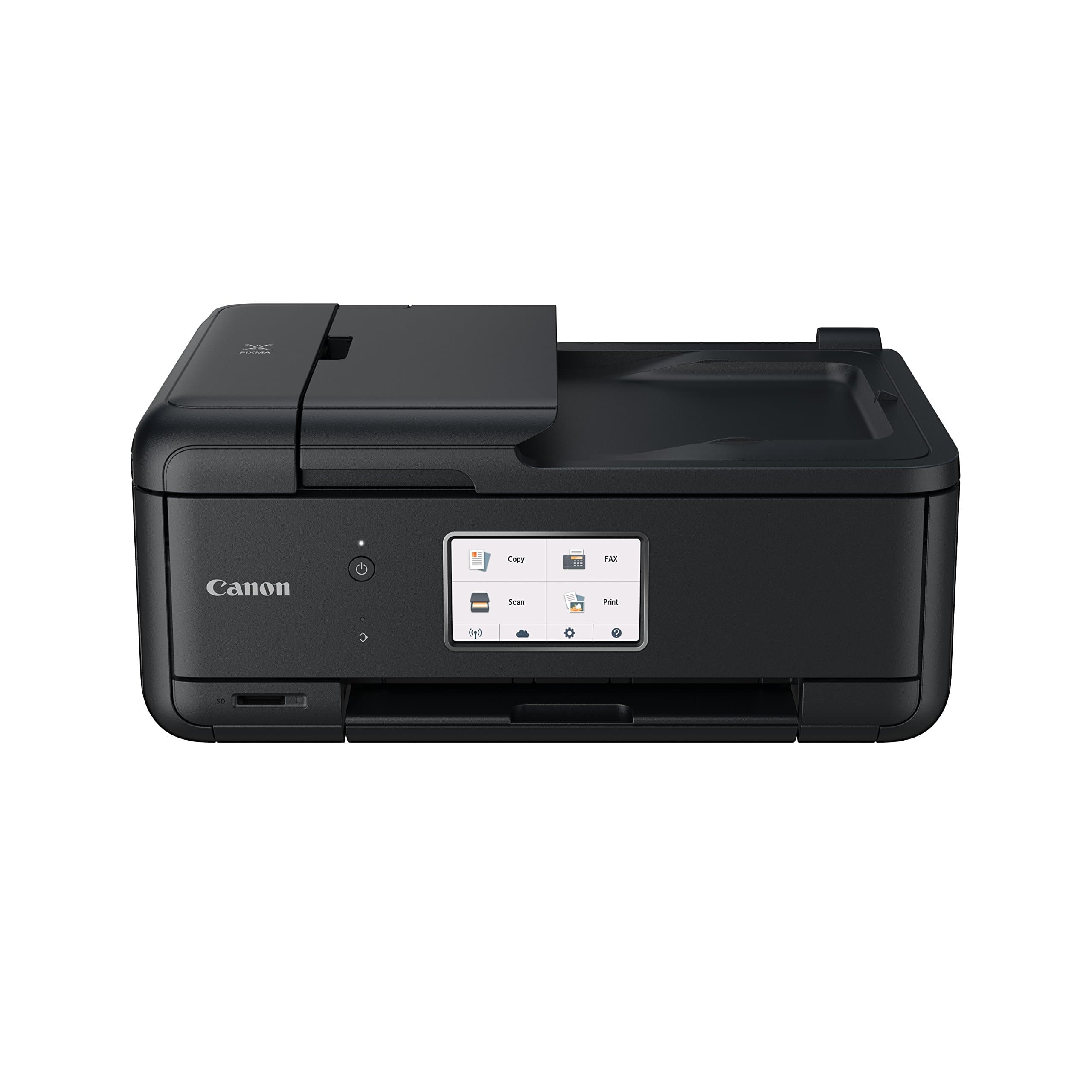
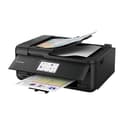
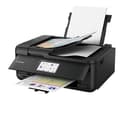
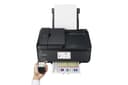
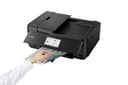
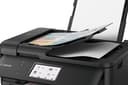
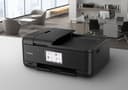

🖨️ Print Your World, Effortlessly!
The Canon PIXMA TR8550 is a versatile 4-in-1 printer that combines printing, scanning, copying, and faxing capabilities in a compact design. With advanced connectivity options including Bluetooth and Wi-Fi, it allows for seamless printing from smart devices and cloud services. The printer features a high-resolution output of 4800 x 1200, a 20-sheet automatic document feeder, and a user-friendly touchscreen interface, making it an ideal choice for busy professionals.


| ASIN | B075CJH98Y |
| Additional Printer Functions | Copy, Scan |
| B&W Pages per Minute | 15 ppm |
| Box Contents | 1 x Printer |
| Brand Name | Canon |
| Color Depth | 48 bit |
| Color Pages per Minute | 10 ppm |
| Colour | Black |
| Compatible Devices | Smartphones |
| Control Method | App |
| Controller Type | Android, iOS |
| Customer Reviews | 3.9 3.9 out of 5 stars (157) |
| Dual-sided printing | Yes |
| Duplex | Automatic |
| Hardware Interface | USB 2.0 |
| Ink Colour | Black |
| Item Type Name | 4-in-1 Printer |
| Item Weight | 8 Kilograms |
| Manufacturer | Canon |
| Maximum Copy Resolution Black and White | 4800 dpi |
| Maximum Copy Resolution Color | 4800 x 1200 dpi |
| Maximum Print Resolution Black and White | 4800 x 1200 |
| Maximum Sheet Capacity | 100 |
| Maximum Supported Paper Size | 8.5 x 11 inch |
| Maximum print Resolution Color | 4800 x 1200 |
| Model Name | Canon |
| Model Number | PIXMA TR8550 |
| Model Series | PIXMA |
| Network Connectivity Technology | USB, Ethernet, Wi Fi, Bluetooth; Cloud |
| Other Special Features of the Product | Network-Ready |
| Paper Size | 210 x 297 |
| Print media | Paper (plain) |
| Printer Output Type | Colour |
| Printer Type | Inkjet |
| Product Warranty | 12 Month |
| Resolution | 4800 x 1200 |
| Scanner Type | Photo |
| Specific Uses For Product | Home/Office Document Printing, Photo Printing |
| Total USB 2.0 Ports | 1 |
| Total USB Ports | 1 |
| Warranty Type | limited warranty |
A**B
Good package and easy set up
All in all, a fine product from Canon, great printing quality and a good scanner. Ink's expensive but nothing unusual there! The general build quality is sound enough (for a consumer product), the output paper tray is a little flimsy but it does what it's there for. It's a tidy looking black box that doesn't take up too much space with easy to access paper trays. I like the energy saving modes - an improvement over my previous Canon printer (printhead died after 5 years hard use, not worth replacing). I have a Mac running OSX High Sierra and found no driver download was required. Setting up the printer on wifi through my router was a breeze. Everything is easy to do but there's an online manual available that's quite comprehensive if you need it. Print, scan and copy is all straight forward but I haven't looked at setting up the fax function as I don't have any need for it, thankfully because that does look a little complex.
M**D
Canon PIXMA TR8550 4-in-1 Printer
fantastic print quality all round. easy set-up. Instruction manual absolutely no use, especially for the scanner. I am still finding out how this works! - wanted a 'preview' scan and the ability to select an area and final scan only that bit. 5 weeks down the line, I have found out how to do that - by accident, and by licking on 'drivers'! copies come through fast and easy to customise. A pain to register the paper size every time you open the paper drawer, and disappointing that the drawer holds so few sheets of paper and is very flimsy. Probably a better choice if you want to print mostly photographs, but I wanted a colour printer /scanner for documents and chose this because of the print quality. I'm not exactly disappointed now that I have found out how to do the things I need to do, but the paper drawer is a let down and the poor instructions are really inexcusable.
A**H
Nice compact home office printer with lots of features
This was to replace a HP AIO officejet and so far is much easier to use, much faster at printing and does not waste tons of ink by cleaning itself unlike the HP. Seems cheap to run too and gives good print quality. In comparison to my old HP the Ink cartridges seem to last forever and it's still on the ones that came with it even after moderate use. For printing photos there are noticeable streaks in certain darker areas of the print and it's not quite as good as my 10 year old HP Officejet but it's okay. Only bad point is the front panel has to be lifted up to get the paper output tray out which is a bit of a pain but other than that I'm pleased with it.
B**.
Excellent printer for home / small business use and price ...
Excellent printer for home / small business use and price is good. Very compact and much more modern looking than the larger printers that do much the same work. Print quality is good and display instructions are easy to follow. Very happy with purchase.
T**Y
Fine machine but died after just 2 years.
Worked fine with all 4 purposes it is designed for. Unfortunately, it had a fatal error at just over 2 years of what would be occasional use. After contacting the support we have been informed an expensive repair bill (especially for the cost of the machine) or purchase a replacement. A printer should last much longer than a month after the first ink refill.
D**E
Wireless> methinks not!
Only a highly trained Canon employee of this product's support team would be able to get the wifi connected, and it's decent once you get it working. Sadly my luck ended when I realised even my whizzo daughter was showing no interest in helping me hook it up, so I simply connect a long-ish printer cable as/when required. The print quality is better than many but the age old inkjet issue of frequent cartridge replacements soon rears its ugly head. Tbs, it ok if a little overpriced
N**Y
Canon - ok printers but firmware and software are really bad...
UPDATE I have now used this for about six months I wouldn't buy another Canon printer based on this one It gobbles ink, even third party ink is about eight times the price of the MX850 It very often gets a document stuck (in the queue), and it can't be deleted. I have sometimes spent over an hour trying to remove a stuck document - rebooting both printer and PC doesn't help.... It goes to sleep so I have to wake it up manually (even though I have auto power on set), obviously this means printing from a tablet or a phone is more painful than booting a laptop to print from And now I've got another document stuck The MX850 didn't recover so I can't even go back to that ORIGINAL This isn't really a review, because I have only just set up the printer and haven't used it much use I bought it to replace a Canon MX850 which developed a dreaded B200 error, but which has now somehow recovered So this printer's plastic parts look extremely flimsy and breakable in comparison to the older MX850 I decided to keep and use this printer because of the advantage of having printing from mobile devices It's also a lot smaller (doesn't do duplex scanning which the MX850 did - but I don't use that any more - I have a duplex sheet feed scanner) However (and maybe I missed something) - following the instructions in the manual just isn't enough - it makes no mention (that I can see) of plugging an ethernet cable in and/or enabling wired or wireless communication Because I have a few laptops and PCs I prefer a wired connection, so got it all working over the wired connection, and can find and print to it from a wired PC (yay). Unfortunately the Canon Print app on a mobile device can't then find the printer. It seems they intend the wireless by router connection to go wirelessly to your router from the tablet, but then *must* go wirelessly from the router to the printer. So I turn on the wireless on the printer, which immediately disables the wired connection (which seems reasonable) and then I can't connect from the PC. Why? So to summarize Device - wireless - router - wireless - printer - Works Device - wired - router - wired - printer - Works Device - wireless - router - wired - printer - doesn't work Device - wired - router - wireless - printer - doesn't work Which is a bit dumb, also why don't they say this? Bottom line after a lot of trouble I connected it wired, found a buried setting that allowed you to register with Google Cloud Print - and now it all works - just ignore the Canon Print apps My apologies to Canon if I've got hold of the wrong end of the stick here - but this doesn't seem well thought out, and certainly isn't described in any instructions I have seen btw - I contacted Amazon support, and they were brilliant, talked through it on a Saturday afternoon, and then promised to have Canon contact me - that is excellent
K**E
Great quality printer.
Very quick to set up using wi fi, Bluetooth or directly with smartphone or tablet. Print quality is very good too. Inks are expensive though.
I**R
Wahr sehr gut
Z**I
En remplacement d' une HP neuve nul, très compliqué à installer avec des programmes qui ne servent à rien, la Canon s' installe toute seule avec un cd fournit, facile d' utilisation, une critique, le chargement papier avec des tiroirs qui se gênent .
C**Y
J'ai acheté cette imprimante pour ses possibilité en format A5. J'ai déjà eu une imprimante Canon qui gérait bien ce format et je me suis débarrassé d'un imprimante HP qui malgré ce qui était annoncé ne savait pas gérer ce format (pas de recto verso en A5 entre autres). Je n'ai pas encore tout testé, mais il semble que HP et Canon utilisent les mêmes drivers. Aurais-je les mêmes problèmes ? ... A voir ! Je note quand même que pour des impressions classiques il faut surveiller le paramétrage de très près : il a tendance à se recaler sur des valeurs par défaut. J'aimais bien aussi chez Canon la possibilité d'un aperçu avant impression. ça a bien marché pendant deux jours, puis impossible de retrouver l'option. Bizarre !
G**N
Un peu trop sofistiquee
B**R
J'ai lu les critiques pour cette imprimante polyvalente. Juste le fait que la machine s'éteigne automatiquement après une période de non utilisation m'a plu. Il est conformé à "Apple airprint" et "Google cloud print" . Un bon imprimante pour le monnaie.
Trustpilot
Hace 4 días
Hace 2 meses