We remain fully operational. Our teams are working around the clock to ensure your deliveries continue safely.

Descargar la aplicación


Servicios al cliente
Sobre nosotros
Copyright © 2025 Desertcart Holdings Limited
Descargar la aplicación
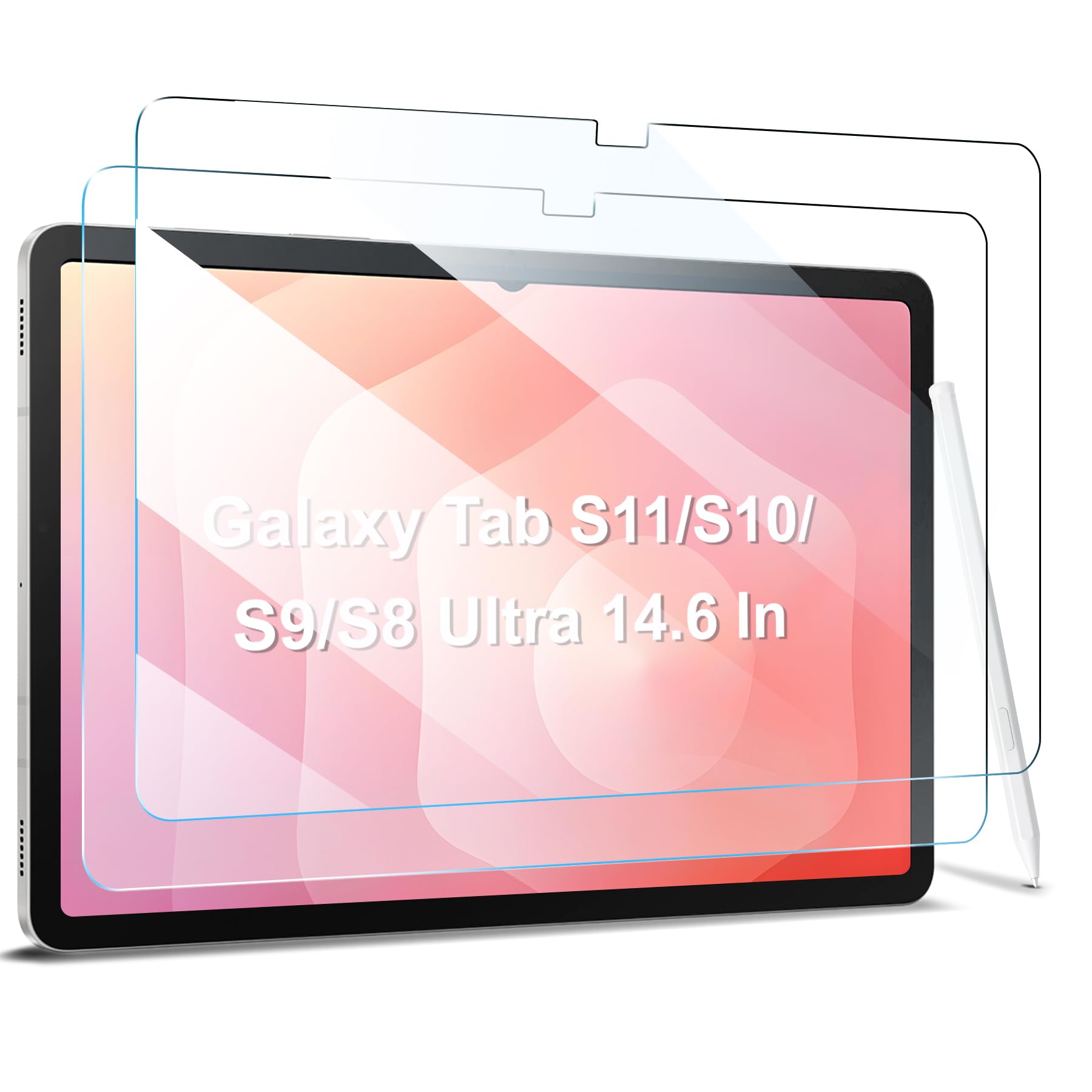
🛡️ Elevate your Galaxy Ultra’s defense with crystal-clear confidence!
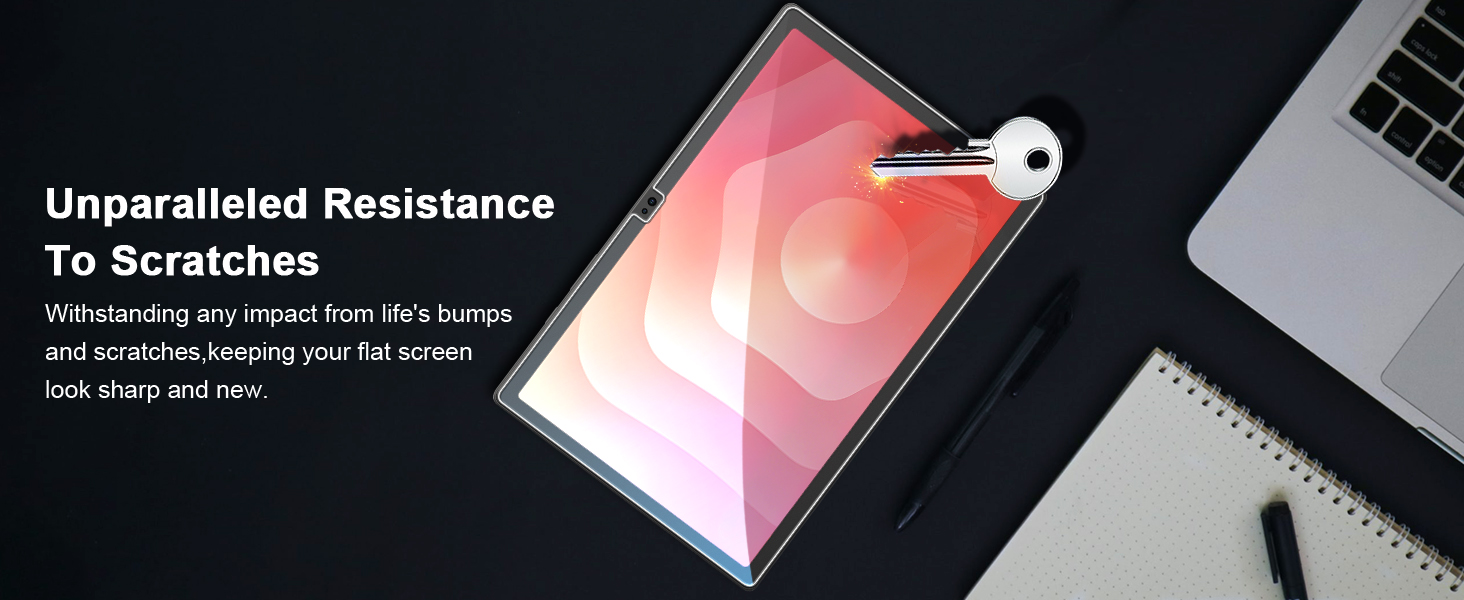
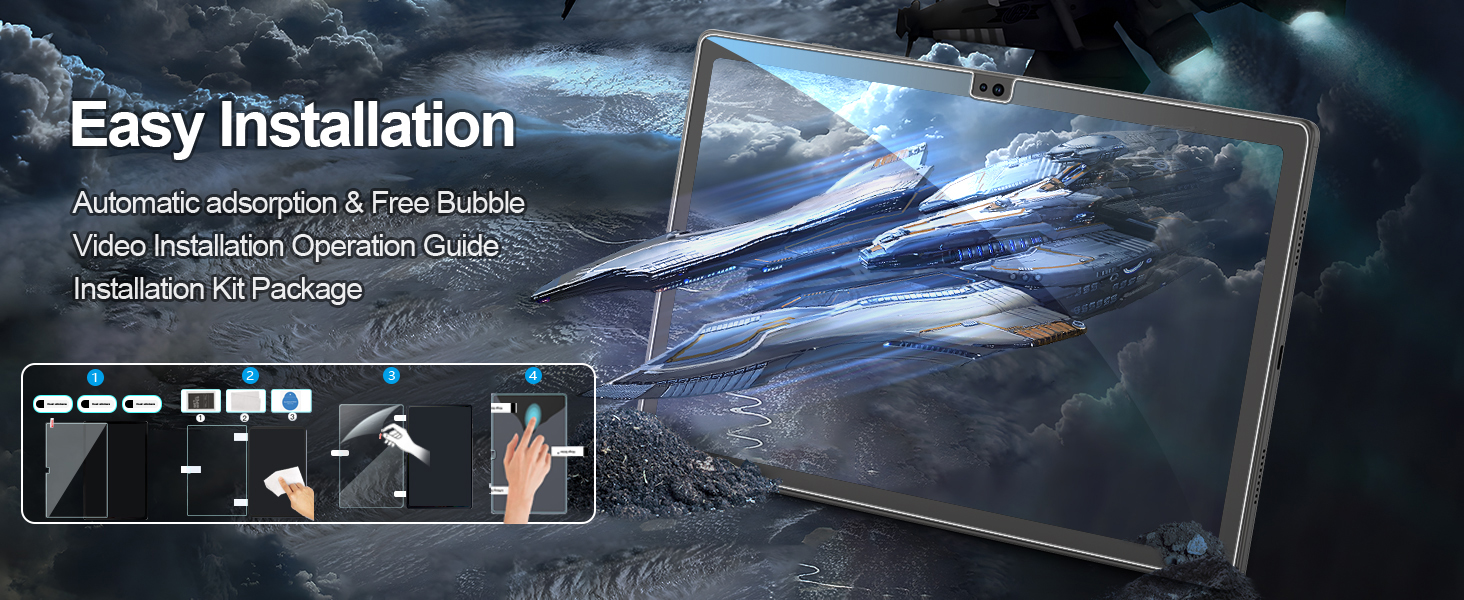
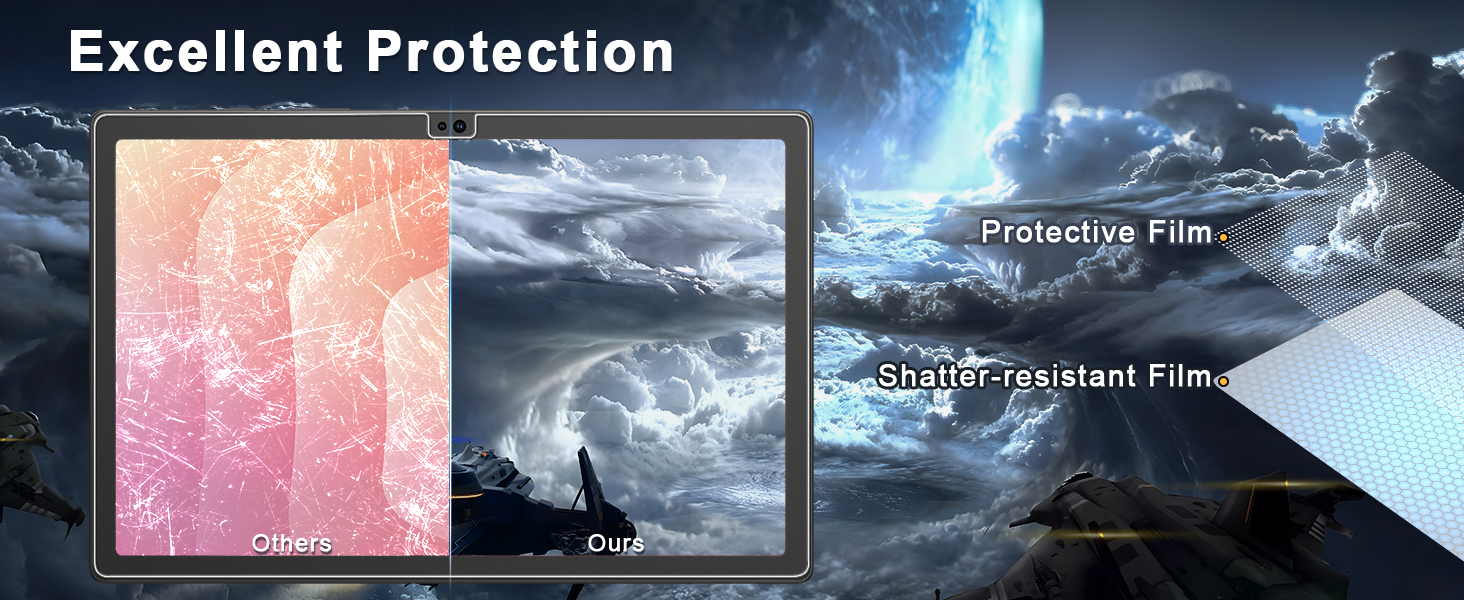
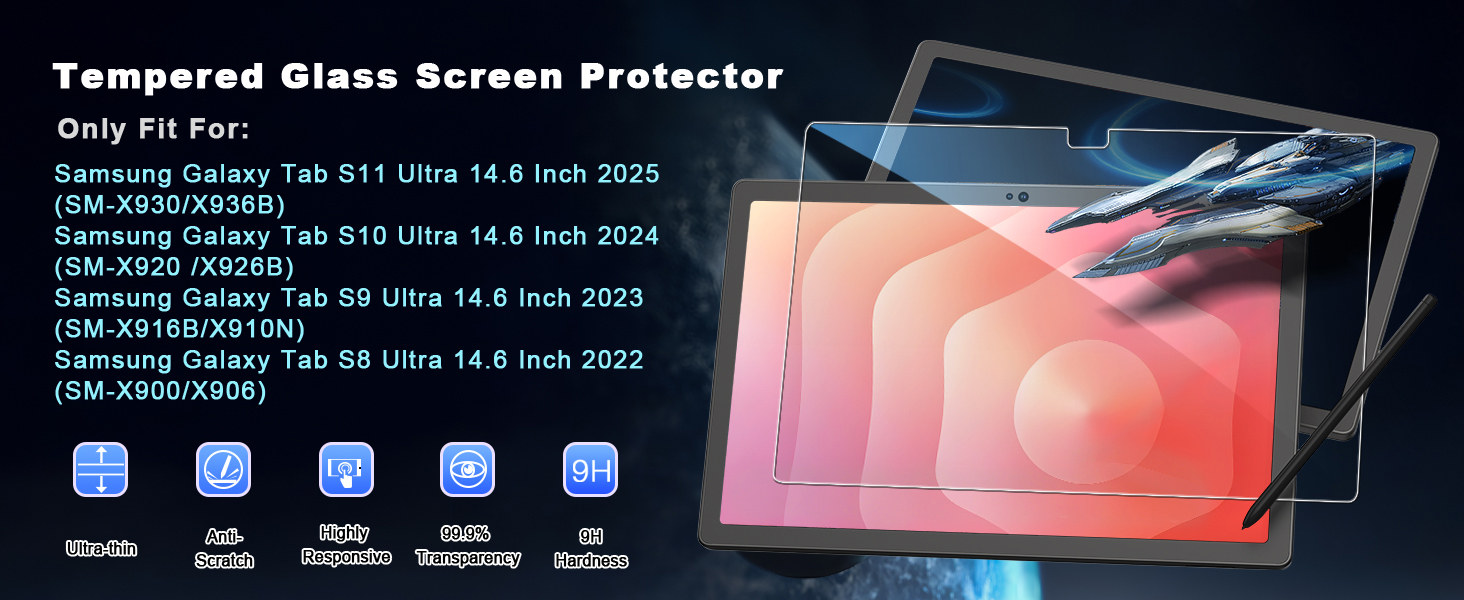
The ZtotopCases 2 Pack Screen Protector is precision-crafted tempered glass designed exclusively for Samsung Galaxy Tab Ultra 14.6-inch models (2022-2025). Featuring industry-leading 9H hardness, it offers robust scratch and shock protection while maintaining 99% HD clarity and ultra-responsive touch sensitivity. The package includes two protectors and installation tools, ensuring a flawless, bubble-free application that keeps your tablet screen pristine and vibrant.




| ASIN | B09SP3GLJF |
| Best Sellers Rank | #254 in Tablet Screen Protectors |
| Color | Transparent/Green |
| Customer Reviews | 4.4 4.4 out of 5 stars (2,594) |
| Date First Available | February 17, 2022 |
| Item Weight | 13.4 ounces |
| Item model number | Samsung Galaxy Tab S11/S10/S9/S8 Ultra |
| Manufacturer | ZtotopCases |
| Other display features | Wireless |
| Product Dimensions | 14.6 x 14.6 x 0.5 inches |
| Special features | 9H gehärtetes |
| Whats in the box | No. |
A**R
Fits Tablet Perfectly With No Issues
My first experience with this protector wasn't perfect on my Galaxy Tab S8 Ultra. I had a mid-sized bubble right at the camera lens that I could never get rid of. Since it was at the top, I just learned to live with it. I can't believe how perfect this recent installation was. Based on some reviews, this was not a favorite. Some said the screen protector easily cracked, some said it was difficult to install, some said they were not able to get rid of multiple bubbles, and some said after installation, the fingerprint sensor no longer worked. Gladly, that was not my experience. I did have to realign 3 times, but once it was aligned correctly, I had maybe 3 small bubbles which, using the tool, it was easy to get rid of. No bubbles, no cracks, no lint issues. As for the reviewer who said the fingerprint sensor no longer worked, I had the same issue. Easy fix. Go back into the fingerprint settings and redo. I deleted the first fingerprint because it was created without the screen protector. It works perfectly fine when you redo it with the screen protector. If you follow the instructions, installation is a breeze. Didn't have to use the second protector that came in the box. Happy customer!
R**T
Good quality, great coverage, easy to install
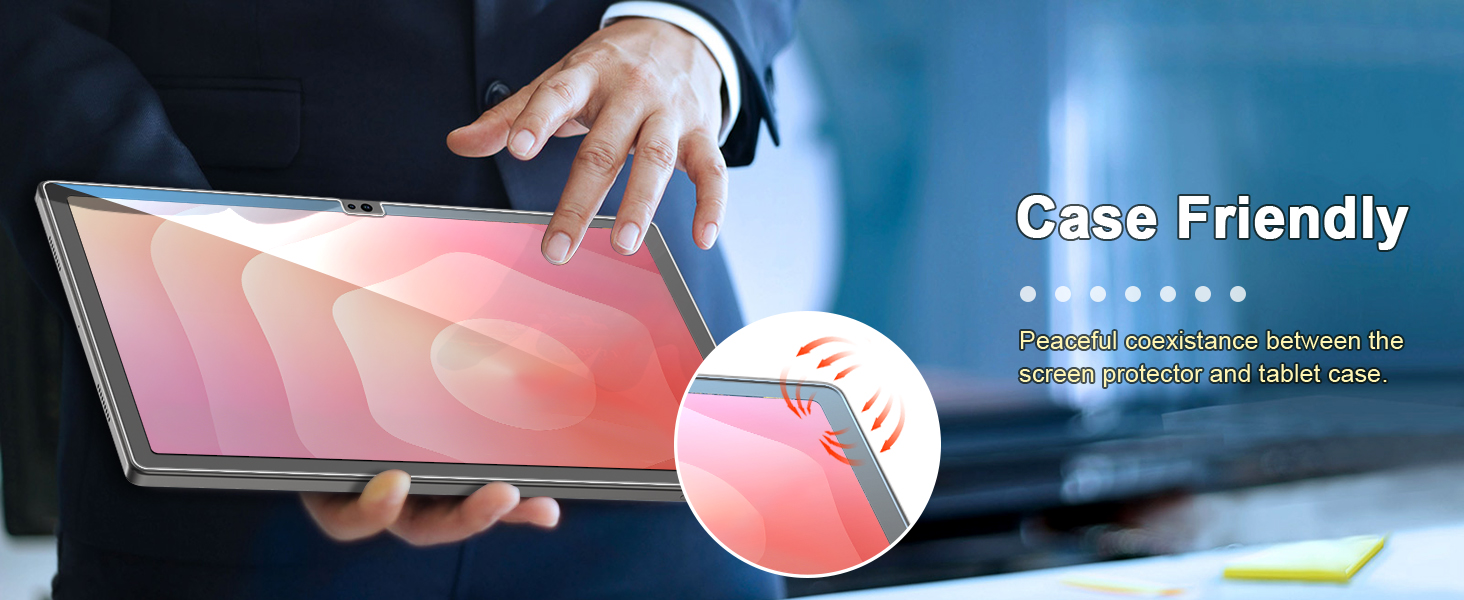
This is a great screen protrctor for the S9 Ultra. I have installed many screen protectors in the past but this is the biggest one I've ever done. I was initially looking at the options that come with an installation tool or frame to help put the protector down but the good reviews on this item sold me. It ended up being an easy install, even without suction cups or a frame or anything. The first one went down perfectly so now I have a backup if I need it. The protector has a 1-2mm gap to the edge of the screen, which is exactly what I wanted as that will be more case friendly but still covers most of the screen. You can see this is many other people's pictures. Overall I would highly recommend this protector, just take your time, be patient, and go through all the safeguards and you'll have a perfect install. I can't even tell there's a protector there and the 14.6 amoled screen looks amazing. Go for it! Here are some tips for those who are new to applying screen protectors: 1. Buy the screen protector before or when you order your device. 2. Apply the screen protector right after unboxing it. 3. Run the hot water in your shower for a few minutes to steam up the bathroom, this will help all the dust settle and prevent more from being introduced. 4. Turn off anything that can move air, consider wearing a mask and gloves, too. 5. Do not hover over the device when cleaning it as dust and dander from your skin will inevitably fall down on the device. Look at the screen from an angle, almost getting level with it to pick out specs of dust. 6. If you don't have a dust sticker just use any scotch tape, magic tape works great. 7. Use two pieces of tape on top of the protector to create some pull tabs - that way you don't have to mess with the edges of the screen protector and risk getting fingerprints on the adhesive. 8. Line up the cutouts first. The hinge stickers worked really well for me, I applied them to the bottom of the tablet with the camera cutout being the top of the tablet. 9. Holding your breath can give you some extra steadiness when putting down the protector, just like when you take a picture with a camera. 10. TAKE YOUR TIME! Good luck!
A**R
Screen protector
Good quality and fit. Easy install.
K**K
Easy install, perfect fit, glare galore
I've installed probably a couple dozen screen protectors over the years and learned the first, and most important, step is making sure your device screen is clean. Very clean, no specks of dust, smudges, or anything. Second is to make sure you line the protector up perfectly on your device. Install on this one went perfectly. Performed the first two steps. I removed the protector film first, then lined up to the bottom edge of the tablet screen, then just lay it down and watch the air slowly pushed to the edges and out just by the weight of the protector. Protector fits the screen perfectly and no air bubbles. Haven't tested the hardness but I'm not rough on my devices. Updating review after some use - lots of glare! Still decent screen protector, it just makes you aware of light sources around you by refelecting your image onto the screen.
M**I
Fine screen protector for S10 Ultra
Great screen protector. Easy to install based on instructions.
G**Z
S10 screen protector
Very good
Q**R
Perfect fit! Samsung Galaxy Tab S9 Ultra
Easy install. My advice (with ALL screen protectors). (1) Turn off all moving air (a/c, heater, computer fans, ceiling fans, etc...). (2) Wait until dust in air settles (10-60 mins, depending on what you had on). (3) Wash hands! (4) Wear latex gloves. (5) Clean with windex+paper towel for initial cleaning. (6) Use canned air to help displace any dust particles (after you've used sticker). This protector fits perfectly for my S9 Ultra (even though package sticker says S8 Ultra, they are exactly same dimensions. This is day #1, so durability/longevity unknown. But know this... if I ever have a problem, I will update the listing accordingly. So, treat "no updated news" as "good news".
F**O
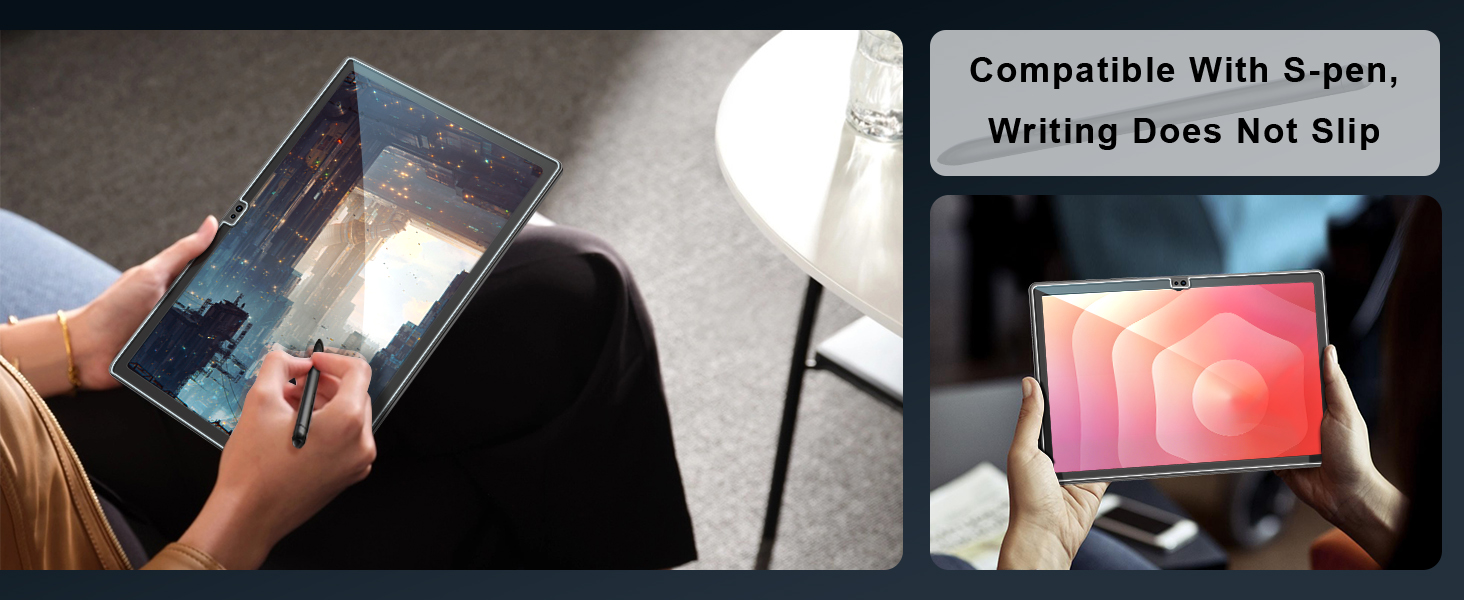
Installé sur une Galaxy Tab S10 Ultra: 🛠️ Installation facile, même sans être bricoleur Pose ultra simple, sans bulles et sans stress. Le verre se met en place tout seul, alignement parfait, et aucune galère avec la poussière si on suit les étapes (lingettes incluses au top). 🛡️ Verre trempé de qualité On sent tout de suite que ce n’est pas un film bas de gamme. Le toucher est fluide, la réactivité tactile reste impeccable, et ça ne gêne en rien l'utilisation du stylet S-Pen. 🎯 Bon rapport qualité/prix Deux protections dans la boîte pour ce prix, avec une qualité franchement au rendez-vous. Ça sécurise bien la tablette sans ruiner l’expérience visuelle. ✅ Les + Pose facile sans bulles Bonne protection et transparence Toucher agréable, compatible S-Pen Kit complet et bien présenté ⚠️ Les - Aucun pour l’instant !
L**O
Great looking screen protector, and it doesn’t interfere with current biometric data as well. It’s just that the tutorial link didn’t didn’t direct me immediately to the tutorial video, nevertheless, the tutorial video is easy to follow and this screen protector is one if the easiest I have installed so far on all of my different devices.
C**N
Ich bin mit den Displayschutzfolien (2 Stück) sehr zufrieden. Sie passen sauber auf das Tablet, decken den Displaybereich gut ab und beeinträchtigen die Bildqualität nicht – die Anzeige bleibt klar und die Farben wirken unverändert. Auch die Touch-Bedienung funktioniert weiterhin problemlos. Die Montage war bei mir unkompliziert: Mit etwas Ruhe lässt sich die Folie blasenfrei anbringen, und kleine Staubpartikel lassen sich vorab gut entfernen. Praktisch ist, dass direkt zwei Folien im Set sind, falls man später eine ersetzen möchte. Für den Preis ein sehr gutes Set – klare 5 Sterne.
A**A
Perfecto, muy fáciles de instalar, instrucciones en YouTube
A**R
Excellent and very useful
Trustpilot
Hace 3 semanas
Hace 2 días